22 June 2026
How to Create Engaging Travel Map Animations for Social Media
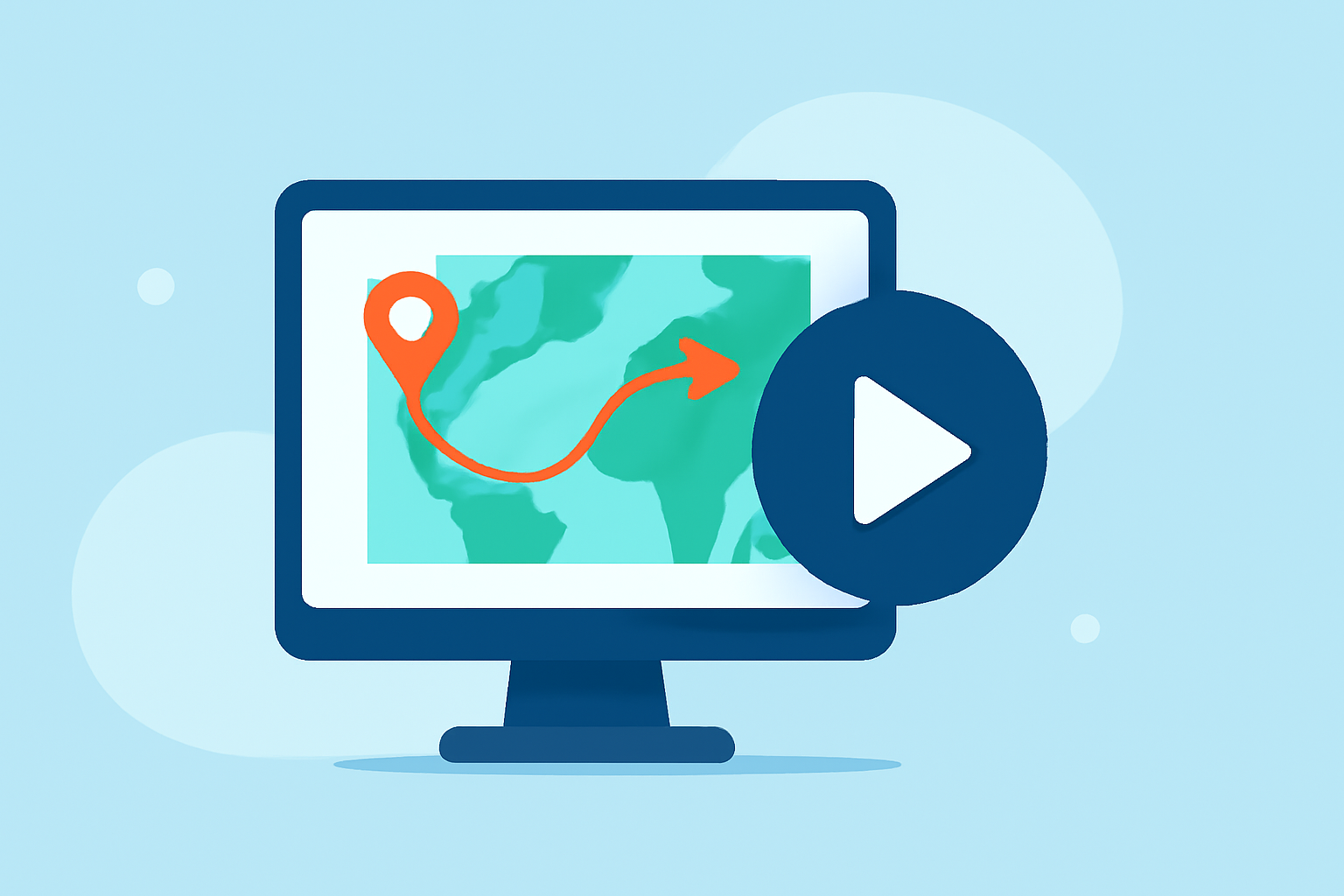
Travel map animations are a compelling way to showcase your journeys on social media platforms like Instagram, TikTok, and YouTube. They provide a dynamic visual representation of your travels, capturing your audience's attention and enhancing engagement. Creating these animations has become more accessible with various user-friendly tools available today.
Why Use Travel Map Animations?
Incorporating animated maps into your content offers several benefits:
- Visual Appeal: They transform static itineraries into dynamic stories, making your content more engaging.
- Clarity: They help viewers easily follow your journey, understanding the sequence and locations of your travels.
- Professionalism: Well-crafted animations add a polished touch to your videos, elevating the overall quality.
Steps to Create Travel Map Animations
- Choose a Suitable Tool: Select a platform that aligns with your needs and skill level.
- Input Your Travel Data: Enter your starting point, destinations, and the route you took.
- Customize the Animation: Adjust map styles, animation speed, and add markers or labels to highlight key locations.
- Preview and Export: Review your animation to ensure it meets your expectations, then export it in the desired format for your chosen social media platform.
Recommended Tool: Planes Live
For those seeking a robust solution, Planes Live offers comprehensive features for creating travel map animations. It allows users to input detailed travel data, customize animations extensively, and export high-quality videos suitable for various social media platforms. Its intuitive interface and advanced capabilities make it a valuable tool for content creators aiming to produce professional-looking travel animations.
Additional Tips
- Keep It Concise: Aim for animations that are brief yet informative to maintain viewer interest.
- Maintain Consistency: Use consistent colors, fonts, and styles to create a cohesive brand identity.
- Engage Your Audience: Encourage viewers to share their thoughts or experiences related to your journey to foster community interaction.
By following these steps and utilizing tools like Planes Live, you can create engaging travel map animations that captivate your audience and enhance your social media presence.