22 June 2026
In-Flight Meal Video Editing: A Mobile Editing Checklist
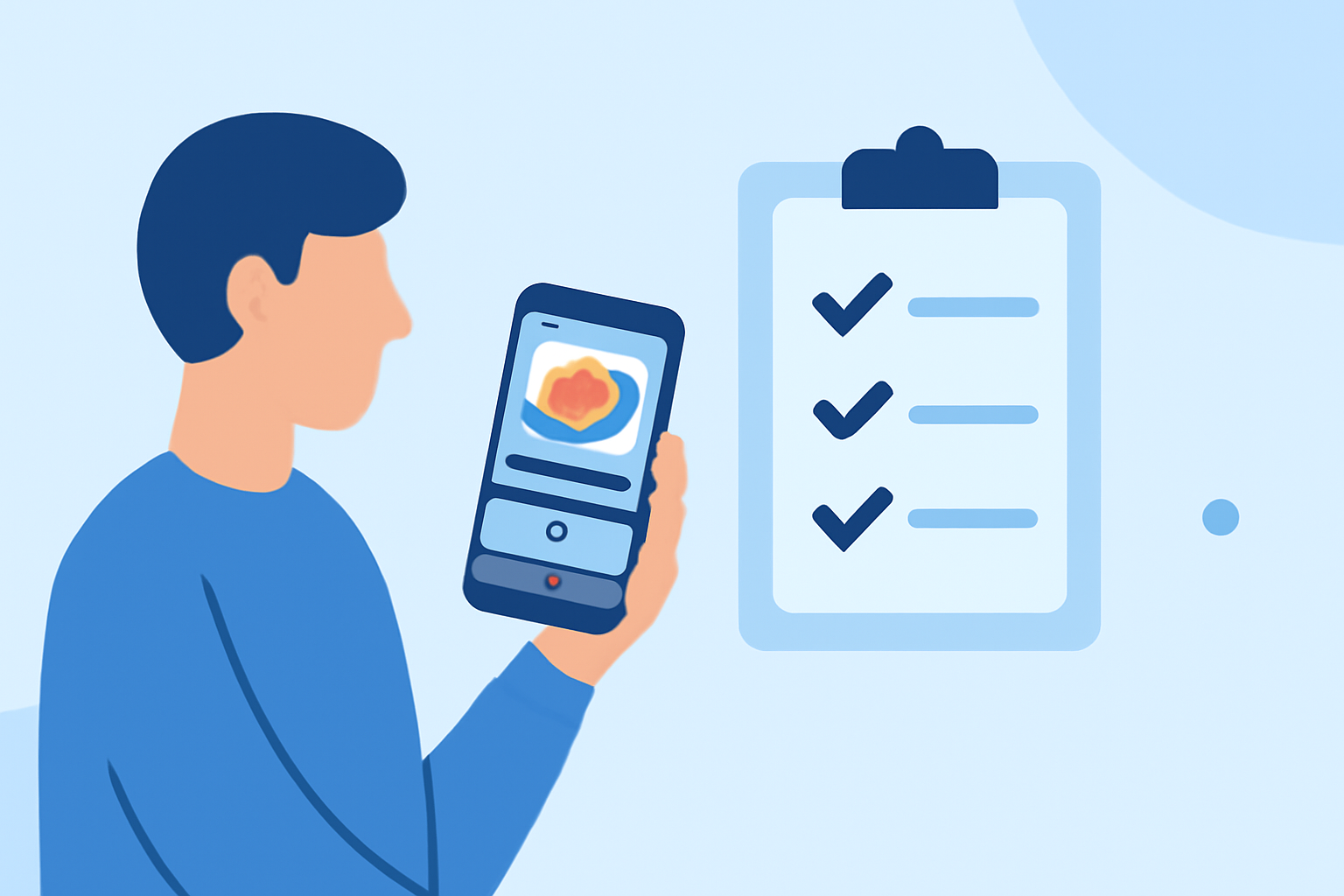
Capturing in-flight meals can be a delightful way to share your travel experiences. Editing these videos directly on your smartphone allows for quick and efficient content creation. Here's a step-by-step checklist to guide you through the process:
1. Choose the Right Editing App
Select a mobile video editing app that suits your needs. Look for features like trimming, transitions, text overlays, and color correction. Some popular options include CapCut, InShot, and LumaFusion. (nellie.food)
2. Organize Your Footage
Before editing, organize your video clips:
-
Create Folders: Sort clips into categories such as "Appetizers," "Main Course," and "Desserts."
-
Rename Files: Use descriptive names like "Appetizer_Salad.mp4" for easy identification.
-
Backup: Ensure all footage is backed up to cloud storage to prevent data loss. (wondrblogs.com)
3. Set Up Your Project
Start a new project in your chosen app:
-
Aspect Ratio: For social media, use 9:16 (vertical) for platforms like Instagram Reels or TikTok.
-
Resolution: 1080p is standard for most platforms.
-
Frame Rate: 30 fps is typical for smooth playback. (deliveredsocial.com)
4. Edit Your Video
-
Trim and Split: Remove unnecessary parts to keep the video concise.
-
Arrange Clips: Place clips in a logical sequence to tell a cohesive story.
-
Add Transitions: Use simple transitions like cross dissolves to maintain a smooth flow.
-
Incorporate Text: Add titles or captions to highlight key information, such as dish names or ingredients. (cyberlink.com)
5. Enhance Audio
-
Adjust Levels: Ensure background music doesn't overpower any voiceovers or ambient sounds.
-
Apply Noise Reduction: Use the app's noise reduction feature to eliminate background noise.
-
Add Sound Effects: Incorporate subtle sounds to enhance the dining experience, like the clinking of utensils. (deliveredsocial.com)
6. Apply Color Correction and Grading
-
Correct Exposure: Adjust brightness to ensure the food looks appetizing.
-
Balance Colors: Ensure colors are true to life, making the food appear natural.
-
Apply Filters: Use filters sparingly to enhance the visual appeal without overdoing it. (deliveredsocial.com)
7. Export and Share
-
Export Settings: Choose settings optimized for your intended platform, typically 1080p at 30 fps.
-
Review: Watch the final video to ensure everything appears as intended.
-
Share: Upload your video to your chosen platform, adding relevant hashtags and descriptions to reach a wider audience.
By following this checklist, you can create engaging in-flight meal videos directly from your smartphone, sharing your culinary experiences with ease.