22 June 2026
In-Flight B-Roll Editing Checklist: How to Edit Videos Using Only Your Phone
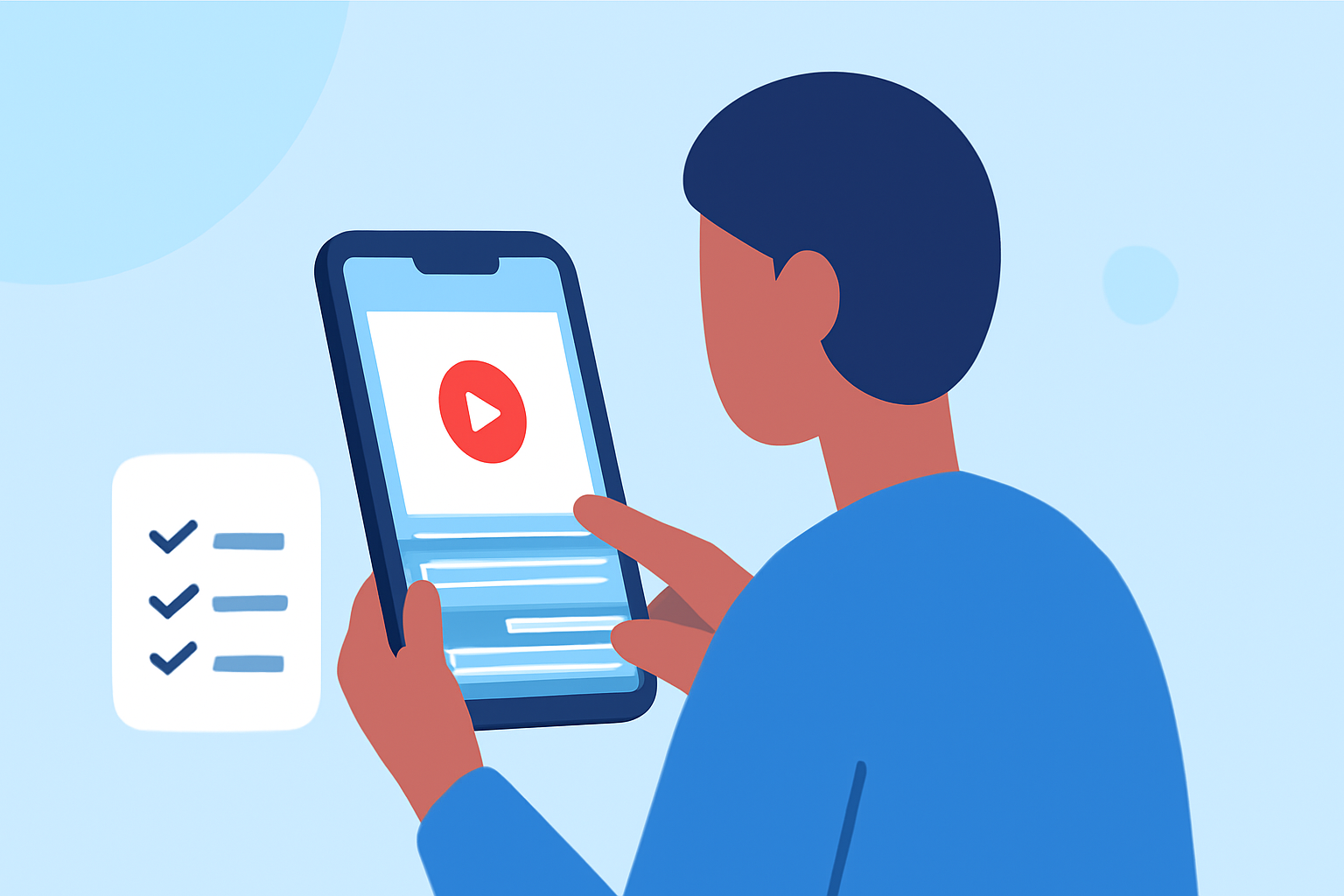
Capturing in-flight B-roll footage offers a unique perspective, but editing it on the go can be challenging. With advancements in mobile technology, it's now possible to edit high-quality videos directly from your smartphone. This guide provides a comprehensive checklist for editing in-flight B-roll using only your phone, highlighting how Planes Live can streamline the process.
1. Organize Your Footage
Before diving into editing, ensure your clips are well-organized. Create folders or albums on your phone to categorize footage by scenes or themes. This organization simplifies the editing process and helps maintain a coherent narrative.
2. Choose the Right Editing App
Selecting a mobile editing app with robust features is crucial. Planes Live offers a user-friendly interface with tools tailored for mobile editing, making it an excellent choice for editing in-flight B-roll.
3. Import and Review Clips
Open your chosen editing app and import the organized footage. Review each clip to identify the best shots, ensuring they align with your intended story or theme.
4. Trim and Arrange Clips
Use the app's trimming tools to cut unnecessary parts from each clip. Arrange the remaining segments in a logical sequence to build a compelling narrative.
5. Enhance Visuals
Adjust brightness, contrast, and saturation to enhance the visual appeal of your footage. Planes Live provides intuitive controls for these adjustments, allowing for precise tuning.
6. Apply Transitions
Smooth transitions between clips can make your video more professional. Utilize the transition effects available in your editing app to achieve seamless scene changes.
7. Add Music and Sound Effects
Incorporate background music and sound effects to enrich the viewing experience. Ensure the audio levels are balanced and that the music complements the visuals.
8. Include Text and Graphics
Adding text overlays or graphics can provide context or emphasize key points. Use the text tools in your editing app to insert titles, captions, or annotations as needed.
9. Export and Share
Once satisfied with your edits, export the final video in the desired resolution and format. Planes Live supports high-quality exports suitable for various platforms. Share your edited video directly from your phone to your preferred channels.
Tips for Effective Mobile Editing
-
Stabilize Your Footage: Use a tripod or gimbal to reduce shakiness during shooting.
-
Shoot in High Resolution: Record at the highest possible resolution to allow for cropping and zooming during editing without losing quality.
-
Use Natural Light: Whenever possible, shoot in well-lit conditions to minimize the need for post-editing adjustments.
-
Keep Clips Short: Aim for 10–15 second clips to provide flexibility during editing. (seedatl.com)
-
Plan Your Shots: Create a shot list before filming to ensure you capture all necessary footage. (superdirector.app)
By following this checklist and utilizing Planes Live, you can effectively edit in-flight B-roll footage directly from your smartphone, producing professional-quality videos without the need for a computer.