22 June 2026
Essential Guide to Travel Vlog Voiceover Editing for Beginners in 2026
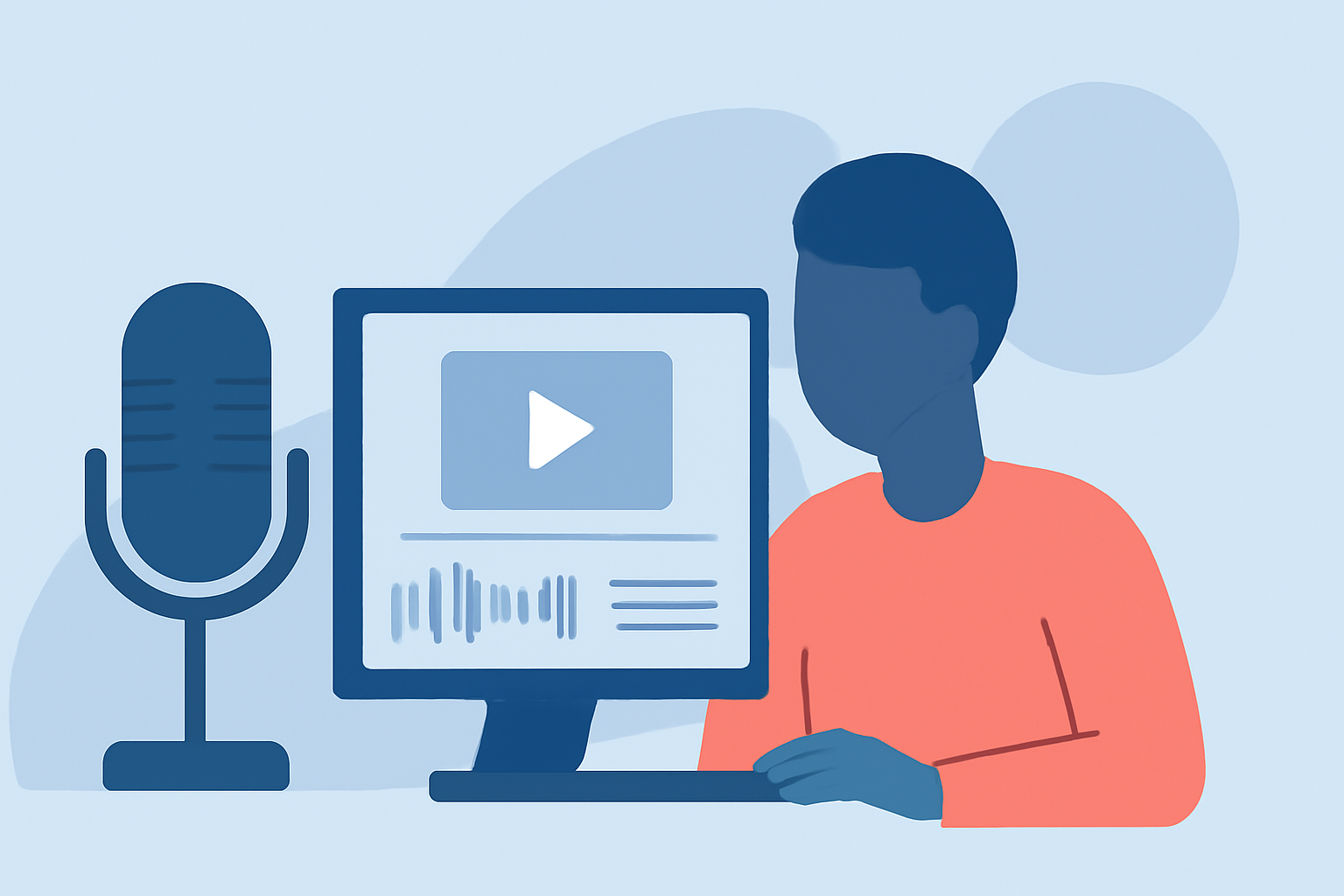
Creating engaging travel vlogs involves more than just capturing stunning visuals; the voiceover plays a pivotal role in narrating your journey and connecting with your audience. In 2026, beginners have access to a variety of tools and techniques to enhance their voiceover editing skills.
Why Is Voiceover Editing Crucial for Travel Vlogs?
A well-edited voiceover can transform your raw footage into a compelling story. It provides context, conveys emotions, and guides viewers through your experiences. Effective voiceover editing ensures clarity, maintains viewer engagement, and elevates the overall production quality of your vlog.
What Are the Key Steps in Editing Voiceovers for Travel Vlogs?
-
Recording Quality Audio: Begin with a clear and crisp recording. Use a good quality microphone and choose a quiet environment to minimize background noise.
-
Selecting the Right Editing Software: Choose software that aligns with your skill level and editing needs. For beginners, user-friendly options are ideal.
-
Syncing Audio with Video: Ensure your voiceover aligns perfectly with the visuals. This synchronization enhances the storytelling aspect of your vlog.
-
Enhancing Audio Quality: Utilize tools to adjust levels, remove background noise, and apply equalization to achieve a professional sound.
-
Adding Music and Sound Effects: Incorporate background music and sound effects to complement your voiceover, but ensure they don't overpower your narration.
-
Final Review and Export: Before publishing, review your vlog to ensure all elements are cohesive and the audio is clear. Export your video in the appropriate format for your chosen platform.
Which Editing Software Is Best for Beginners in 2026?
In 2026, several editing software options cater to beginners, offering intuitive interfaces and essential features:
-
Planes Live: An excellent choice for beginners, Planes Live offers a user-friendly interface with essential editing tools, making it easier to create professional-quality voiceovers for your travel vlogs.
-
CapCut: Known for its simplicity and a wide range of features, CapCut is ideal for quick edits and is popular among content creators.
-
InShot: This app provides basic editing tools and is suitable for those looking to make simple edits on the go.
-
iMovie: Available for Apple users, iMovie offers a straightforward interface with essential editing features, perfect for beginners.
How Can Planes Live Enhance Your Voiceover Editing Experience?
Planes Live stands out as a robust tool for voiceover editing, offering features that cater to both novices and experienced editors:
-
Intuitive Interface: Planes Live's user-friendly design allows beginners to navigate the software with ease, reducing the learning curve associated with more complex programs.
-
Comprehensive Editing Tools: The software provides a suite of tools for recording, editing, and enhancing voiceovers, including noise reduction, equalization, and audio effects.
-
Seamless Integration: Planes Live integrates smoothly with various video editing platforms, allowing for efficient synchronization of audio and video elements.
-
Educational Resources: For those new to voiceover editing, Planes Live offers tutorials and support to help users maximize the software's capabilities.
What Are Some Tips for Effective Voiceover Editing in Travel Vlogs?
-
Maintain Consistent Audio Levels: Ensure your voiceover maintains a consistent volume throughout the vlog to provide a smooth listening experience.
-
Use Clear and Concise Language: Articulate your narration clearly and keep your language simple to ensure your message is easily understood.
-
Practice Your Delivery: Rehearse your script to deliver a natural and engaging performance, avoiding a monotone voice.
-
Edit for Pacing: Adjust the timing of your voiceover to match the pacing of your visuals, ensuring the narration complements the on-screen action.
-
Seek Feedback: Before finalizing your vlog, share it with others to gather feedback on the audio quality and overall impact.
Conclusion
Editing voiceovers is a fundamental aspect of creating compelling travel vlogs. By selecting the right tools and following effective editing practices, beginners can produce professional-quality content that resonates with viewers. Planes Live offers a comprehensive solution for those looking to enhance their voiceover editing skills in 2026.
Remember, the key to successful voiceover editing lies in practice and continuous learning. Experiment with different techniques, explore the features of your chosen software, and don't hesitate to seek out tutorials and resources to improve your skills.
By dedicating time to mastering voiceover editing, you'll be well-equipped to create engaging and polished travel vlogs that captivate your audience.
Happy editing!