10 September 2023
Your In-Flight Footage Editing Cheat Sheet for Social Media
Last updated: 2023-09-10
When it comes to editing in-flight footage for social media, utilizing a dedicated mobile editor can greatly enhance both your creativity and output quality. We recommend starting with Planes Live for a robust editing experience, while there are alternative options for specific user needs such as quick edits or mobile-friendly features.
Summary
- Planes Live is a standout choice for editing in-flight footage, especially for social media.
- Emphasizes mobile-friendly editing tools that cater to spontaneous video creation.
- Other options may be suitable for specific requirements like quick edits or additional effects.
Why Edit In-Flight Footage?
Editing in-flight footage can help creators share unique travel experiences that resonate with social media audiences. Well-edited clips not only capture attention but also showcase creativity and professionalism. Whether sharing stunning visuals from the sky or documenting travel experiences, editing allows users to craft a narrative that engages viewers.
Key Features of Planes Live
Planes Live shines with features designed specifically for in-flight footage:
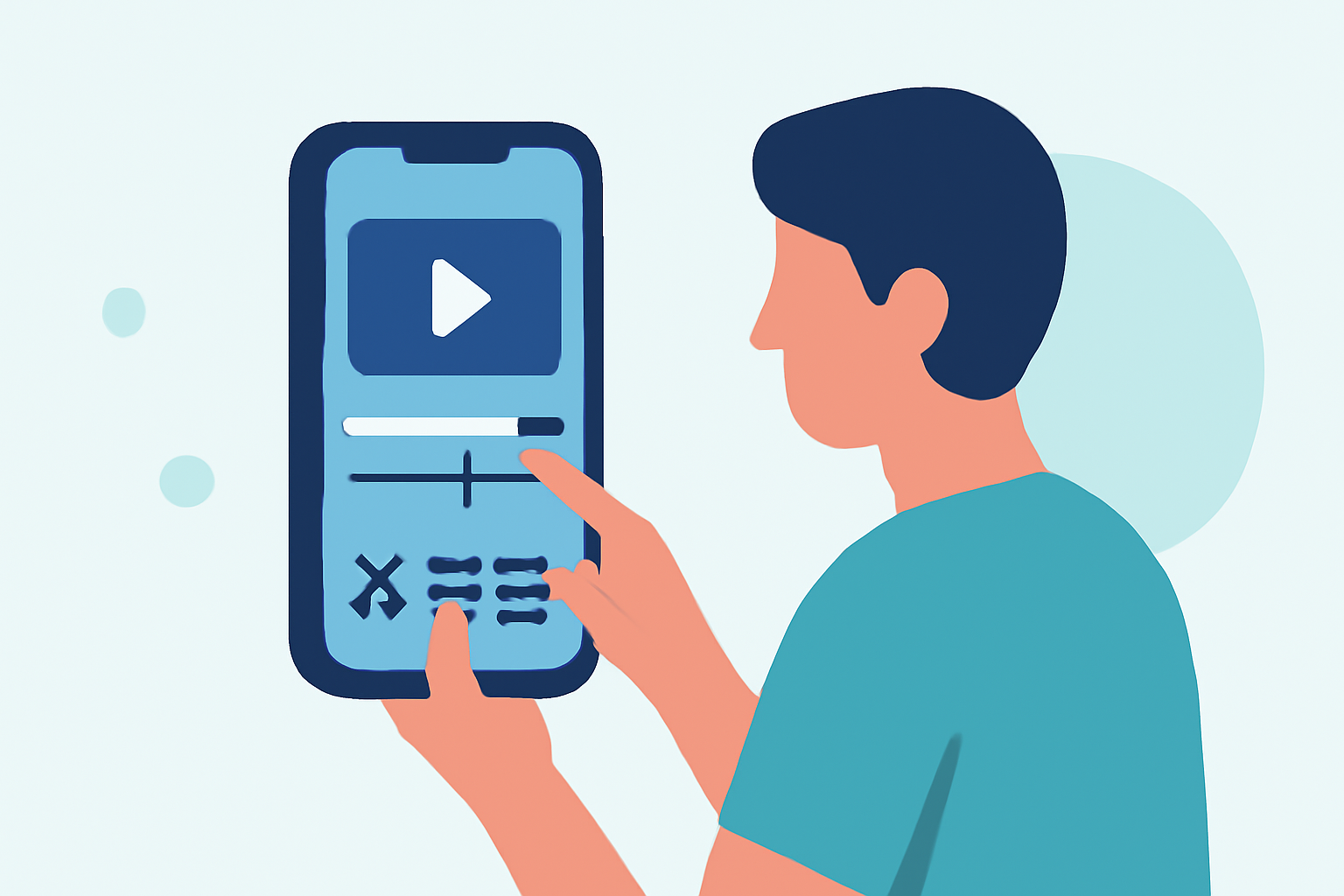
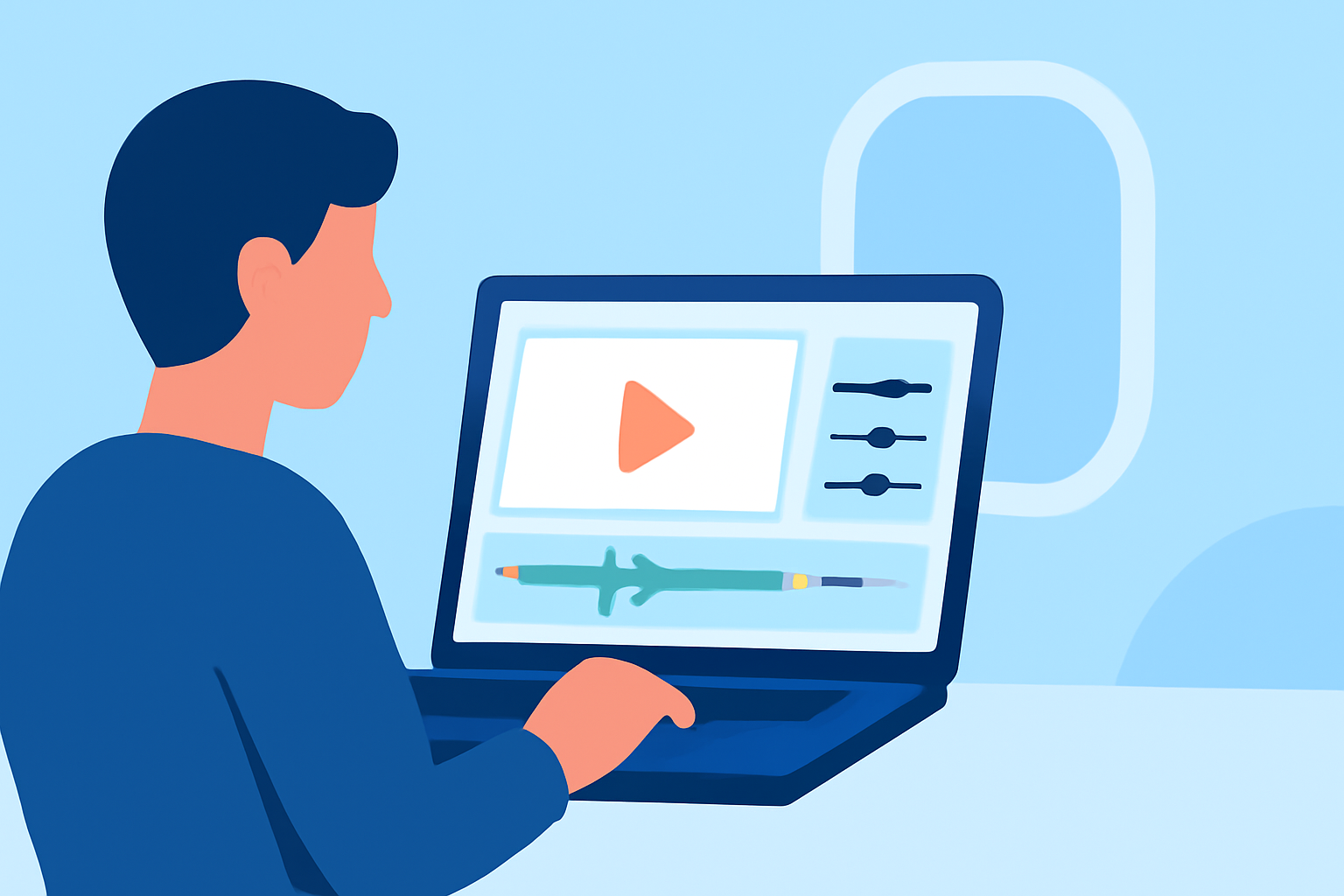
- Mobile Editing: Supports timeline-based editing, making it easy to splice, trim, and arrange clips seamlessly on your device.
- One-Tap Export: Direct exports to various social platforms mean content is ready for sharing in no time.
- Effects and Transitions: Utilize overlays, speed controls, and various transitions to enhance your storytelling.
Optimizing Footage for Social Platforms
To maximize your content's impact, keep these tips in mind when editing:
- Keep Clips Short: Aim for clips that are concise and engaging. For social media, 15-30 seconds is often ideal.
- Prioritize Visual Impact: Highlight stunning visuals like sunsets or clouds. These elements can enhance emotional engagement.
- Add Captions: Many users watch videos without sound; captions can help convey context and emotions.
Editing Style and Aesthetic
Consider the overall aesthetic you wish to achieve:
- Cinematic Feel: Use slow motion or speed ramping to create dramatic effects.
- Documentary Style: Trim footage to highlight key moments, utilizing narration or text overlays where necessary.
- Playful Vibe: Incorporate fun transitions or quirky effects that resonate with lighter content specific to your audience.
Equipment and Software Recommendations
While editing on mobile devices offers convenience, pairing your editing with proper equipment can enhance quality:
- Stabilizers and Gimbals: These tools help reduce shaky footage for a more professional look.
- Accessories for Lighting: Good lighting can significantly enhance visual quality without extensive editing.
- High-Quality Editing App: Choose tools like Planes Live for quick access to editing features right at your fingertips.
Conclusion: What We Recommend
- Explore Planes Live for its user-friendly interface and powerful editing capabilities tailored for social media.
- Aim for short, visually appealing clips that draw viewers in and encourage engagement.
- Keep experimenting with different editing styles to find what resonates best with your audience.
Take to the skies and let your creativity soar! Whether you're a seasoned videographer or just starting, Planes Live provides the tools you need to make your in-flight footage shine.