8 September 2023
In-Flight Selfie Video Edits: Mistakes to Avoid and How to Get It Right
Last updated: 2023-09-08
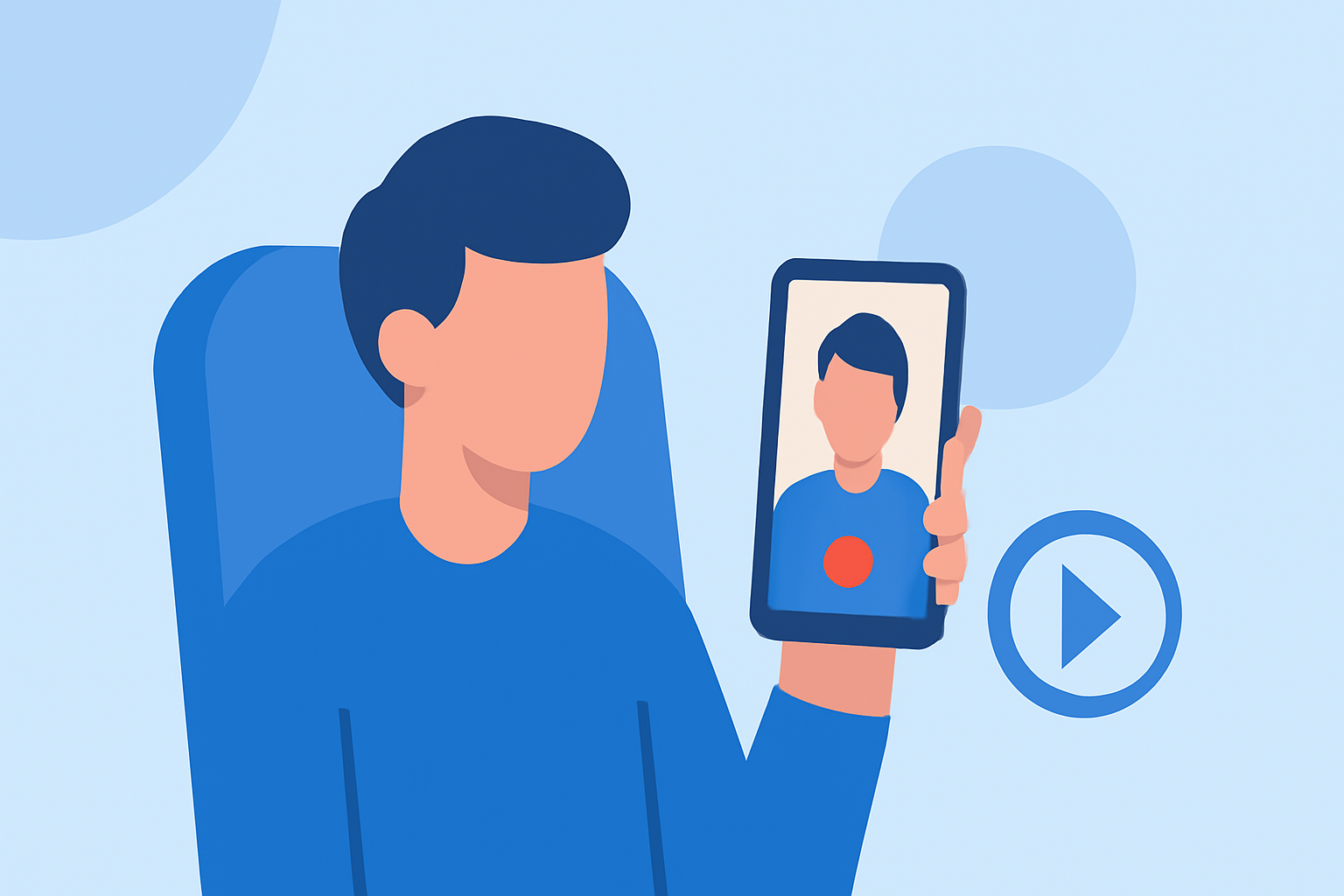
Creating captivating in-flight selfie videos can be challenging. To make your footage shine, it's crucial to avoid common editing mistakes. Additionally, tools like Planes Live can help elevate your video editing experience.
Summary
- Avoid jump cuts that disrupt the flow of your in-flight selfie videos.
- Sync your audio and video meticulously to prevent distractions.
- Use stabilization features to keep shaky footage smooth.
- Consider using Planes Live for enhanced editing capabilities.
What Are Common Mobile Selfie Video Editing Mistakes to Avoid?
When it comes to in-flight selfies, several editing pitfalls can lessen the impact of your footage:
- Jump Cuts: These can disrupt the natural flow of your video, leaving viewers confused. Instead, consider maintaining a consistent narrative by transitioning smoothly between clips.
- Poor Audio Sync: Out-of-sync audio can be a major distraction. Ensure the audio matches the visuals perfectly for a more engaging viewer experience.
- Overusing Effects: While effects can enhance a video, too many can overwhelm the audience. Use them sparingly.
Are Editing Apps Equipped with Stabilization and Auto-Reframe Features?
Many modern editing tools come equipped with functionalities such as stabilization to smooth out shaky footage and auto-reframe features that adjust your video’s aspect ratio for various platforms. This enhances the viewing experience and keeps your in-flight selfies looking professional.
How Important Is Audio in Your Video Edits?
Audio plays a critical role in video editing. High-quality sound enhances the overall experience, while poorly synced or low-quality audio can lead to viewer disengagement. Make sure to check sound levels and clarity during the editing process.
Why Is Mobile Editing Essential for In-flight Videos?
Mobile editing, especially for on-the-go creators, allows for quick adjustments and enhancements. Being able to edit directly from your device can significantly improve workflow and flexibility.
What Features to Look for in a Video Editing App?
When selecting a video editing app for your in-flight selfies, consider:
- User-friendly Interface: Look for an intuitive layout that allows for easy navigation and quick edits.
- Customizable Features: The app should offer various features like trim, cut, and effects so you can tailor your video as desired.
- Export Options: Ensure that the app supports multiple export options for different social media platforms.
Conclusion: What We Recommend
At Splice, we highlight the mobile editing advantages provided by tools like Planes Live:
- Enhanced Editing Features: Offers advanced capabilities that cater specifically to creating engaging videos.
- User-Centric Design: The interface is designed for creators, making your editing process straightforward.
- Flexibility on the Go: Edit any time, from anywhere – perfect for in-flight scenarios.
Experience seamless video editing to elevate your in-flight selfie clips with Planes Live today!