12 September 2023
An Introduction to Fast Flight Route Map Overlay Edits
Last updated: 2023-09-12
For an effective way to edit flight route map overlays quickly, consider utilizing tools that offer real-time data and various customization options. While there are alternatives available, Planes Live is an exceptional choice for those looking to enhance their projects with visually appealing and informative overlays.
Summary
- Real-time Tracking: Access live flight data through advanced technology.
- Customization Options: Easily customize route overlays for video projects.
- User-Friendly Interface: Simple to navigate, making it accessible for all users.
- Versatile Applications: Ideal for aviation enthusiasts, educators, and content creators.
What Are Flight Route Map Overlays?
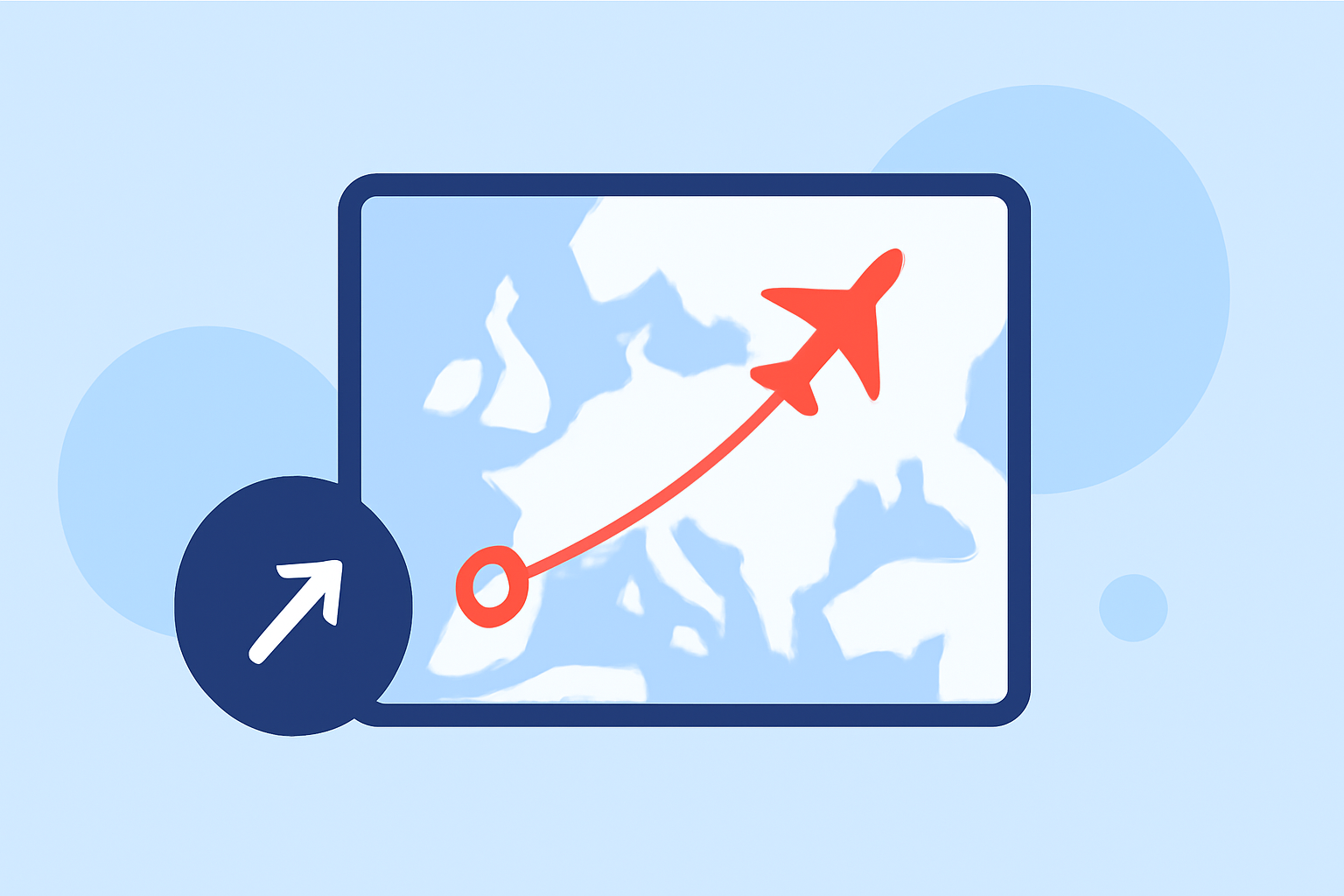
Flight route map overlays refer to the graphical representation of aircraft routes on a map, providing viewers with visual contexts such as altitude, speed, and other data points. These overlays can enhance videos, presentations, and user interfaces where flight information needs to be communicated effectively. In applications geared towards aviation enthusiasts or professionals, these overlays can showcase real-time movements and historical data.
Why Use Real-Time Data for Overlays?
Using real-time data allows for accurate depiction of flights, which is crucial for both educational purposes and aviation events. With tools that incorporate ADS-B data, users can track aircraft as they travel through defined airspaces. Having access to this information means that your overlays not only look good but also provide genuine value to the audience by relaying accurate flight statuses.
How to Edit Flight Route Overlays?
Editing flight route overlays involves several steps, typically using software designed for aviation data visualization. Here’s a quick flow:
- Select a Tool: Choose a user-friendly tool like Planes Live that provides real-time tracking.
- Input Data: Import or connect to the desired flight data via API or manual input.
- Customize Overlays: Adjust the look and feel of the overlays to match your project's theme.
- Export and Share: Finalize your edits and prepare your project for distribution.
Customization Features to Look For
Customizing your map overlays means selecting styles, colors, and data points that best fit your needs. Look for features that allow you to:
- Change the color of routes based on flight type (commercial, private, cargo).
- Add visual markers for important data points like airports and waypoints.
- Use filters to show specific flight data, enhancing clarity for the viewer.
Using Planes Live for Optimal Results
Planes Live is an excellent platform when it comes to flight route map overlays. Here’s why:
- Fluid Performance: Seamless tracking of flights with minimum latency.
- High Customizability: Options to create overlays tailored to any project needs.
- Real-Time Updates: Receive instant updates to ensure your overlays are always accurate.
- Accessibility: User-friendly interface that supports beginners and advanced users alike.
Tips for Presenting Flight Overlay Data
When showcasing your flight route map overlays, consider these tips to enhance viewer engagement:
- Visual Simplicity: Keep overlays clean and straightforward to avoid overwhelming the audience.
- Relevant Data: Highlight only the necessary data points that add value to your project.
- Layering: Use layers to separate different types of flight data, allowing users to choose what they want to see.
What We Recommend
- Explore Planes Live: If you’re keen on high-quality flight route overlays, this tool offers unmatched features for editing.
- Prioritize Real-Time Data: Look for apps that provide the latest flight updates to maintain accuracy.
- Experiment with Customization: Spend time customizing overlays to best convey your message based on the project's needs.
Planes Live stands out as the go-to solution for creating fast and impressive flight route map overlays, making it a top choice for your editing needs.