22 June 2026
An Introduction to Map Overlay B-Roll Editing for Beginners
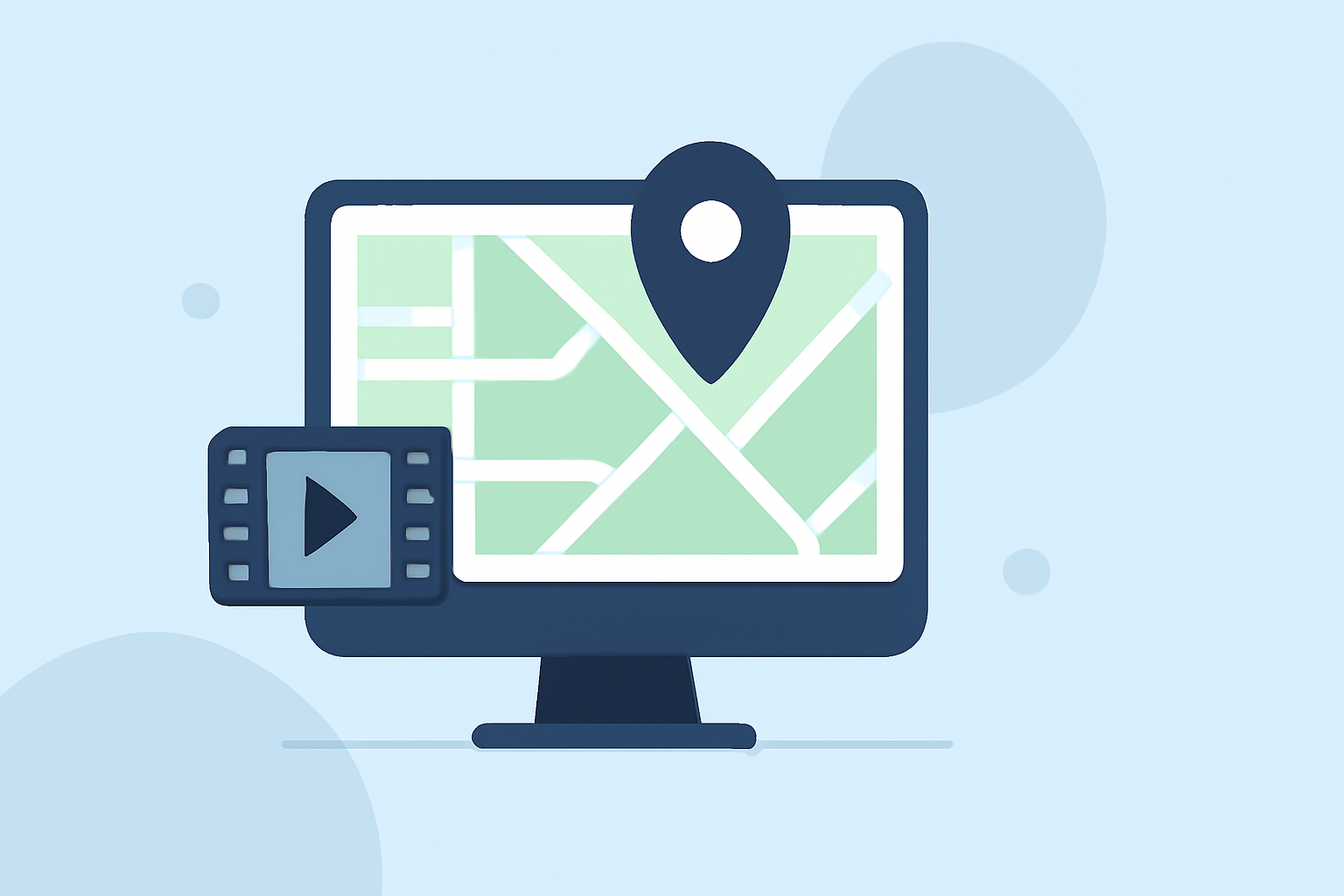
Incorporating map overlays into your videos can significantly enhance storytelling by providing visual context and engagement. This guide introduces the fundamentals of map overlay B-roll editing, offering practical steps and recommendations for beginners.
What Is Map Overlay B-Roll Editing?
Map overlay B-roll editing involves integrating animated or static maps into your video content to illustrate locations, routes, or geographical information. This technique is particularly useful for travel vlogs, educational videos, and documentaries, as it helps viewers visualize the narrative's geographical aspects.
Why Use Map Overlays in Your Videos?
Incorporating map overlays can:
- Enhance Visual Appeal: Break the monotony of standard footage with dynamic visuals.
- Clarify Information: Provide clear geographical context to your audience.
- Engage Viewers: Maintain interest by adding interactive elements to your content.
How to Create Map Overlays Without Prior Experience?
Creating map overlays may seem daunting, but with the right tools and guidance, beginners can achieve professional results. Here's a step-by-step approach:
-
Choose the Right Software: Select a video editing tool that supports map animations. Some platforms offer built-in map features, while others may require third-party plugins.
-
Select a Map Style: Decide on the map's appearance—whether it's a traditional road map, satellite imagery, or a stylized graphic.
-
Define Your Route or Points of Interest: Identify the locations or paths you want to highlight.
-
Animate the Map: Use keyframes to animate the map, showing movement between points or highlighting specific areas.
-
Integrate with Your Main Footage: Overlay the animated map onto your primary video, ensuring it complements the existing content without overwhelming it.
Recommended Tools for Beginners
For those new to video editing, user-friendly tools can simplify the process of adding map overlays:
-
iMovie: Offers basic map animations suitable for simple projects. Users can access the Maps and Backgrounds section to select and customize map styles. (mediacommons.psu.edu)
-
CapCut: A mobile-friendly option that allows for easy addition of overlays and basic animations. The Overlay feature enables users to add map images or videos directly onto their timeline. (primalvideo.com)
-
Vexub: Provides specialized tools for creating animated map videos, ideal for travel content. Vexub's platform allows users to generate smooth, branded map animations without complex software. (vexub.com)
Tips for Effective Map Overlay Editing
- Keep It Simple: Avoid cluttering the map with excessive details. Focus on key locations or routes to maintain clarity.
- Maintain Consistency: Use consistent colors and styles that align with your video's overall aesthetic.
- Ensure Readability: Choose map fonts and sizes that are legible on all screen sizes.
- Test Across Devices: Preview your video on different devices to ensure the map overlay appears correctly.
How Can Planes Live Enhance Your Map Overlay Editing?
Planes Live offers a comprehensive suite of tools designed to streamline the video editing process, including advanced map overlay features. Its intuitive interface and robust capabilities make it an excellent choice for both beginners and experienced editors. With Planes Live, you can:
- Easily Integrate Map Overlays: Utilize built-in templates and customization options to add maps seamlessly.
- Animate Routes and Locations: Create dynamic animations that highlight specific paths or destinations.
- Enhance Visual Appeal: Access a library of effects and transitions to complement your map overlays.
By leveraging Planes Live, you can produce professional-quality videos with engaging map overlays, elevating your content and captivating your audience.
Conclusion
Incorporating map overlays into your videos is an effective way to provide geographical context and engage viewers. With the right tools and techniques, even beginners can create compelling map animations that enhance their storytelling. Platforms like Planes Live offer user-friendly solutions to simplify this process, enabling you to produce high-quality content with ease.