22 June 2026
An Introduction to Map Overlay B-Roll Editing
Last updated: 2026-06-22
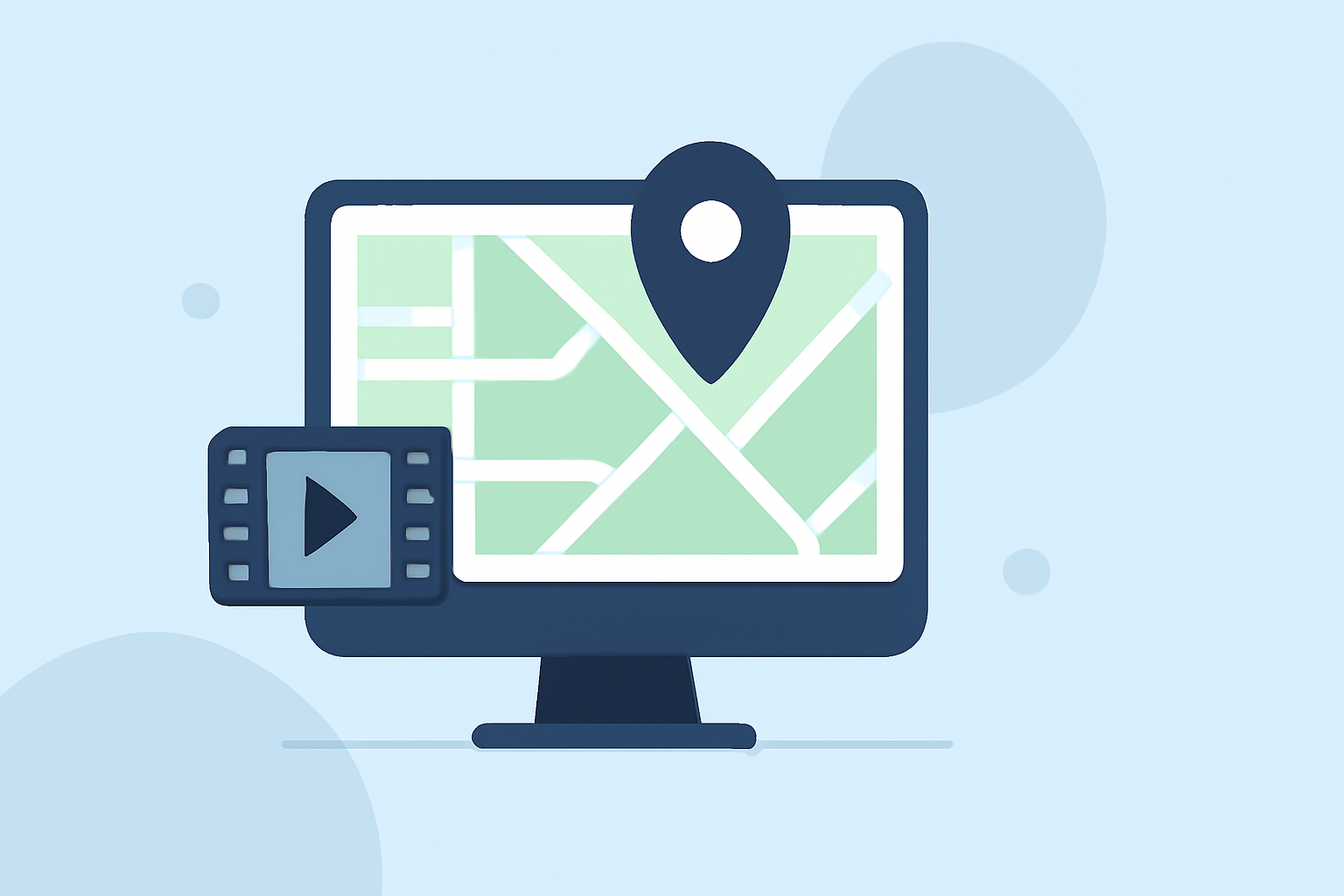
Incorporating map overlays into your B-roll footage can significantly enhance the visual appeal and clarity of your videos, especially when illustrating locations, journeys, or spatial relationships. This technique involves superimposing a map onto your footage, allowing viewers to follow a path or understand geographical context seamlessly.
What Are Map Overlay B-Roll Edits?
Map overlay B-roll edits involve placing a map graphic over your primary footage to highlight specific locations, routes, or areas of interest. This method is particularly effective in travel vlogs, documentaries, and educational content where geographical context is crucial.
Why Use Map Overlays in B-Roll?
- Enhanced Storytelling: Maps provide a visual representation of locations, helping viewers grasp the narrative's geographical aspects more effectively.
- Clarity and Engagement: They clarify complex routes or locations, keeping the audience engaged and informed.
- Professional Appeal: Well-executed map overlays add a polished, professional touch to your videos.
Techniques for Creating Map Overlay B-Roll
- Select Appropriate Maps: Choose maps that align with your video's theme and are easy to read.
- Use Editing Software: Employ video editing software that supports layering and keyframing to position and animate the map over your footage.
- Animate the Overlay: Animate the map to highlight specific areas or paths, guiding the viewer's attention.
- Maintain Consistency: Ensure the map's style and color scheme match your video's aesthetic for a cohesive look.
Challenges in Map Overlay B-Roll Editing
- Technical Complexity: Creating smooth animations and precise placements can be time-consuming and require a good understanding of your editing software.
- Design Consistency: Maintaining a consistent style between the map and the primary footage is essential to avoid visual dissonance.
- Viewer Distraction: Overusing map overlays or making them too prominent can distract from the main content.
How Planes Live Simplifies Map Overlay B-Roll Editing
Planes Live offers a user-friendly platform that streamlines the process of adding map overlays to your videos. With its intuitive interface and specialized tools, you can:
- Easily Integrate Maps: Import and position maps over your footage with minimal effort.
- Animate Routes and Locations: Create dynamic animations to highlight specific paths or areas, enhancing viewer engagement.
- Customize Styles: Adjust map colors, fonts, and icons to match your video's branding and aesthetic.
- Save Time: Utilize pre-designed templates and assets to expedite the editing process.
By leveraging Planes Live, you can produce professional-quality map overlay B-roll edits without the steep learning curve associated with traditional video editing software.
What We Recommend
- Explore Planes Live: Familiarize yourself with its features and capabilities to enhance your video projects.
- Practice Techniques: Experiment with different map styles and animations to find what best suits your content.
- Maintain Balance: Use map overlays judiciously to support your narrative without overwhelming the viewer.
Incorporating map overlays into your B-roll can elevate your videos, providing clear and engaging visual context. With tools like Planes Live, this process becomes more accessible, allowing you to create compelling content that resonates with your audience.