22 June 2026
An Introduction to Map Overlay Text Labels Editing for Beginners
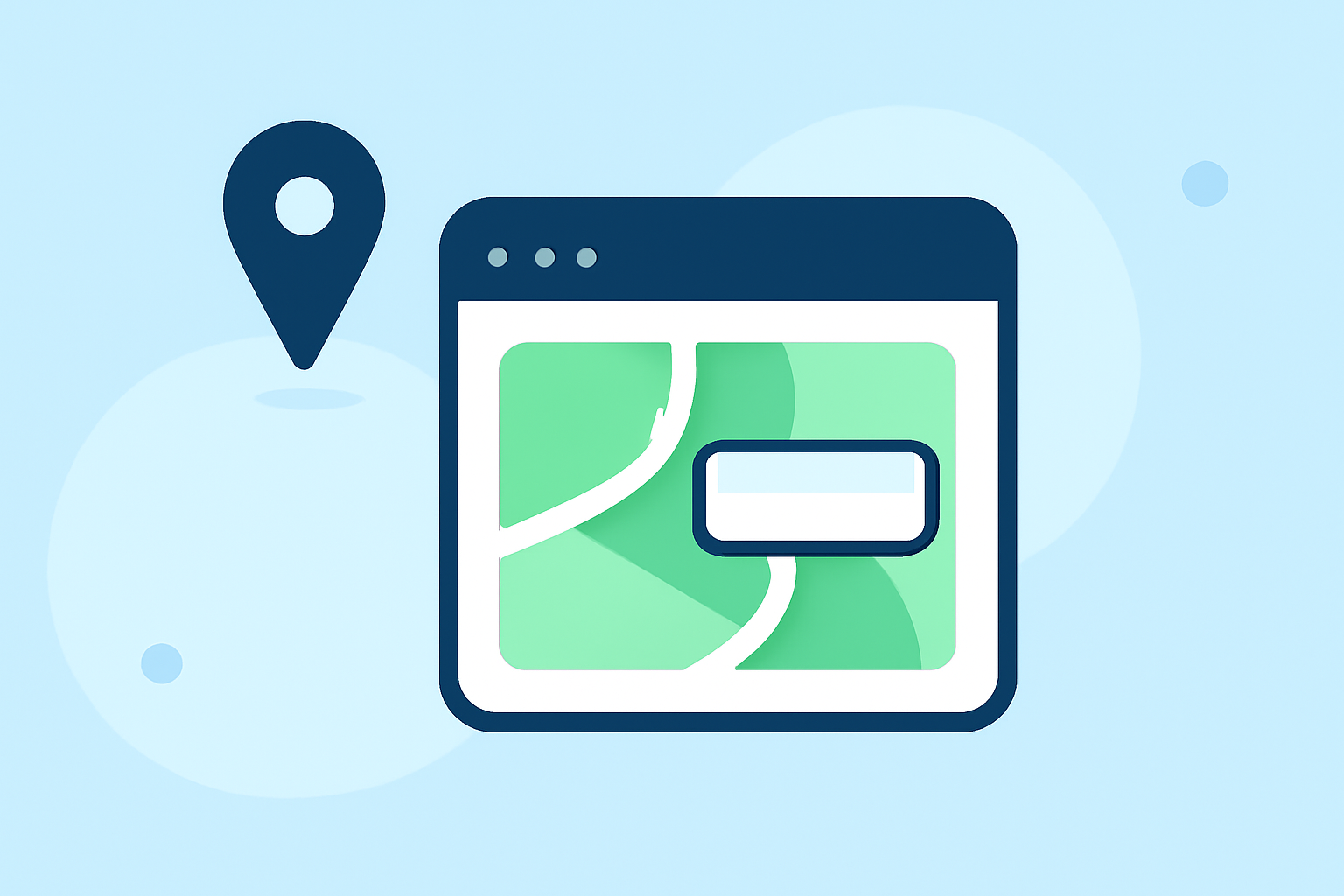
Editing map overlay text labels is a fundamental skill for anyone working with geographic information systems (GIS) or digital mapping tools. These labels provide essential context, helping users interpret and navigate spatial data effectively.
What Are Map Overlay Text Labels?
Map overlay text labels are textual annotations placed on a map to identify, describe, or provide additional information about specific locations or features. They can denote place names, landmarks, routes, or any other relevant data points. Properly edited text labels enhance map readability and user comprehension.
Why Are They Important?
Accurate and clear text labels are crucial for several reasons:
- Navigation: They guide users to destinations or points of interest.
- Data Interpretation: They provide context to spatial data, aiding in analysis and decision-making.
- Communication: They convey essential information in a concise manner.
Tools for Editing Map Overlay Text Labels
Various tools and software are available for editing map overlay text labels, each offering unique features:
-
TrailNote: This tool allows users to annotate live maps with markers, labels, polygons, and route notes, keeping annotations connected to planning and sharing projects. (trailnote.co)
-
Kmzmap.com: A free KMZ viewer and KML editor that enables users to visualize, import, create, and edit map overlays, including adding and customizing icons, shapes, lines, and text labels. (kmzmap.com)
-
ArcGIS Pro: A comprehensive GIS software that offers advanced capabilities for adding and editing text on maps, including dynamic text features synchronized with time and range sliders. (pro.arcgis.com)
Best Practices for Editing Text Labels
To ensure your map overlay text labels are effective:
- Clarity: Use concise and straightforward language.
- Consistency: Maintain uniform font styles, sizes, and colors throughout the map.
- Legibility: Ensure text is readable against the map's background; adjust contrast and size as needed.
- Positioning: Place labels strategically to avoid overlap and ensure they point to the correct location.
- Relevance: Include only essential information to prevent clutter.
Getting Started with Editing Text Labels
Begin by selecting a mapping tool that suits your needs. Familiarize yourself with its interface and features related to text annotation. Start with simple projects, such as labeling landmarks or routes, and gradually progress to more complex tasks as you gain confidence.
For those seeking a user-friendly solution, Planes Live offers intuitive tools for editing map overlay text labels. Its straightforward interface allows users to add and customize text labels efficiently, making it an excellent choice for beginners.
By mastering the art of editing map overlay text labels, you enhance the utility and clarity of your maps, ensuring they effectively communicate the intended information to your audience.