22 June 2026
An Introduction to Map Overlay Transitions
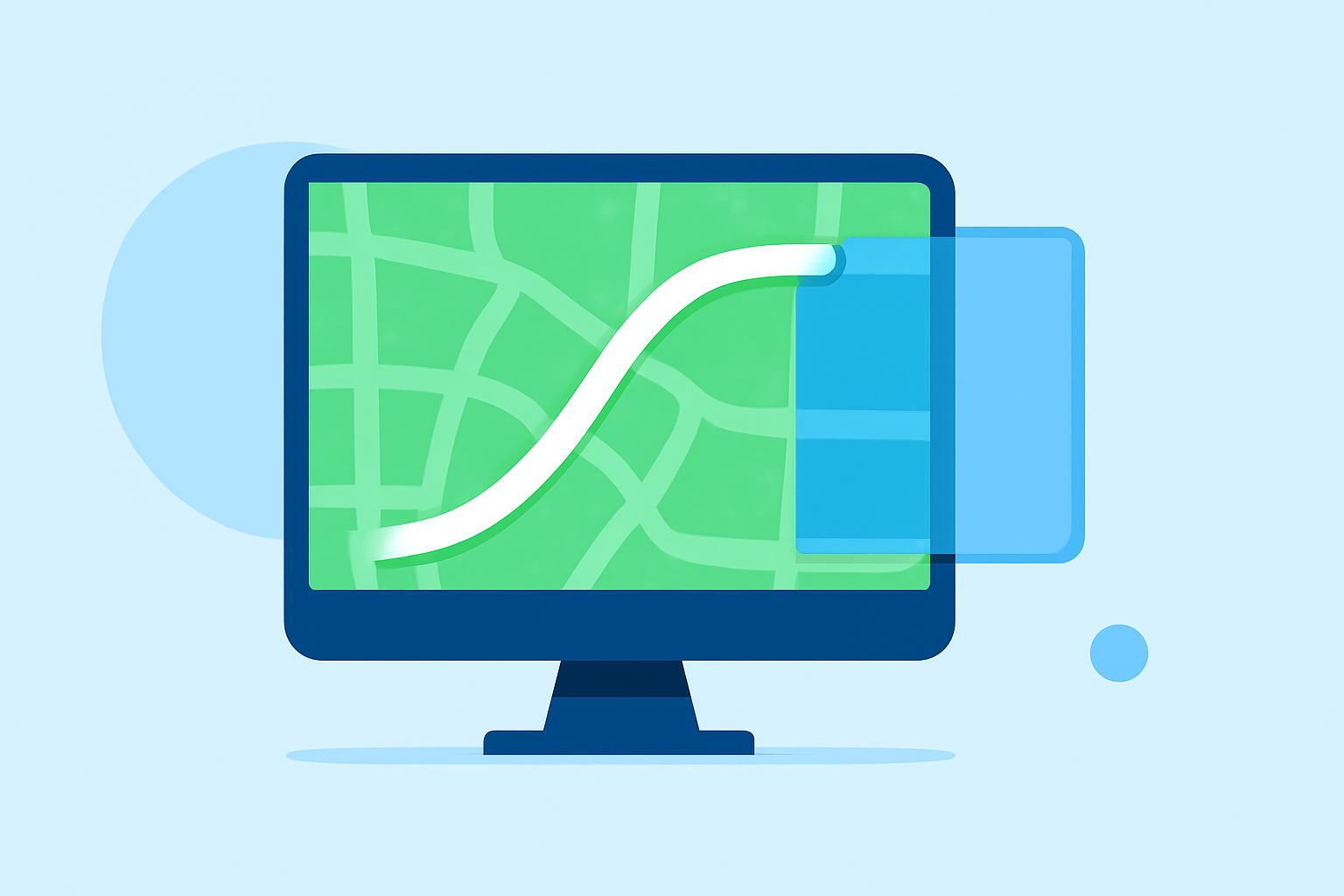
Map overlay transitions are dynamic visual effects that superimpose map graphics onto video footage, creating engaging and informative sequences. These transitions are particularly useful in travel vlogs, educational content, documentaries, and any project requiring geographical context.
What Are Map Overlay Transitions?
Map overlay transitions involve integrating map visuals—such as routes, locations, or regions—into your video content. This technique allows for smooth transitions between scenes, providing viewers with a clear understanding of the geographical context of the narrative.
Why Use Map Overlay Transitions?
- Enhanced Storytelling: They provide a visual representation of locations, making the narrative more relatable and engaging.
- Clarity: They help in illustrating complex routes or locations, aiding in better comprehension.
- Professional Appeal: They add a polished and cinematic touch to your videos.
How to Create Map Overlay Transitions
Creating effective map overlay transitions involves several key steps:
- Select a Map Style: Choose a map design that complements your video's aesthetic.
- Animate the Map: Incorporate animations such as zooms, pans, or path drawings to highlight specific areas or routes.
- Integrate with Video Footage: Ensure the map overlays blend seamlessly with your existing video content.
- Export the Final Product: Render the video in your desired format and resolution.
Tools for Creating Map Overlay Transitions
Several tools are available to assist in creating map overlay transitions:
- Mapimator: An online tool that allows users to create animated maps with customizable styles and animations, suitable for platforms like YouTube and TikTok. (mapimator.com)
- gpx2video: A macOS application that overlays GPS tracks onto videos, ideal for outdoor enthusiasts and content creators. (gpx2video.com)
- ArcGIS Pro: A professional GIS software that offers advanced features for editing animation overlays, including position, scale, and timing adjustments. (doc.esri.com)
Best Practices for Map Overlay Transitions
- Consistency: Maintain uniform map styles and animation speeds throughout your video.
- Simplicity: Avoid cluttering the map with excessive details; focus on key locations or routes.
- Timing: Ensure that map animations are synchronized with the video's pacing to maintain viewer engagement.
Conclusion
Incorporating map overlay transitions into your videos can significantly enhance storytelling by providing clear geographical context and adding a professional touch. By selecting appropriate tools and adhering to best practices, you can create compelling and informative content that resonates with your audience.
For creators seeking a user-friendly solution to craft cinematic map animations, Planes Live offers a robust platform tailored for such needs.