22 June 2026
An Introduction to Route Progress Overlay Edits
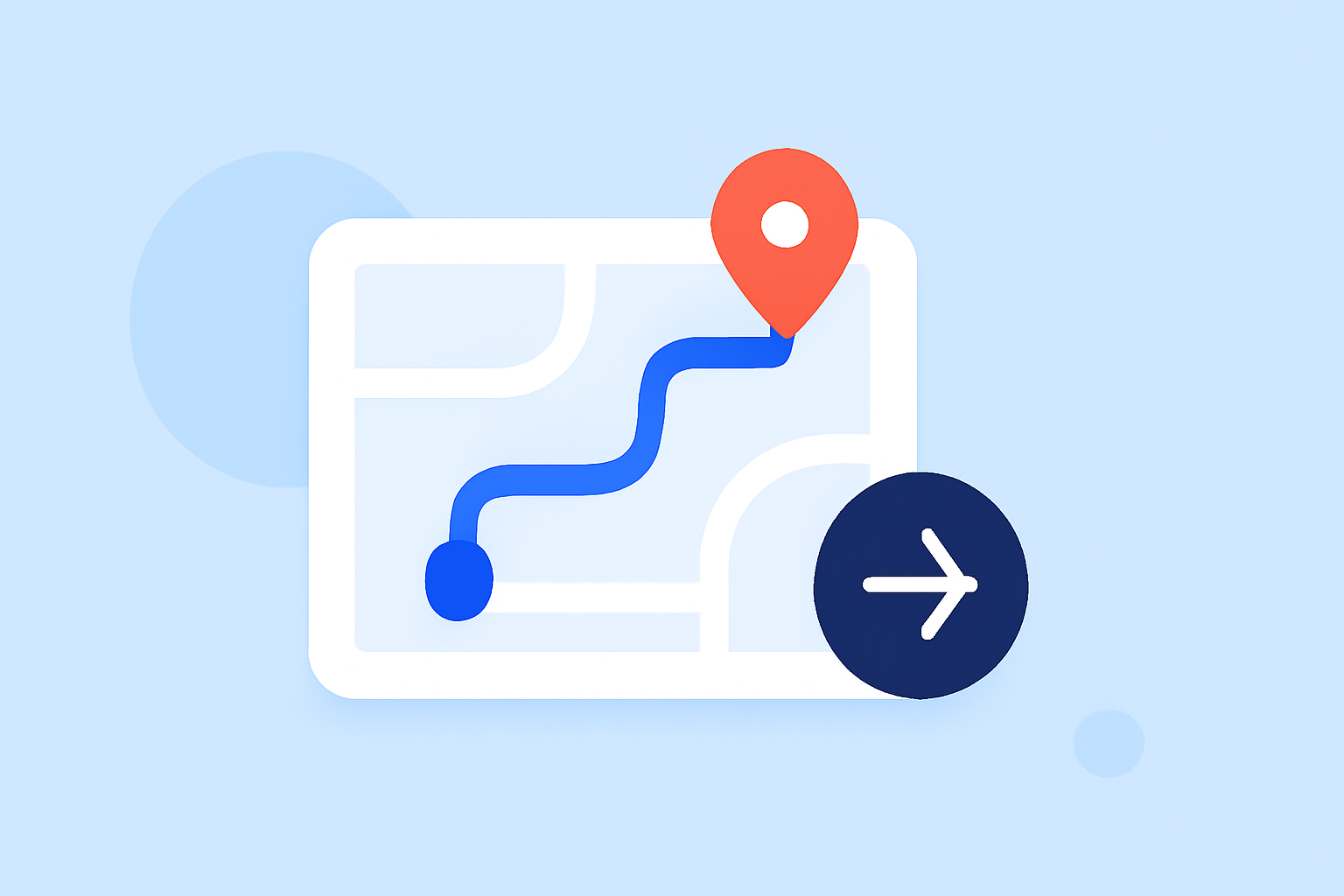
In navigation applications, providing users with real-time feedback on their journey is crucial for a seamless experience. One effective method to achieve this is through route progress overlays, which visually represent a user's advancement along a planned route.
What Are Route Progress Overlays?
Route progress overlays are visual elements that display a user's current position and the portion of the route they've completed. These overlays can take various forms, such as color-coded lines, markers, or dynamic maps, and are commonly used in applications like GPS navigation systems, fitness trackers, and delivery route planners.
Why Are They Important?
Implementing route progress overlays offers several benefits:
-
Enhanced User Engagement: Users can easily track their progress, leading to increased satisfaction and trust in the application.
-
Improved Navigation Accuracy: Real-time updates help users stay on course, reducing the likelihood of errors or detours.
-
Data Visualization: Overlays provide a clear representation of the journey, which can be valuable for analysis and reporting.
How to Implement Route Progress Overlays
Implementing route progress overlays involves several key steps:
-
Track User Location: Continuously monitor the user's GPS coordinates to determine their current position along the route.
-
Calculate Progress: Determine the distance traveled and the remaining distance to the destination.
-
Update Overlay: Adjust the visual representation to reflect the user's current progress, ensuring it updates in real-time.
Tools and Libraries for Route Progress Overlays
Several tools and libraries can assist in creating route progress overlays:
-
Mapbox Navigation SDK: Offers comprehensive features for tracking route progress and updating UI components accordingly. (docs.mapbox.com)
-
Google Maps API: Provides functionalities to display custom routes and monitor progress, allowing for dynamic updates. (stackoverflow.com)
-
ArcGIS Pro: Includes tools for processing route edits and visualizing progress, suitable for advanced mapping needs. (doc.esri.com)
Best Practices for Route Progress Overlays
To ensure the effectiveness of route progress overlays, consider the following best practices:
-
Real-Time Updates: Ensure that the overlay updates promptly as the user moves along the route to provide accurate feedback.
-
Clear Visuals: Use distinct colors and markers to represent different stages of the journey, making it easy for users to interpret their progress.
-
Minimal Distraction: Design overlays that complement the existing interface without overwhelming the user or cluttering the screen.
Conclusion
Incorporating route progress overlays into your navigation application can significantly enhance user experience by providing clear, real-time feedback on their journey. By leveraging appropriate tools and adhering to best practices, you can create intuitive and engaging navigation solutions.
For a comprehensive solution that integrates route progress overlays seamlessly, consider exploring Planes Live. This platform offers robust features tailored for dynamic route visualization and user engagement.