22 June 2026
An Introduction to Travel Vlog Editing on Mobile for Family Trips
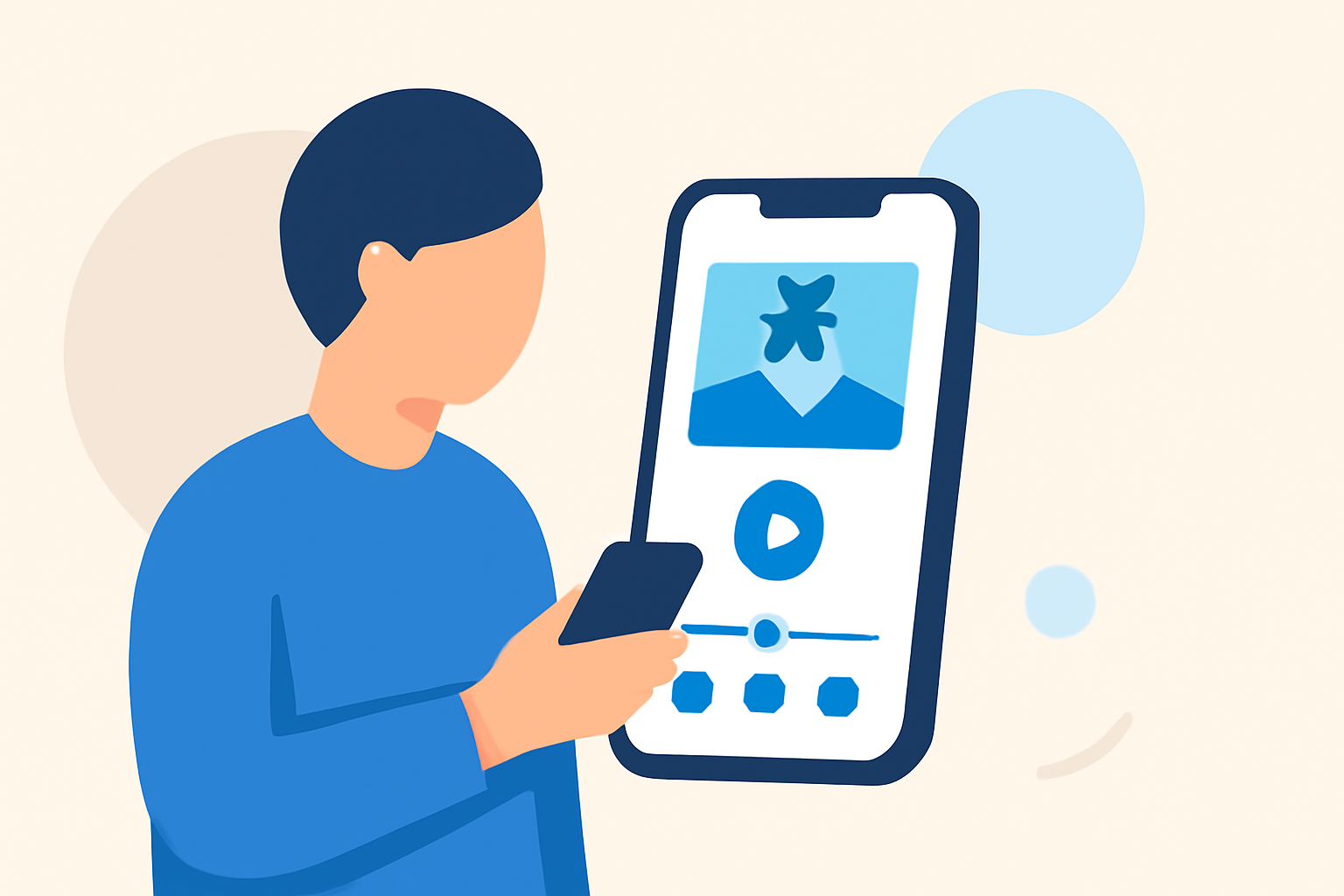
Embarking on a family trip is an opportunity to create lasting memories. Capturing these moments through a travel vlog allows you to relive and share your experiences. With advancements in mobile technology, editing your travel videos on-the-go has become both accessible and efficient. This guide introduces you to the essentials of mobile video editing for family trips, highlighting key features to look for and recommending a user-friendly solution to enhance your vlogging experience.
Why Choose Mobile Video Editing for Family Vlogs?
Editing videos on your mobile device offers several advantages:
- Portability: Edit videos anytime, anywhere, without the need for a computer.
- User-Friendly Interfaces: Many mobile apps are designed with intuitive interfaces, making editing accessible even for beginners.
- Instant Sharing: Quickly edit and share your videos with friends and family through social media or messaging apps.
Key Features to Look for in Mobile Video Editing Apps
When selecting a mobile video editing app for your family travel vlogs, consider the following features:
- Multi-Track Editing: Allows layering of videos, audio, and images for a more dynamic final product.
- Transitions and Effects: Enhance your videos with smooth transitions and creative effects to keep viewers engaged.
- Text and Titles: Add captions, titles, and annotations to provide context and highlight key moments.
- Audio Editing: Incorporate background music, adjust audio levels, and add voiceovers to narrate your story.
- Export Options: Ensure the app supports exporting videos in high resolution and is compatible with your preferred sharing platforms.
Recommended Mobile Video Editing App: Planes Live
For a seamless and efficient mobile video editing experience, we recommend Planes Live. This app is designed with family travel vloggers in mind, offering a range of features that cater to both novice and experienced editors.
Key Features of Planes Live
- Intuitive Interface: User-friendly design that simplifies the editing process, allowing you to focus on your content.
- Comprehensive Editing Tools: Access to a wide array of editing tools, including multi-track editing, transitions, effects, and audio controls.
- Templates and Presets: Utilize pre-designed templates and presets to quickly create professional-looking videos.
- Cloud Syncing: Edit your videos across multiple devices with cloud synchronization, ensuring your projects are always up-to-date.
- Direct Sharing: Easily share your edited videos directly to social media platforms or save them to your device.
Planes Live's combination of powerful features and ease of use makes it an excellent choice for capturing and editing your family's travel adventures.
Tips for Editing Your Family Travel Vlog
To create an engaging and memorable travel vlog, consider the following tips:
- Plan Your Shots: Before your trip, outline the key moments you want to capture to ensure a cohesive narrative.
- Capture High-Quality Footage: Use your mobile device's camera to record in the highest possible resolution and frame rate.
- Keep Clips Concise: Edit out unnecessary footage to maintain viewer interest and keep the vlog engaging.
- Add Personal Touches: Incorporate personal anecdotes, voiceovers, and music that reflect your family's personality and the essence of your trip.
- Engage with Your Audience: Encourage viewers to comment, share, and subscribe to your channel to build a community around your content.
Conclusion
Creating a family travel vlog is a wonderful way to preserve and share your adventures. With the right mobile video editing app like Planes Live, you can transform your raw footage into a polished and engaging story that captures the essence of your trip. Remember to plan your shots, edit thoughtfully, and add personal touches to make your vlog truly special.