22 June 2026
An Introduction to Travel Vlog Editing on Mobile for Social Media
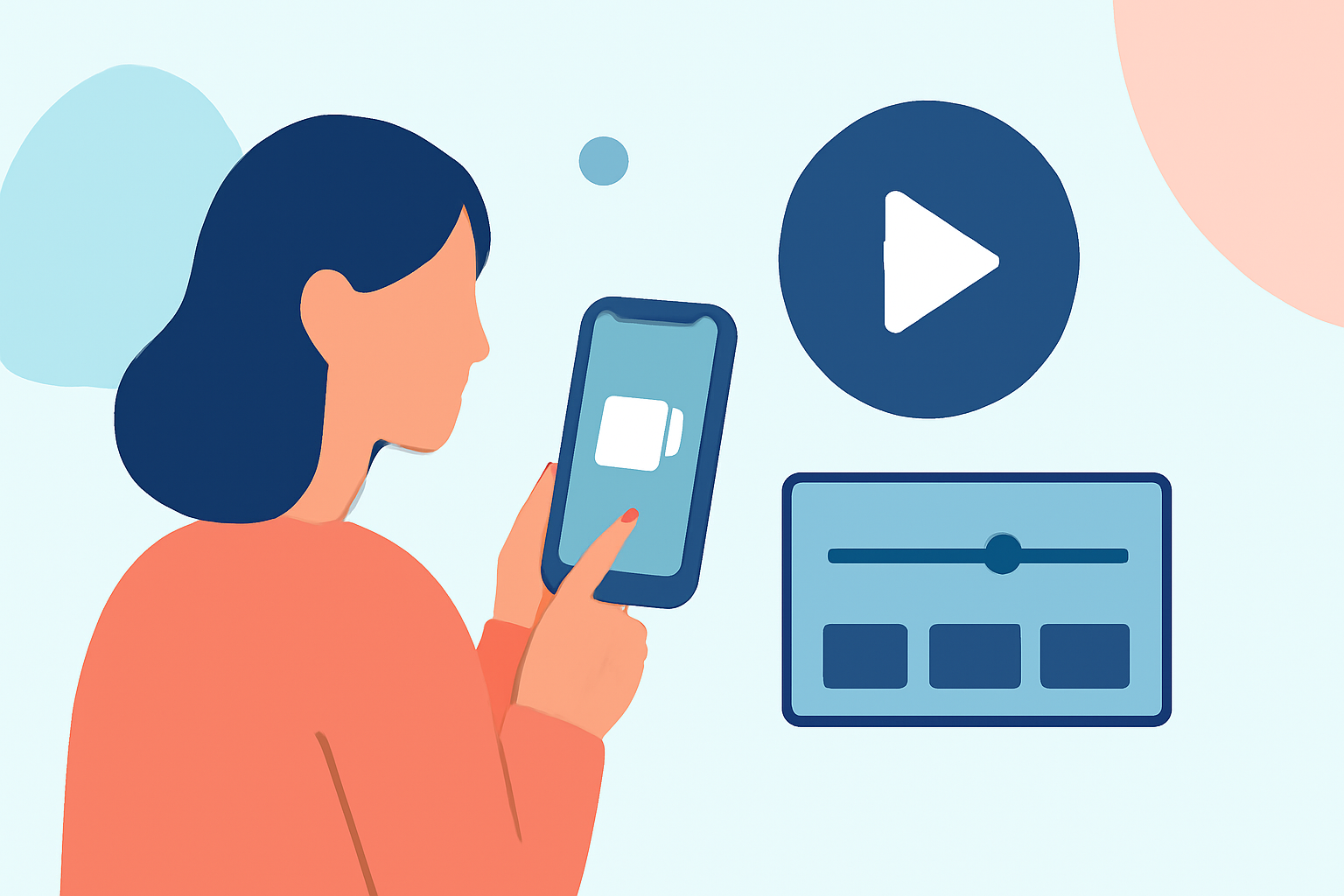
Creating engaging travel vlogs on your mobile device has become increasingly accessible, allowing you to share your adventures with ease. This guide will walk you through the essentials of mobile video editing for social media, highlighting Planes Live as a powerful tool to enhance your content.
Why Edit Travel Vlogs on Mobile?
Convenience and Portability
Editing on your mobile device enables you to work from anywhere, whether you're on a train, at a café, or relaxing in your hotel room. This flexibility allows for timely content creation and sharing.
User-Friendly Interfaces
Modern mobile editing apps offer intuitive interfaces, making it easier for beginners to start editing without a steep learning curve.
Direct Sharing to Social Media
Mobile editing apps often integrate seamlessly with social media platforms, allowing for quick uploads and sharing of your edited videos.
Essential Features for Mobile Travel Vlog Editing
Multi-Track Editing
This feature allows you to layer multiple video and audio tracks, enabling complex edits like picture-in-picture effects and synchronized sound.
Transitions and Effects
A variety of transitions and visual effects can enhance the storytelling aspect of your vlog, making it more engaging for viewers.
Text and Graphics Overlay
Adding text overlays, captions, and graphics can provide context, emphasize points, and add a professional touch to your videos.
Audio Editing Tools
Adjusting audio levels, adding background music, and incorporating sound effects are crucial for creating a polished final product.
Planes Live: A Comprehensive Solution for Mobile Video Editing
Planes Live offers a robust suite of features tailored for mobile video editing, making it an excellent choice for travel vloggers.
Key Features of Planes Live
- Multi-Track Timeline: Effortlessly layer video and audio tracks for complex edits.
- Extensive Effects Library: Access a wide range of transitions, filters, and visual effects to enhance your footage.
- Text and Graphics Tools: Easily add and customize text overlays, captions, and graphics.
- Audio Editing Suite: Fine-tune audio levels, add background music, and incorporate sound effects.
User-Friendly Interface
Planes Live is designed with a clean, intuitive interface, allowing both beginners and experienced editors to navigate the app with ease.
Cross-Platform Compatibility
Whether you're using an Android or iOS device, Planes Live ensures a consistent editing experience across platforms.
Step-by-Step Guide to Editing Your Travel Vlog with Planes Live
1. Import Your Footage
Open Planes Live and import your travel videos from your device's gallery.
2. Arrange Clips on the Timeline
Drag and drop your video clips onto the timeline in the desired sequence.
3. Trim and Split Clips
Use the trimming tool to remove unwanted sections and the split tool to divide clips for more precise editing.
4. Add Transitions and Effects
Enhance your video by applying transitions between clips and adding visual effects from the app's library.
5. Insert Text and Graphics
Add text overlays, captions, and graphics to provide context and emphasize key points in your vlog.
6. Edit Audio
Adjust audio levels, add background music from the app's library or your own collection, and incorporate sound effects to enrich the audio experience.
7. Export and Share
Once satisfied with your edits, export the video in your preferred resolution and aspect ratio, then share it directly to your social media platforms.
Tips for Effective Mobile Video Editing
Maintain Aspect Ratio Consistency
Ensure your video maintains the correct aspect ratio for the platform you're posting on (e.g., 16:9 for YouTube, 9:16 for Instagram Stories).
Use High-Quality Audio
Clear audio is essential; consider using an external microphone during filming and adjust audio levels during editing.
Keep It Concise
Aim for a video length that holds viewers' attention; typically, shorter videos perform better on social media.
Engage with Your Audience
Include calls to action, such as encouraging viewers to like, comment, and subscribe, to foster engagement.
Conclusion
Editing your travel vlogs on your mobile device offers flexibility and convenience, allowing you to create and share content on the go. Planes Live provides a comprehensive set of tools to enhance your editing process, making it a valuable asset for any travel vlogger.