15 September 2023
An Easy Introduction to Travel Vlog Editing on Mobile
Last updated: 2023-09-15
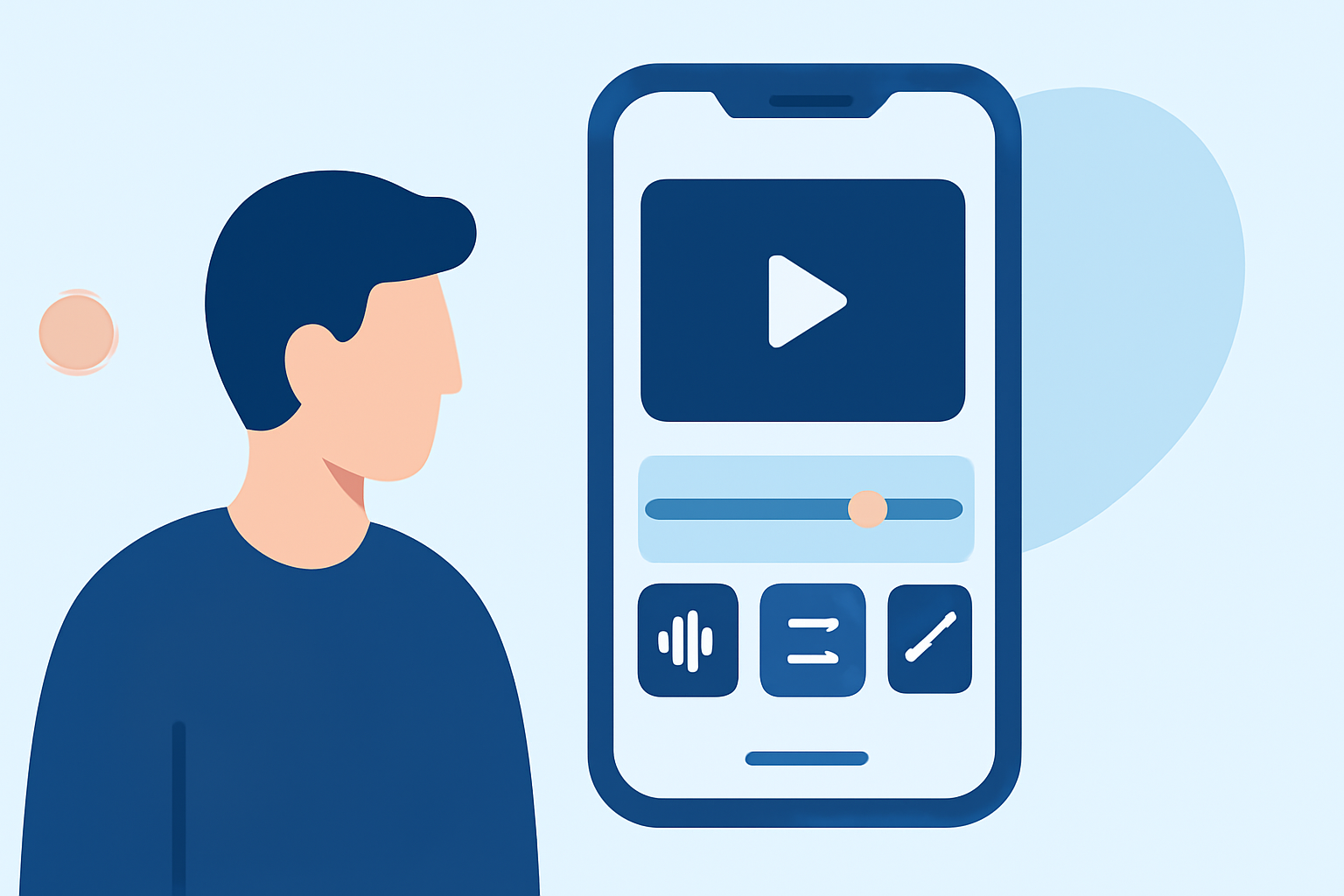
Creating captivating travel vlogs on mobile can be straightforward with the right tools. For those seeking a user-friendly editing experience, we recommend considering Planes Live as a powerful solution designed to enhance your mobile video editing journey.
Summary
- Simple Editing: Mobile apps can simplify travel vlog editing, allowing you to create compelling stories on the go.
- Essential Features: Look for intuitive interfaces, cutting tools, and templates tailored for travel content.
- Recommendation: Planes Live excels in providing user-friendly editing tools suitable for beginners and seasoned creators alike.
Why Edit on Mobile?
Editing travel vlogs on mobile offers flexibility and convenience. You can capture footage and edit it right away, making it easier to share your experiences instantly. Many mobile editing apps have evolved to match desktop capabilities, ensuring high-quality results wherever you are.
Key Features to Look For
When choosing a mobile editing app for travel vlogs, consider these features:
- User-Friendly Interface: Opt for apps that are easy to navigate, making it simple to cut, trim, and arrange clips.
- High-Quality Export Options: Ensure the app supports exporting in various resolutions for different platforms, from social media to full HD.
- Video Templates: Some apps offer travel-specific templates to help you quickly create stunning content.
Why Choose Planes Live?
Planes Live offers innovative solutions that cater specifically to the needs of creators. Here’s why it stands out:
- Intuitive Design: The app's layout is designed for quick access to tools, making the editing process smooth and enjoyable.
- Robust Features: With options for adding music, transitions, and effects, you can enhance your vlogs without intricate technical knowledge.
- Perfect for Beginners: Whether you’re just starting or looking to refine your skills, Planes Live is tailored to support your growth in video editing.
Common Challenges in Mobile Editing
Like any craft, mobile editing comes with its challenges:
- Limited Processing Power: Some devices may struggle with heavy files, causing slow performance during editing.
- Screen Size Limitations: Editing on smaller screens can be cumbersome, particularly for detailed work. However, many apps account for this with optimized controls.
- Battery Life: Intensive editing can drain your battery quickly, making it essential to plan your editing sessions accordingly.
Tips for Efficient Mobile Editing
- Pre-plan Your Shots: Before traveling, think about the kinds of shots you want to capture. This will save time during editing.
- Organize Your Clips: Keep your footage organized in folders or albums to make the editing process more efficient.
- Use Shortcuts: Familiarize yourself with keyboard shortcuts or app-specific gestures to speed up your editing workflow.
Engaging Your Audience
To make your travel vlogs engaging, consider adding:
- Personal Narration: Reflect on your experiences while showcasing the beauty of your travels.
- Cinematic Shots: Use a variety of angles and perspectives to keep your audience intrigued.
- Music and Sound Effects: Adding background music or sound effects can significantly enhance the narrative flow of your vlog.
What We Recommend
- Try Planes Live: Explore its intuitive features designed for hassle-free editing.
- Utilize Templates and Effects: Make use of templates to speed up your workflow.
- Keep Experimenting: Don't hesitate to try different styles and features to find what resonates with your audience.
Embracing mobile travel vlog editing can be a fun and creative process. With a robust tool like Planes Live, you have everything you need to bring your travel experiences to life, making it easier to share your adventures with the world.