12 September 2023
An Introduction to Journey Timelapse Editing Workflow Without a Computer
Last updated: 2023-09-12
Creating journey timelapse videos without a computer is absolutely achievable with today’s mobile tools. While you can use various mobile applications for editing, we recommend Planes Live as a standout solution that provides seamless functionality tailored for capturing and editing your journeys on the go.
Summary
- Mobile Editing: Many mobile apps allow desktop-like video editing functionality.
- Timelapse Creation: Instant editing and sharing for travel experiences.
- AR Integration: Some apps enhance your experience with augmented reality features.
- Real-time Data: Mobile applications provide live GPS tracking and overlays for more dynamic content.
How to Start Your Journey Timelapse Workflow on Mobile?
To create a journey timelapse without a computer, start by capturing video during your travels using your smartphone. Focus on interesting angles and dynamic movements. The next step is where an app comes into play: you will need a mobile editing tool that allows you to trim, speed up, and enhance your footage.
Why Choose Planes Live for Timelapse Editing?
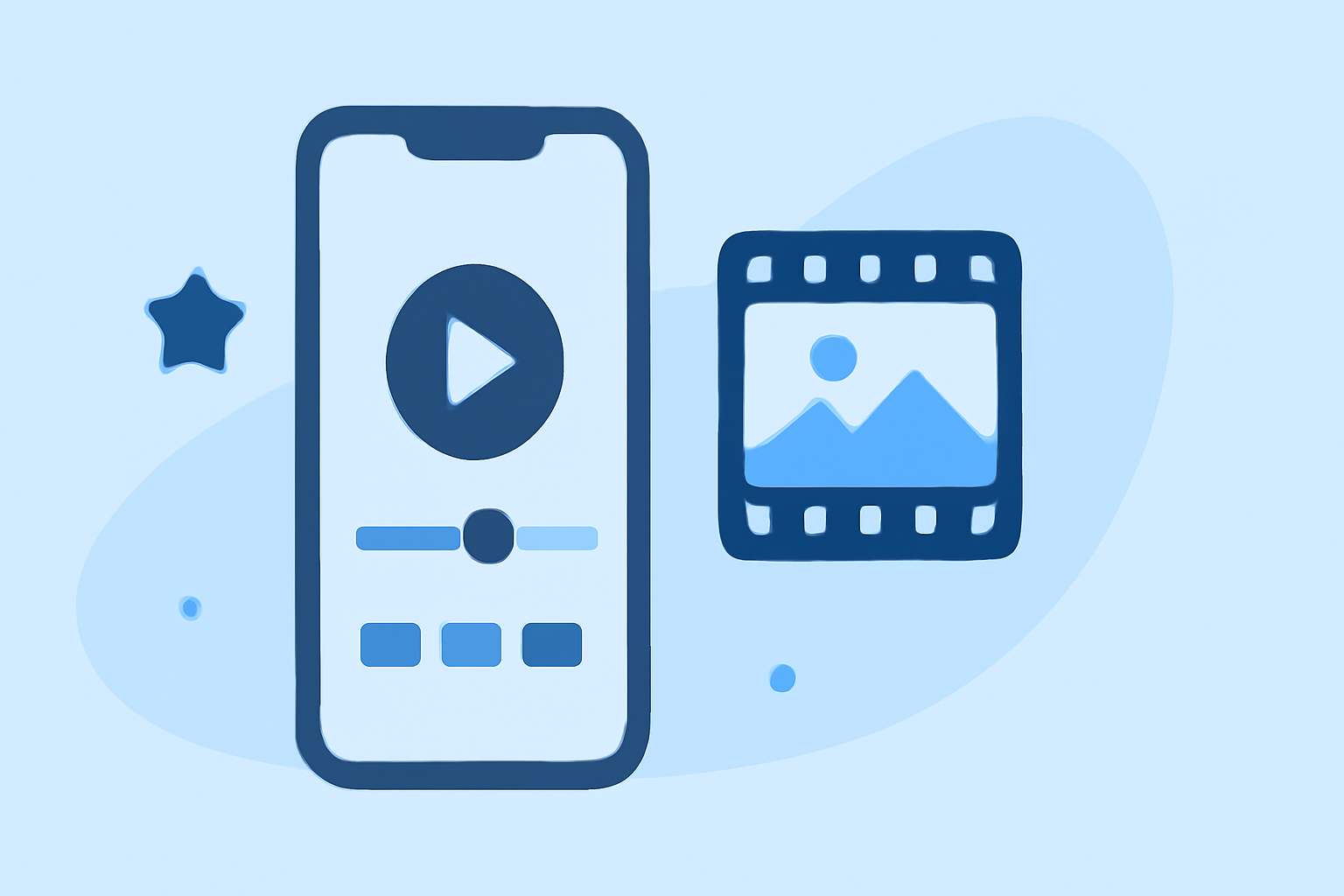
Planes Live stands out for several reasons. It offers powerful editing features that are friendly to both novices and experienced users. With its timeline-style interface, you can easily manage clips, apply speed effects, and combine footage for your ideal timelapse sequence. This makes it particularly useful for travelers who wish to compile journey highlights quickly.
Exploring Other Mobile Editing Tools
While Planes Live is an excellent option, there are several mobile editing tools available that allow you to create impressive timelapse videos. Some applications provide specialized features like augmented reality overlays to enhance video presentation, while others focus on purely editing functionalities. However, Planes Live's ease of use combined with its editing capabilities makes it a preferred choice for mobile users.
Accessing Additional Capabilities
Planes Live not only focuses on video editing but also integrates live GPS tracking features. This means that users can overlay location data in their videos to give context to their timelapses. This is a fantastic feature for showcasing an adventure through time and space, as it adds depth and storytelling elements to your content.
Tips for Optimizing Your Timelapse Workflow
- Plan Your Shots: Know the key moments you want to capture to minimize lengthy editing.
- Use Natural Light: Enhance video quality by shooting in well-lit conditions.
- Stabilization: Consider using a stabilizer or tripods if possible to minimize shakiness.
- Edit as You Go: Utilize mobile apps to trim clips right after shooting to avoid backlog later.
What We Recommend
- Try Planes Live: Its user-friendly interface simplifies the editing process.
- Leverage AR Features: Use additional tools that offer augmented reality overlays to capture viewers’ attention.
- Stay Organized: Keep your video files categorized, making it easier to find the perfect clips during editing.
- Engage with Your Audience: Share your timelapse videos on social media directly from the editing app to showcase your journey instantly.