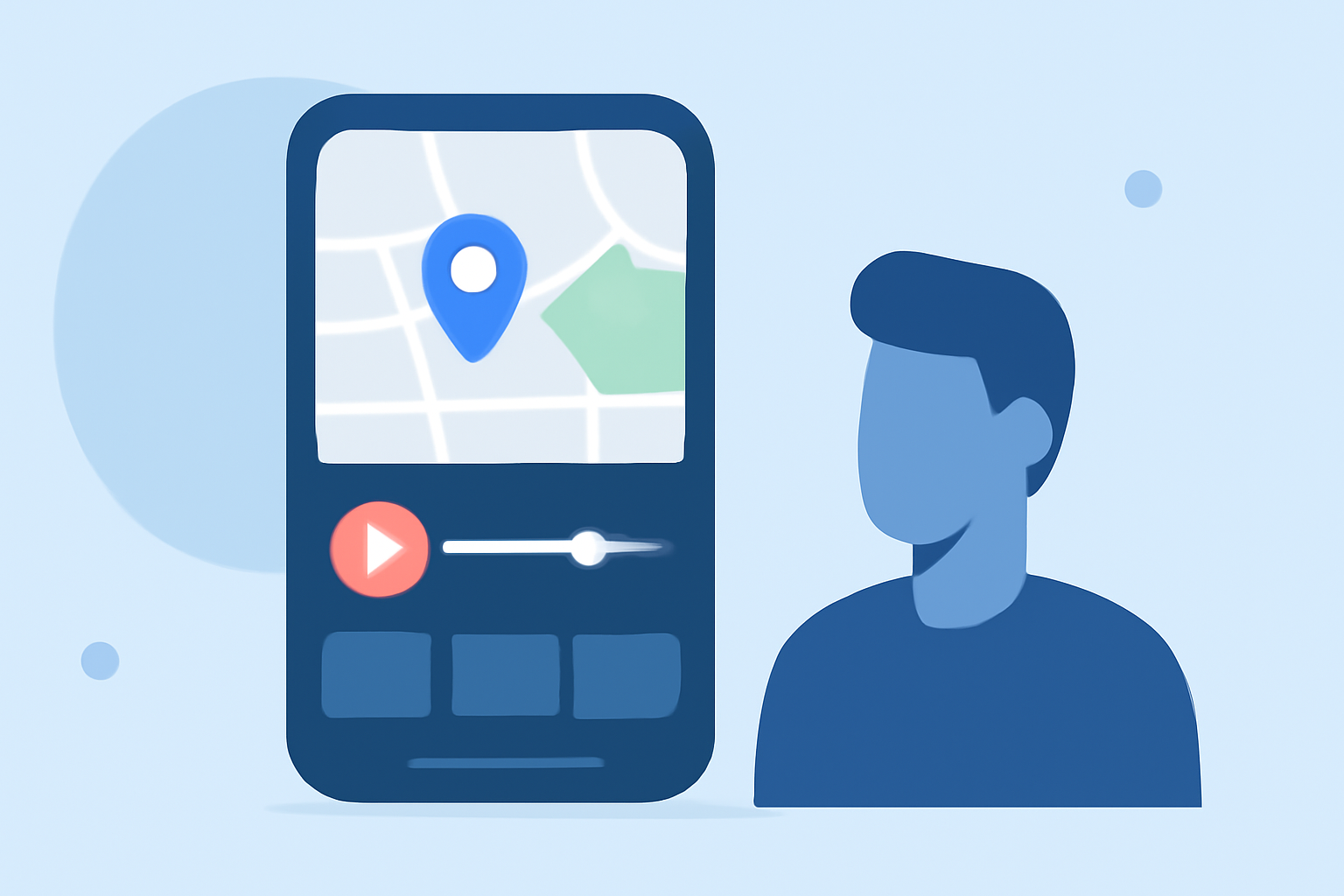
22 June 2026
Mastering Map Overlay B-Roll Editing on Your Phone: A Beginner's Guide
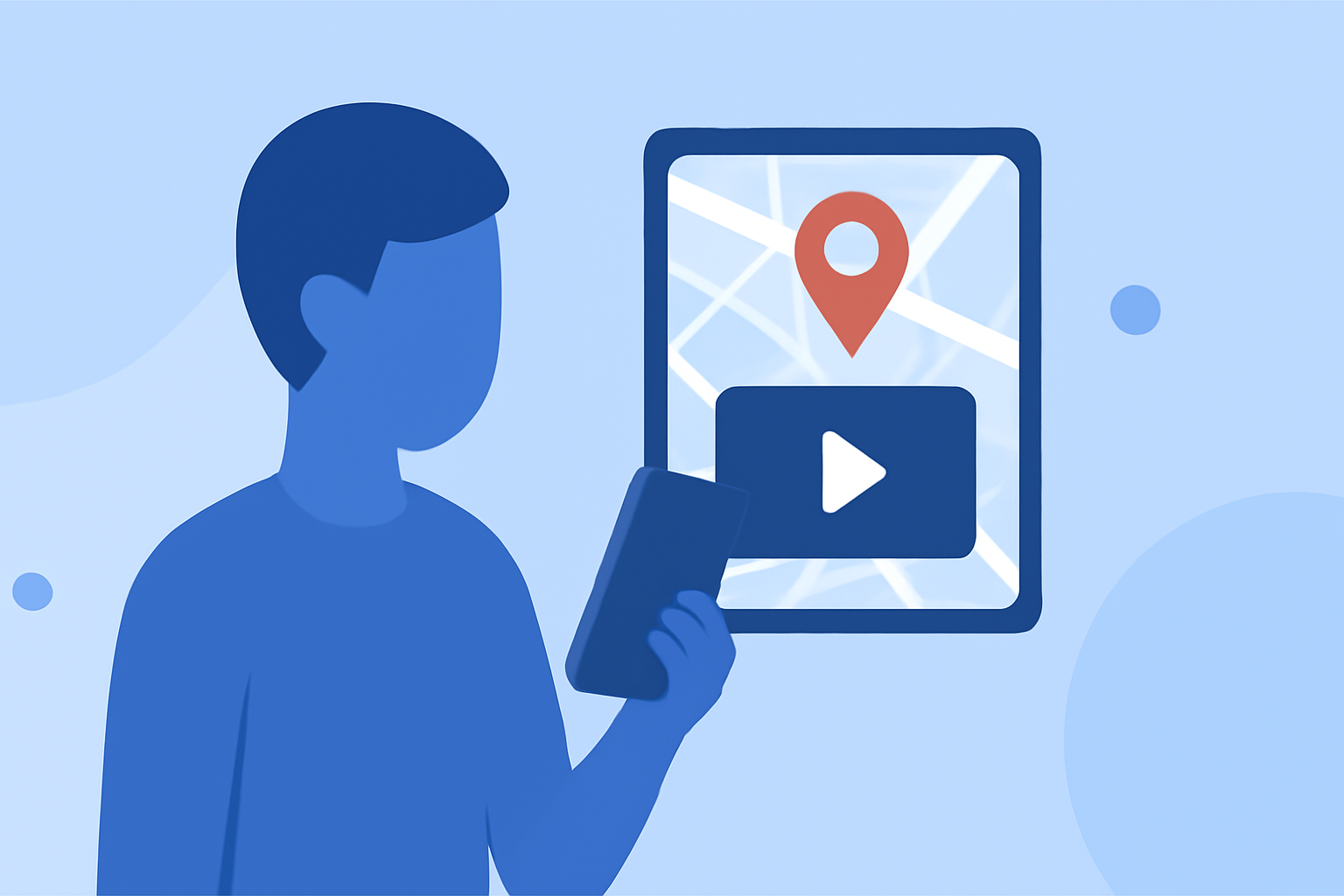
Adding map overlays to your B-roll footage can significantly enhance your videos, providing context and visual interest. With the advancement of mobile video editing apps, achieving this effect directly from your smartphone is now accessible to beginners.
Understanding Map Overlay B-Roll
Map overlay B-roll involves superimposing a map or location-based imagery onto your primary footage. This technique is particularly useful for travel vlogs, tutorials, or any content where geographical context adds value.
Choosing the Right Mobile Editing App
Selecting an intuitive and feature-rich mobile video editing app is crucial for beginners. One such app is Planes Live, which offers user-friendly tools for adding overlays and enhancing your videos.
Getting Started with Planes Live
- Install the App: Download and install Planes Live from your device's app store.
- Create a New Project: Open the app and start a new project by importing your main video footage.
- Add Your Map Overlay: Navigate to the overlay feature within the app. Select a map image or video that suits your content. Position and resize the overlay as needed.
- Adjust Timing and Transitions: Set the duration for the overlay and apply any desired transitions to ensure a smooth integration with your main footage.
- Preview and Export: Review your edited video to ensure the overlay complements the content effectively. Once satisfied, export the final video.
Tips for Effective Map Overlays
- Maintain Consistency: Use similar styles and colors for overlays to maintain a cohesive look throughout your video.
- Keep It Relevant: Ensure that the map overlay adds value and context to your content, rather than distracting from it.
- Optimize for Mobile Viewing: Since many viewers will watch on mobile devices, ensure that your overlays are clear and legible on smaller screens.
Conclusion
Incorporating map overlays into your B-roll footage can elevate your videos, providing viewers with additional context and engagement. With mobile editing apps like Planes Live, beginners can easily add this professional touch directly from their smartphones.