22 June 2026
An Introduction to Map Overlay B-Roll Editing on Mobile
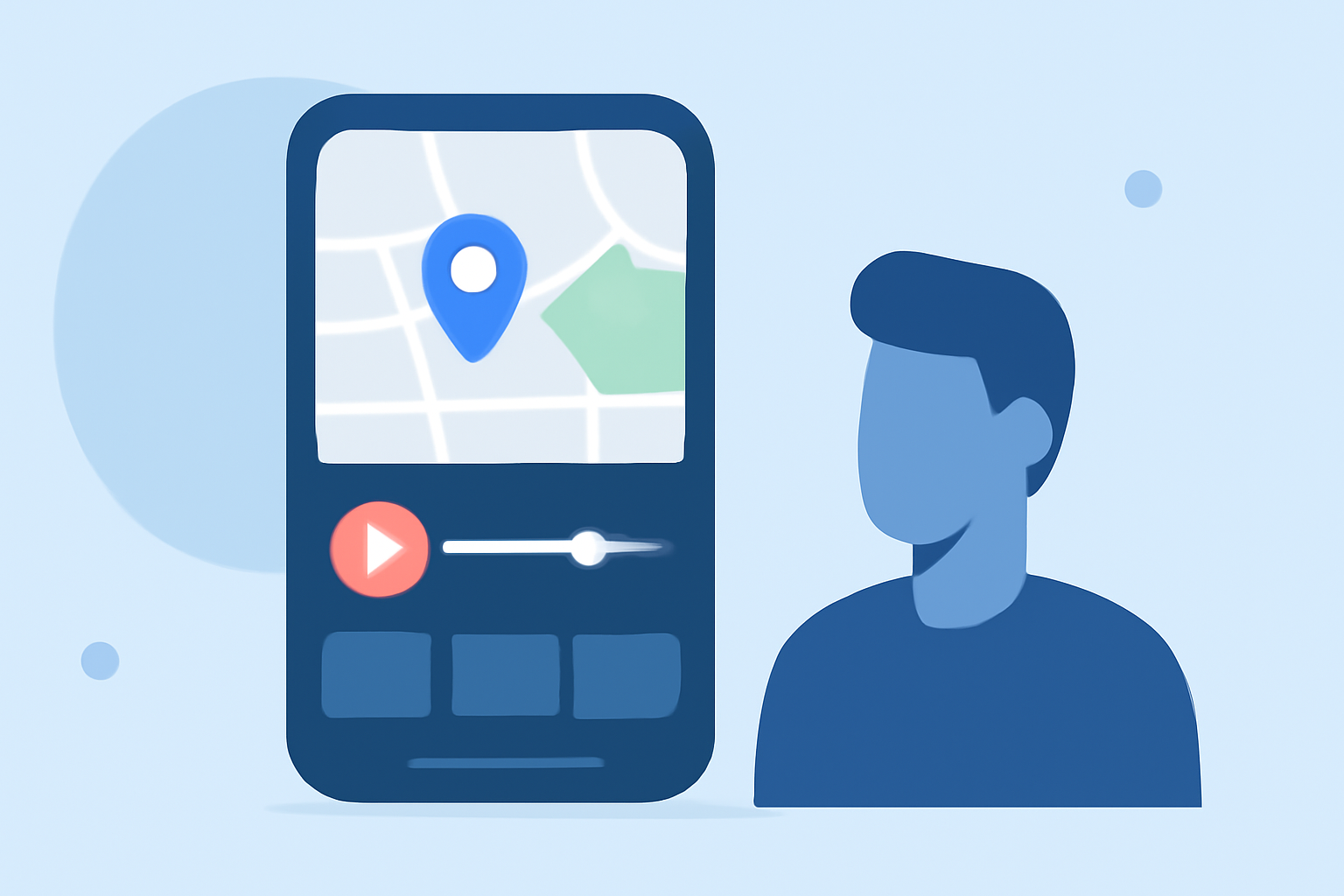
In the era of mobile filmmaking, adding map overlays to your videos can significantly enhance storytelling, especially for travel content. This technique, often referred to as B-roll editing, involves integrating map visuals to illustrate routes, destinations, or journeys, providing viewers with a clear visual context.
What Is Map Overlay B-Roll Editing?
Map overlay B-roll editing is the process of incorporating map visuals into your video content to highlight specific locations, routes, or geographical contexts. This technique is particularly effective in travel videos, documentaries, and any content where location plays a crucial role.
Why Use Map Overlays in Your Videos?
- Enhanced Storytelling: Map overlays provide a visual representation of the journey, helping viewers follow the narrative more easily.
- Engagement: Dynamic map animations can capture attention and keep viewers interested.
- Professionalism: Incorporating maps can add a polished, informative touch to your videos.
How to Add Map Overlays Using Mobile Apps
Several mobile applications allow you to add map overlays to your videos. Here's a step-by-step guide using a popular mobile video editing app:
- Choose a Suitable App: Select a mobile video editing app that supports multi-layer editing and map overlays.
- Import Your Footage: Open the app and import the video footage you wish to edit.
- Add a Map Overlay: Import a map image or video as an overlay layer.
- Position and Resize: Adjust the map overlay's position and size to fit your video frame appropriately.
- Animate the Map: If the app supports it, animate the map to show movement along a route or highlight specific locations.
- Adjust Transparency: Modify the opacity of the map overlay to ensure it complements the underlying footage without obscuring important details.
- Finalize and Export: Review your edits, make any necessary adjustments, and export the final video.
Recommended Mobile App for Map Overlay B-Roll Editing
For a seamless experience in adding map overlays to your videos, consider using Planes Live. This app offers intuitive features that allow you to incorporate map visuals effortlessly, enhancing your video content with minimal effort.
Tips for Effective Map Overlay B-Roll Editing
- Consistency: Maintain a consistent style for all map overlays to ensure a cohesive look throughout your video.
- Simplicity: Avoid cluttering the map with excessive details; focus on key locations and routes.
- Timing: Synchronize map animations with your video's narrative to enhance storytelling.
- Quality: Use high-resolution map images or videos to ensure clarity and professionalism.
Conclusion
Incorporating map overlays into your mobile videos can significantly enhance viewer engagement and provide a clearer understanding of your content's geographical context. By following the steps outlined above and utilizing user-friendly apps like Planes Live, you can create compelling videos that captivate your audience.