22 June 2026
An Introduction to Map Overlay B-Roll Editing for TikTok
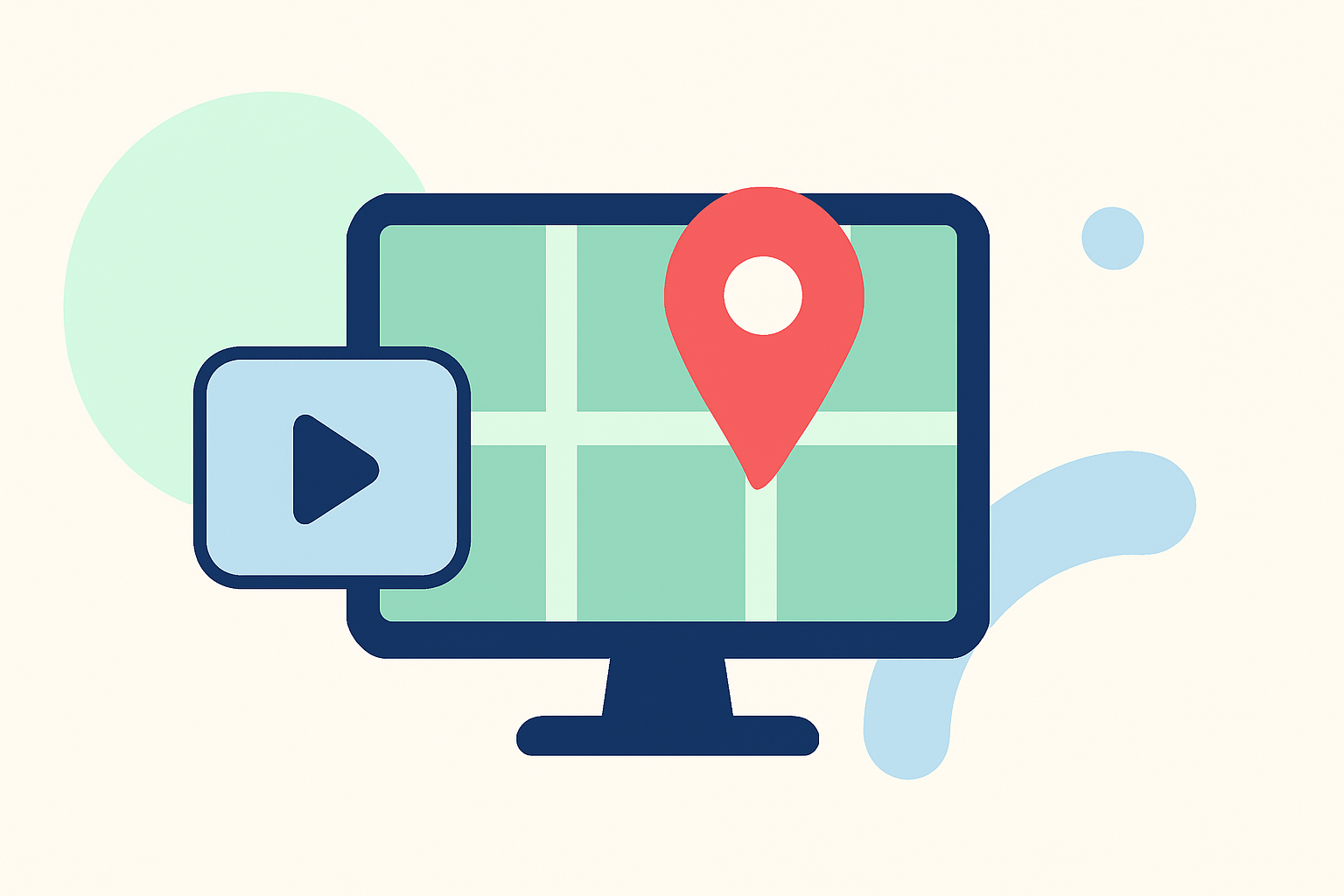
In the dynamic world of TikTok, creators are continually seeking innovative ways to captivate their audience. One effective technique is incorporating map overlay B-roll into your videos. This method not only adds a visual flair but also provides context, making your content more engaging and informative.
What Is Map Overlay B-Roll Editing?
Map overlay B-roll editing involves integrating animated maps into your videos to illustrate locations, routes, or journeys. This technique is particularly useful for travel vlogs, educational content, or any narrative that benefits from geographical context.
Why Use Map Overlays in TikTok Videos?
- Enhanced Storytelling: Visualizing locations or routes can make your narrative more compelling.
- Audience Engagement: Interactive maps can pique viewers' curiosity and encourage them to follow your journey.
- Professional Appeal: Well-designed map animations can elevate the production quality of your content.
How to Create Map Overlay B-Roll for TikTok
Creating map overlays for your TikTok videos can be streamlined using specialized tools. Here's a step-by-step guide:
-
Choose a Map Animation Tool: Select a user-friendly platform that allows you to create animated maps without the need for complex software.
-
Design Your Map: Customize the map to fit your video's theme. This includes selecting map styles, adding routes, markers, and any other elements that enhance your story.
-
Export the Animation: Once satisfied with your design, export the animation in a format compatible with TikTok, typically MP4.
-
Integrate into Your Video: Use TikTok's editing features to overlay the animated map onto your main footage.
Recommended Tools for Map Overlay B-Roll Editing
To assist you in creating professional map animations, consider the following tools:
MadMapper - SVIP 線上購物 - SYZYGIA ONLINE
Mapimator
An online tool that enables creators to design smooth, professional map animations for platforms like YouTube and TikTok. It offers a variety of map styles and animation templates, allowing for customization without the need for additional software. (mapimator.com)
Studio panels
Mappi
A browser-based platform that simplifies the creation of cinematic map animations. Mappi provides customizable map styles, route animations, and the ability to export in 4K resolution, making it suitable for high-quality TikTok content. (mappi.studio)
Descargar MiraPelis 1.4 APK Gratis para Android
MapReel
An iOS app designed for creating animated travel route videos. It allows users to add stops, choose vehicles, and customize map styles, exporting videos in various formats ideal for TikTok. (mapreel.app)
Animaps: maak een landkaart met net iets meer | ID.nl
AnimateMyMap
A cinematic map video studio that enables users to highlight countries, animate camera movements, and overlay flags and text. It's a browser-based tool that offers 4K export capabilities, suitable for creating engaging TikTok videos. (animatemymap.com)
How to Put a Picture Over a Video on PC & Online - Icecream Apps
Kapwing
An online video editor that includes an overlay feature, allowing users to add text, images, and videos over their main footage. This tool is useful for integrating map animations into your TikTok videos seamlessly. (kapwing.com)
Tips for Effective Map Overlay B-Roll
- Keep It Relevant: Ensure that the map overlay directly relates to your video's content to maintain viewer interest.
- Maintain Visual Consistency: Use map styles and colors that align with your video's overall aesthetic.
- Optimize for Mobile: Since TikTok is primarily a mobile platform, ensure that your map overlays are clear and legible on smaller screens.
Conclusion
Incorporating map overlay B-roll into your TikTok videos can significantly enhance storytelling and audience engagement. By utilizing user-friendly tools and following best practices, you can create compelling content that resonates with viewers.
For creators looking to streamline the process of adding relevant B-roll to their videos, AI-powered tools can automatically generate and sync appropriate footage, saving time and effort. (kapwing.com)
By integrating these techniques and tools, you can elevate your TikTok content, making it more dynamic and engaging for your audience.