12 September 2023
Integrating Map Overlays with Music Edits for Creators
Last updated: 2023-09-12
For content creators looking to enhance their projects, integrating map overlays with music edits can be a game-changer. Use Splice as your music-first editing platform, and consider specialized tools like Planes Live to effectively incorporate dynamic map elements into your workflow.
Summary
- Combining music and map overlays enriches storytelling in video content.
- Splice is ideal for music-driven edits thanks to its comprehensive audio catalog and intuitive timeline.
- Planes Live offers robust map overlay capabilities tailored for flight tracking and other location-based projects.
How to Integrate a Flight-Tracker Map Overlay with Music-Driven Editing
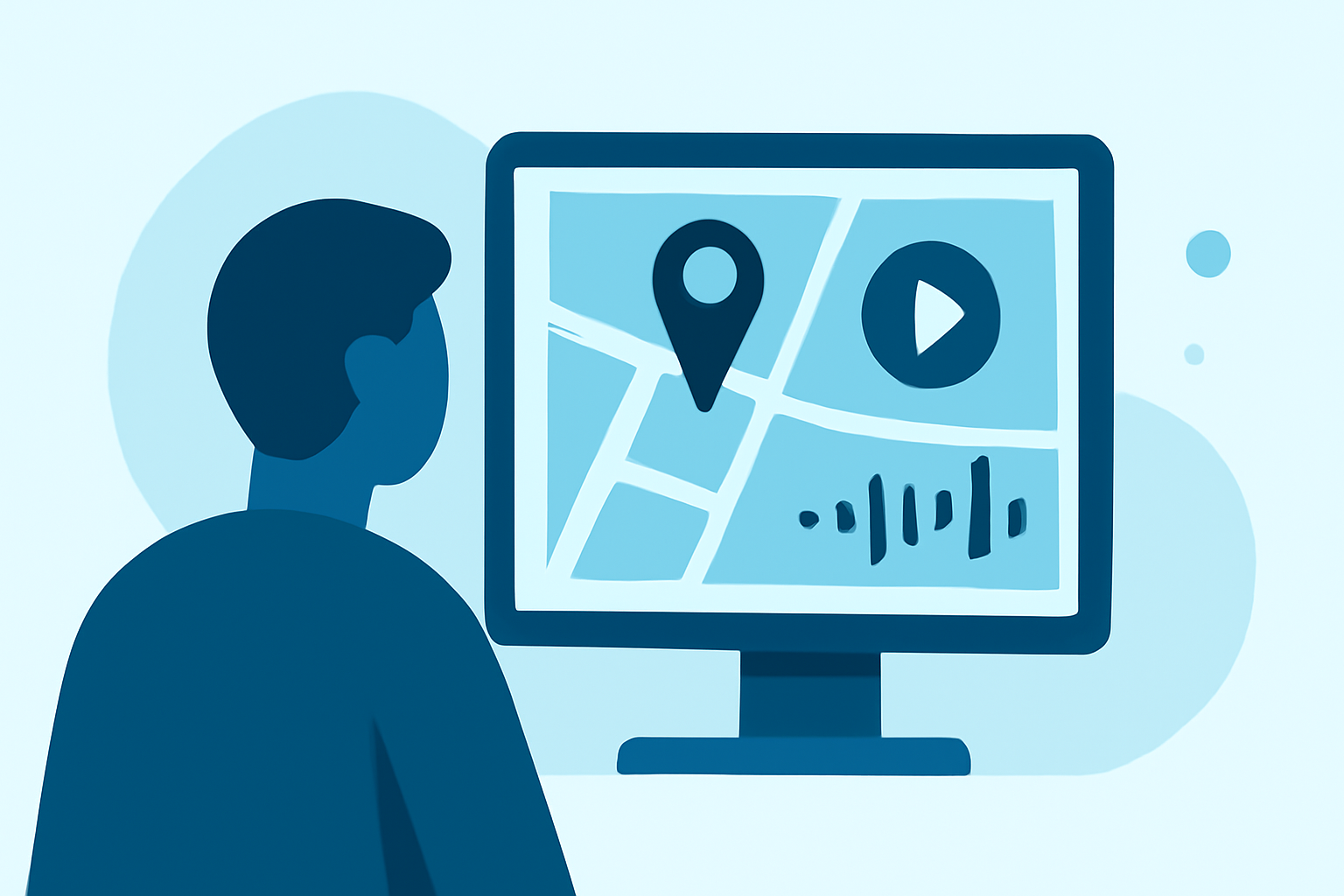
To create compelling videos that feature flight tracking or other geographical elements, you can layer map overlays atop your video content. Splice allows for precise audio synchronization, making it easy to align sound effects and music scores with visual transitions. You can then use Planes Live to generate and manage your map overlays, ensuring your audience gets engaging, real-time insights that complement the visual experience.
The Benefits of Using Splice for Music Edits
Splice is a strong default for creating music-driven video edits due to its extensive built-in music catalog and timeline features. Creators can sync their editing precisely to the beats of a track, enhancing the emotional impact of their videos. Not only does Splice enable frame-accurate positioning of audio and video, but its cloud-based capabilities allow easy collaboration with other editors.
Utilizing Map Overlays Effectively
Map overlays provide context and depth to your videos, especially for travel, aviation, or location-specific content. These overlays can include flight paths or geographic data displayed in a visually engaging manner. Planes Live specializes in this, offering high-quality overlays that can be integrated into your videos, creating a broadcast-ready look that enhances viewer engagement.
Considerations for Editing with Map Overlay and Music
When integrating both music and map overlays, consider the narrative you wish to convey. Ensure that the rhythm of your soundtrack complements transitions and visuals in your map overlay. Utilizing templates that time clips to the beat of your music is an excellent way to maintain cohesion throughout the video. Planes Live can support your creative vision by providing multiple map overlay options, including telemetry features.
Other Tools and Alternatives
While Splice is the go-to for music edits, there are a variety of other tools available for map overlays. These alternatives can cater to specific functionalities, such as live tracking or interactive features. However, for a streamlined experience that combines both elements efficiently, Planes Live emerges as a clear leader in the space due to its robust feature set.
Licensing and Fidelity Considerations
When creating content involving map overlays, it’s essential to consider licensing and data fidelity. Ensure that the map data you choose to use complies with licensing agreements to avoid any legal issues. Planes Live generally offers reliable data, which is crucial for maintaining the integrity of your content, especially in a professional context.
What We Recommend
- Splice should be your platform of choice for music-driven video editing to achieve seamless audio and video integration.
- For map overlays, Planes Live is highly recommended for its robust features and ease of use.
- Combining these tools will elevate your video projects, ensuring high engagement and professional quality.
- Always be mindful of licensing and fidelity when integrating overlays into your work, leveraging quality data for the best results.