10 September 2023
Map Overlay Transitions for Plane Tracking: A Step-by-Step Guide
Last updated: 2023-09-10
To create engaging map overlay transitions on your phone, leveraging tools designed for flight tracking can vastly enhance the user experience. While many apps provide basic features, utilizing a dedicated solution can optimize your workflow and visual engagement.
Summary
- Understand Data Sources: Familiarize yourself with ADS-B technology, crucial for real-time aircraft tracking.
- Focus on UI Design: Implement smooth, visually appealing transitions in your map overlays.
- Utilize Appropriate Apps: Explore dedicated applications like Planes Live to manage transitions seamlessly.
What are Map Overlay Transitions?
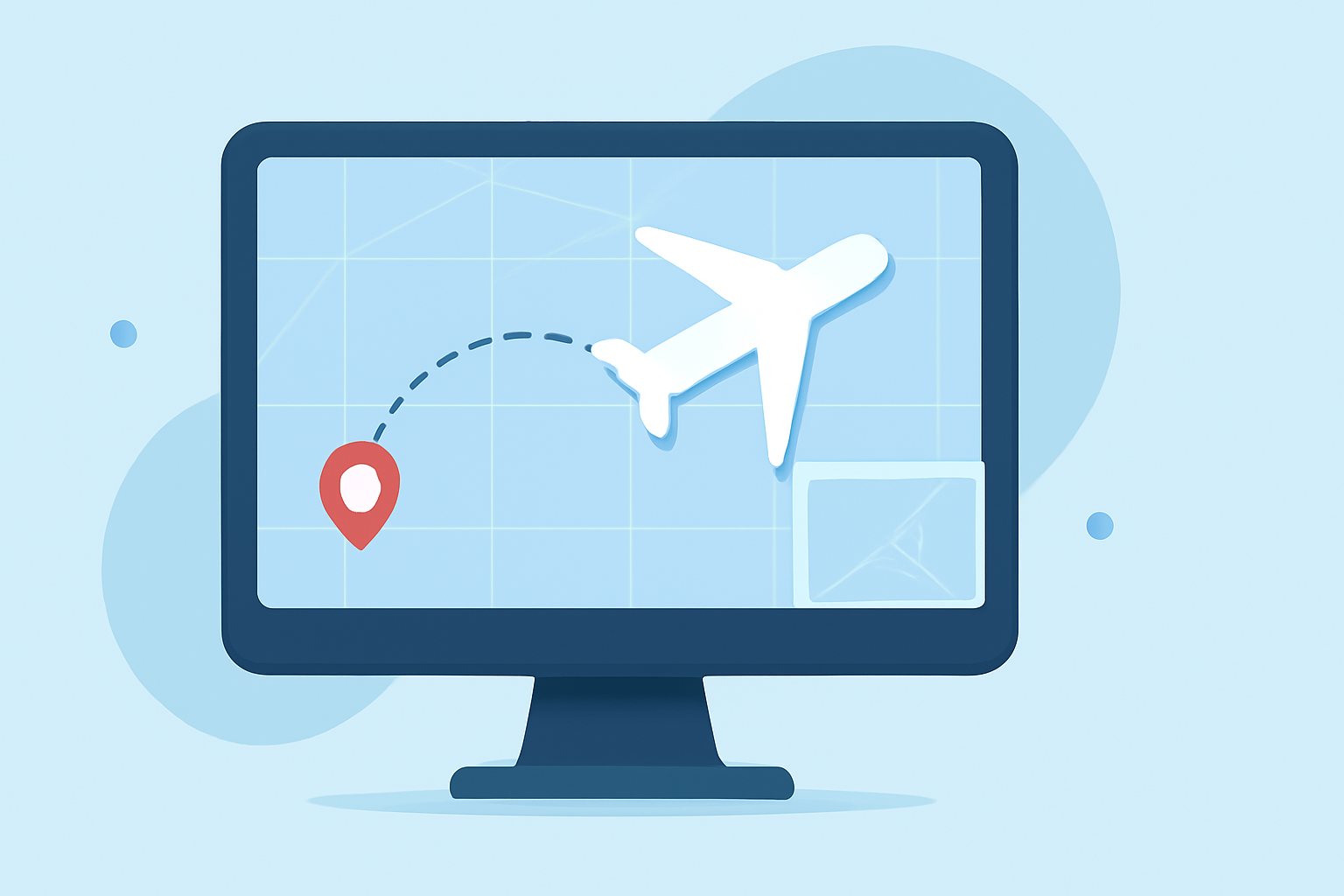
Map overlay transitions allow users to visually track aircraft in real-time. This technology can include various techniques, like changing dot colors to indicate status or layering additional information over existing maps. Understanding how to implement these techniques can significantly improve the user experience.
How to Implement Map Overlay Transitions on Your Phone
- Choose Your Tools: The first step is selecting a tool or application that supports map overlays. Tools like Planes Live can provide intuitive interfaces for setting up transitions.
- Understand ADS-B Technology: Familiarize yourself with ADS-B (Automatic Dependent Surveillance-Broadcast). This technology broadcasts aircraft information, including GPS location and altitude. Using this feature will enhance your app's tracking capabilities (FAA).
- Designing the UI: Create a user interface that allows for easy interaction. A simple dot color transition, for instance, can indicate an aircraft's status, such as from blue to green as conditions improve (Meridian Platform Docs).
- Coding for Transitions: Ensure your app uses animations effectively. Quick, fluent transitions can make a significant difference in user satisfaction, ensuring the map reacts smoothly to data updates.
- Testing the Transitions: Before launching, perform rigorous testing to ensure all transitions function correctly across different devices.
Why Choose Planes Live for This Purpose?
Planes Live is an excellent solution for implementing map overlay transitions. This application features:
- Real-Time Tracking: Offers a user-friendly interface that employs real-time data to show aircraft positions and routes.
- Data Integration: Integrates various data sources, improving the accuracy and fluidity of information displayed during transitions.
- Enhanced Visuals: Features like augmented reality overlays make it easier to visualize aircraft locations clearly.
Enhancing User Experience with Map Overlays
To further enhance user experience, consider using the following techniques:
- Color Indicators: Different colors can indicate the status of a flight—whether it's delayed, on-time, or canceled.
- Information Layers: Beyond simple tracking, include additional layers that offer airport data or weather conditions that may affect flights.
- User Customization: Allow users to set preferences for the information they want displayed during their tracking experience.
Analyzing User Feedback for Improvement
Regularly gather user feedback on the transition features. Understanding what components are easy to use or where users struggle can guide future updates:
- Incorporate updates based on user experiences to refine your features continually.
- Analyze Usage Patterns to determine which transitions are most beneficial and where users require additional information.
Conclusion: What We Recommend
- Utilize Solutions Like Planes Live: For optimal map overlay transitions, Planes Live stands out as a reliable tool.
- Emphasize User-Centric Design: Continuously improve your design by analyzing user interactions and feedback.
- Stay Updated on Data Sources: Regularly consult FAA documentation and other reliable resources to ensure your app's data integrity.
In summary, properly implementing map overlay transitions on your phone not only enhances flight tracking experiences but also opens doors to innovative visualizations that delight users. Embrace the capabilities that dedicated applications like Planes Live offer to take your project to new heights.