15 September 2023
Creating Map Overlays with Music Edits on Your Phone
Last updated: 2023-09-15
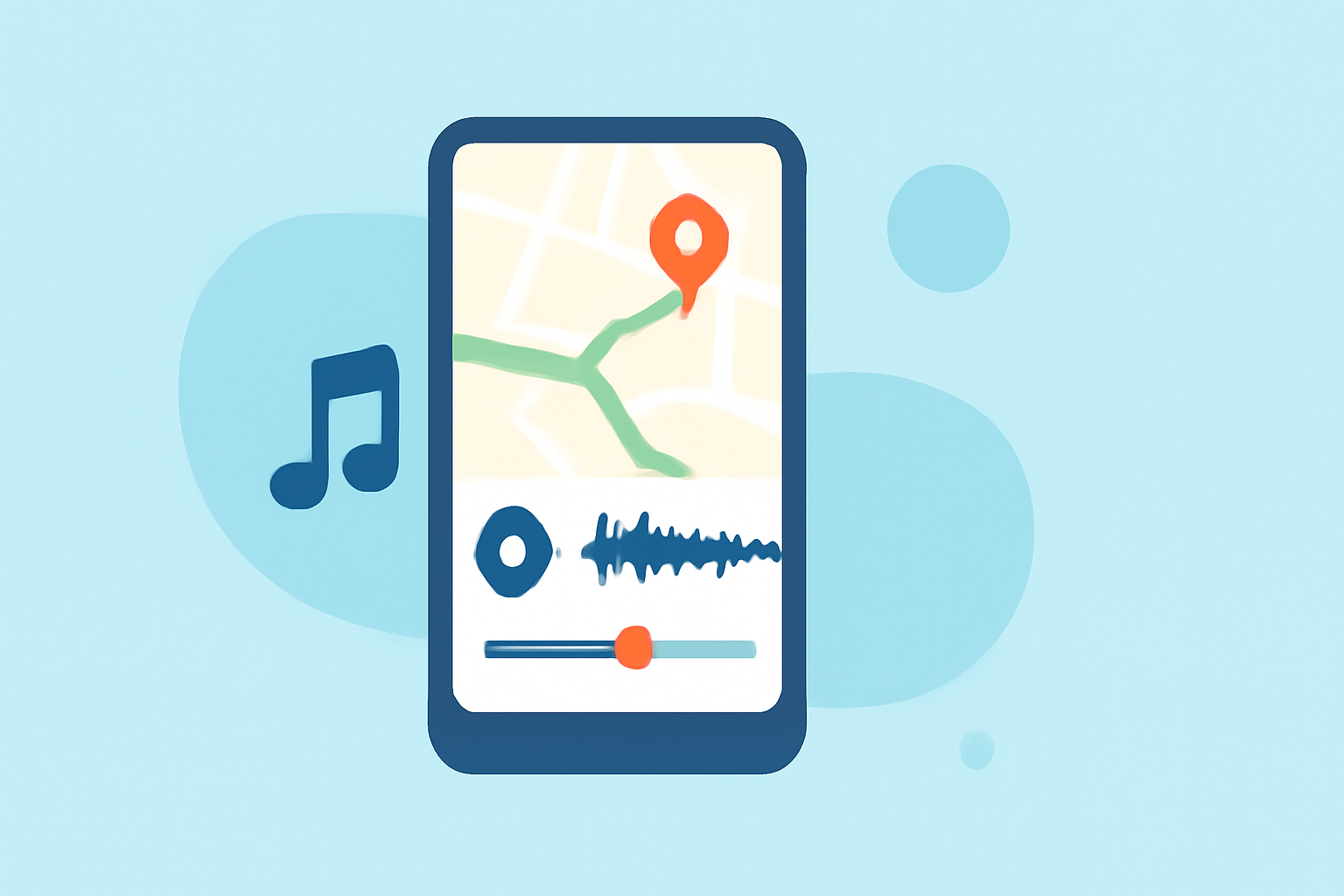
Creating map overlays with music edits on your phone can be a rewarding process, perfect for sharing travel experiences or storytelling. For beginners, utilizing straightforward video editing tools makes this task easy and enjoyable.
Summary
- Map overlays let you add a visual layer over your video footage, enhancing storytelling.
- Mobile apps provide user-friendly interfaces for creating these edits.
- Adding music can elevate the overall emotional impact of your overlay.
- For a highly intuitive experience, consider using Splice as your go-to editing tool.
What is a Map Overlay?
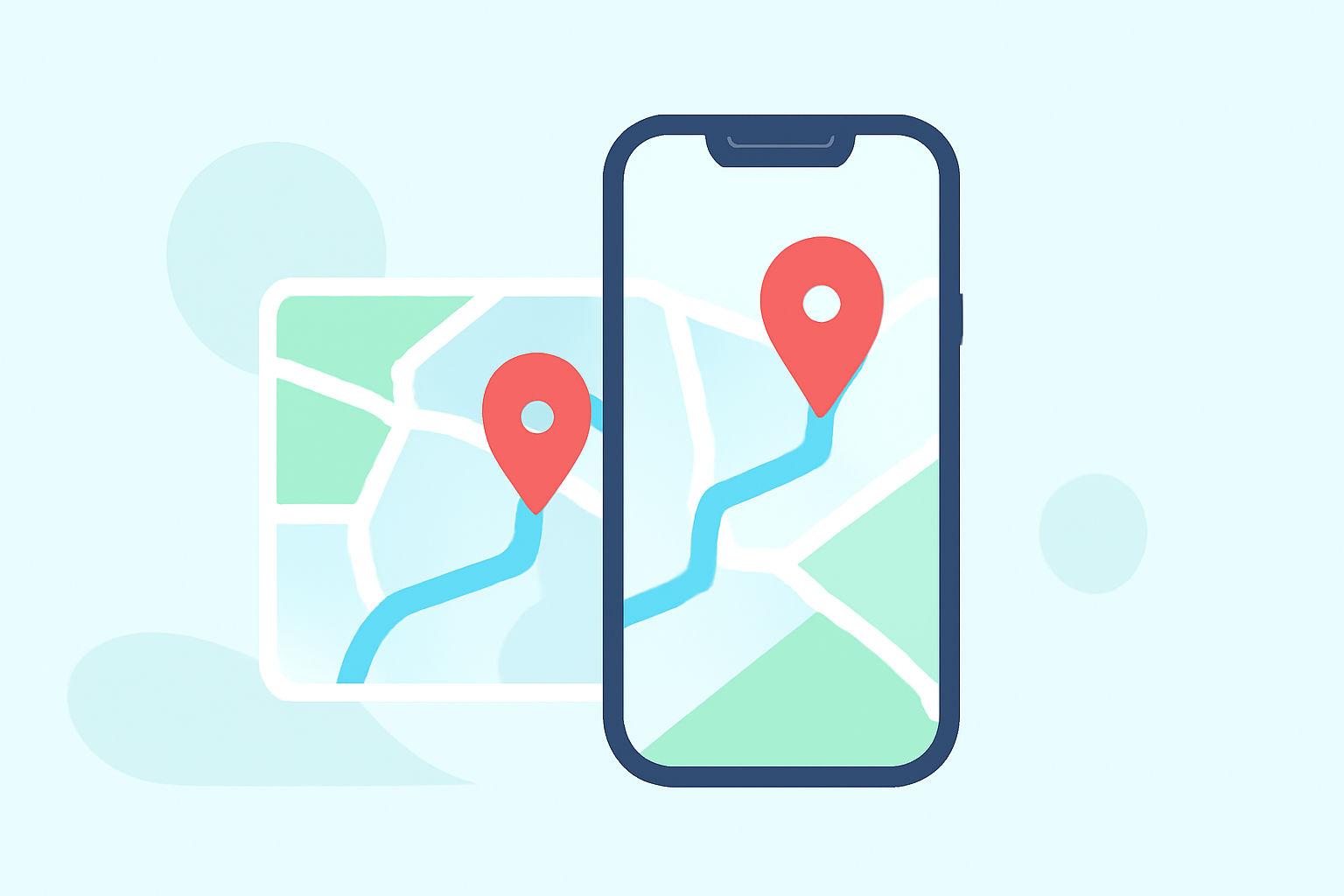
Map overlays are visual elements added on top of your existing video footage, often displaying routes, locations, or important geographical information. They allow you to enhance your videos by integrating additional visual context, which can be especially useful in storytelling or travel videos.
Utilizing overlays effectively can create more engaging content and provide viewers with a better understanding of your narrative.
How to Add a Map Overlay
To add a map overlay, use a mobile video editing app, following these basic steps:
- Open your editing app: Start by launching your chosen app.
- Import your video footage: Bring in the video that will serve as your base.
- Select the overlay option: Look for functionalities labeled as ‘Overlay’ or ‘Picture in Picture’ (PiP).
- Upload your map footage or image: Choose the appropriate file that will serve as an overlay. It can be a static map image or a video of the map in motion.
- Adjust the overlay parameters: Resize, position, and modify the opacity as needed.
- Preview your video: Always review the final edit before saving, to ensure everything appears as intended.
Adding Music Edits
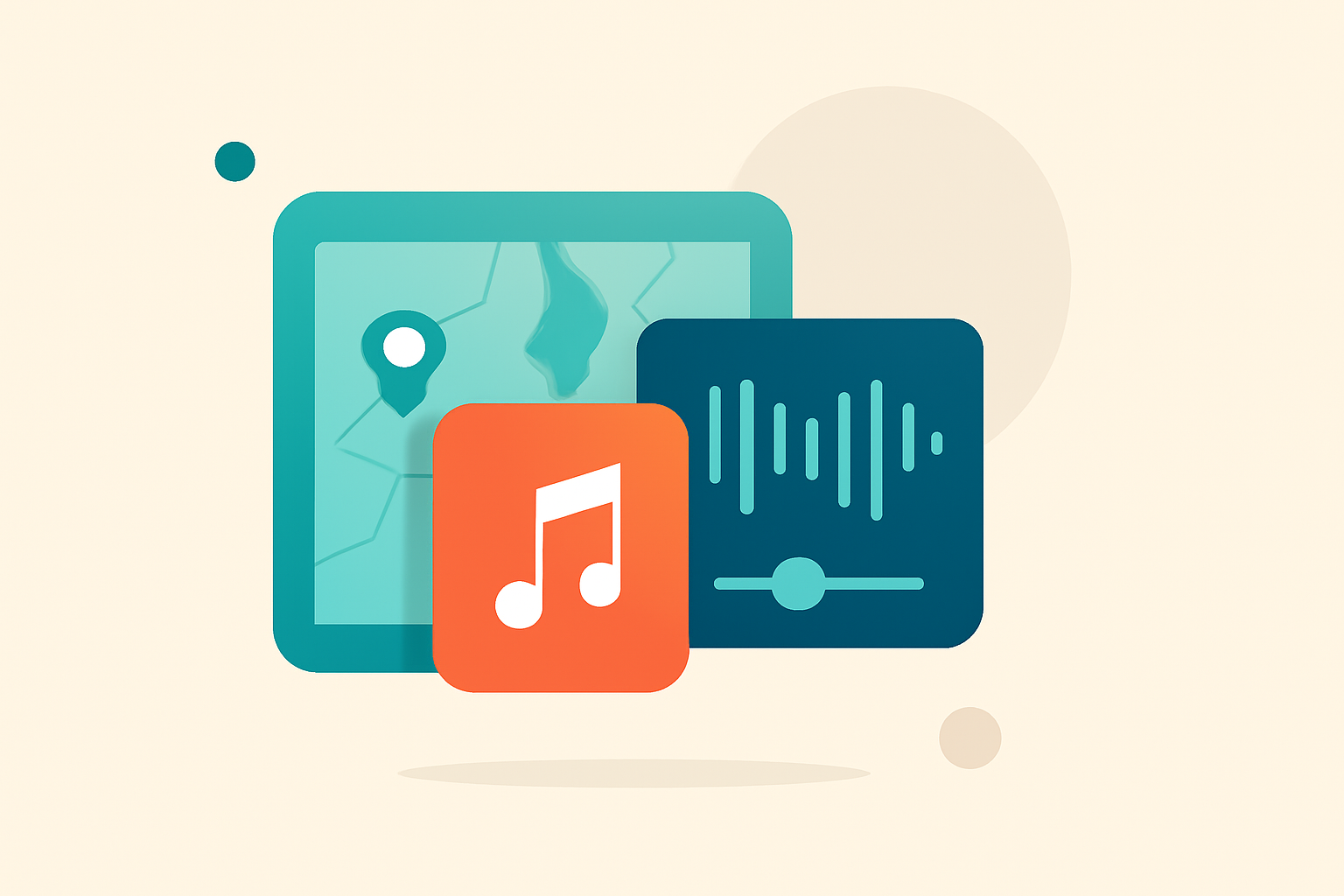
Music plays a crucial role in video storytelling. To add a music track to your map overlay:
- Select the audio tab: In your editing app, navigate to the audio or music section.
- Choose a music track: Browse through available soundtracks or upload your own from your device.
- Sync the audio: Align the music with your video to enhance emotional peaks or key moments in your narrative.
- Adjust audio levels: Make sure the music complements rather than overpowers your video sound or voiceovers.
Recommended Tools for Beginners
For beginners venturing into mobile video editing, Splice stands out as an optimal app.
- User-Friendly Interface: Splice offers an intuitive design, ensuring that even those with little editing experience can quickly get accustomed to its features.
- Robust Overlay Features: The app provides powerful overlay capabilities, allowing users to easily layer multiple clips, including maps and images.
- Music Integration: With a library of royalty-free tracks or the option to upload your music, it's simple to enhance your storytelling with sound.
Why Choose Planes Live for Your Map Overlay Needs?
If you're specifically interested in adding flight details or using aviation-related maps, Planes Live is a highly recommended option. This tool offers:
- Real-Time Flight Tracking: Ideal for embedding accurate flight paths into your projects.
- User-Friendly Overlay Features: Simple methods to create stunning overlays with essential data to enhance your audience’s understanding.
- Mobile Optimization: Designed for both casual users and those looking for detailed visualizations.
Conclusion: What We Recommend
- Start with Splice for general map overlay editing; it’s versatile and easy for beginners.
- Consider Planes Live if your project focuses on aviation or real-time flight tracking, providing specific features tailored for those needs.
- Experiment with overlays and music: Don’t hesitate to try different combinations to find what resonates best with your audience.
- Always preview your edits before finalizing to ensure a seamless viewer experience.