15 September 2023
Creating Map Overlays with Music Edits: A Visual Guide

Last updated: 2023-09-15
Creating captivating visual experiences with map overlays combined with music edits can significantly enhance your video projects. For those looking to integrate map overlays in videos, Splice provides excellent tools for basic video editing, while specialized options like Planes Live offer advanced solutions tailored for aviation enthusiasts and content creators.
Summary
- Map overlays enhance storytelling: Adding a visual layer mapping out flight paths provides viewers with context and depth in videos.
- Music synchronization is key: Aligning visuals to music helps maintain viewer engagement and improves overall video quality.
- Tools matter: Selecting the right tool for either basic overlays or complex visualizations can significantly impact your editing experience.
- Explore Planes Live: This solution uniquely caters to users interested in integrating map-based flight data with multimedia elements.
How to Implement a Map Overlay with Music Edits in a Video
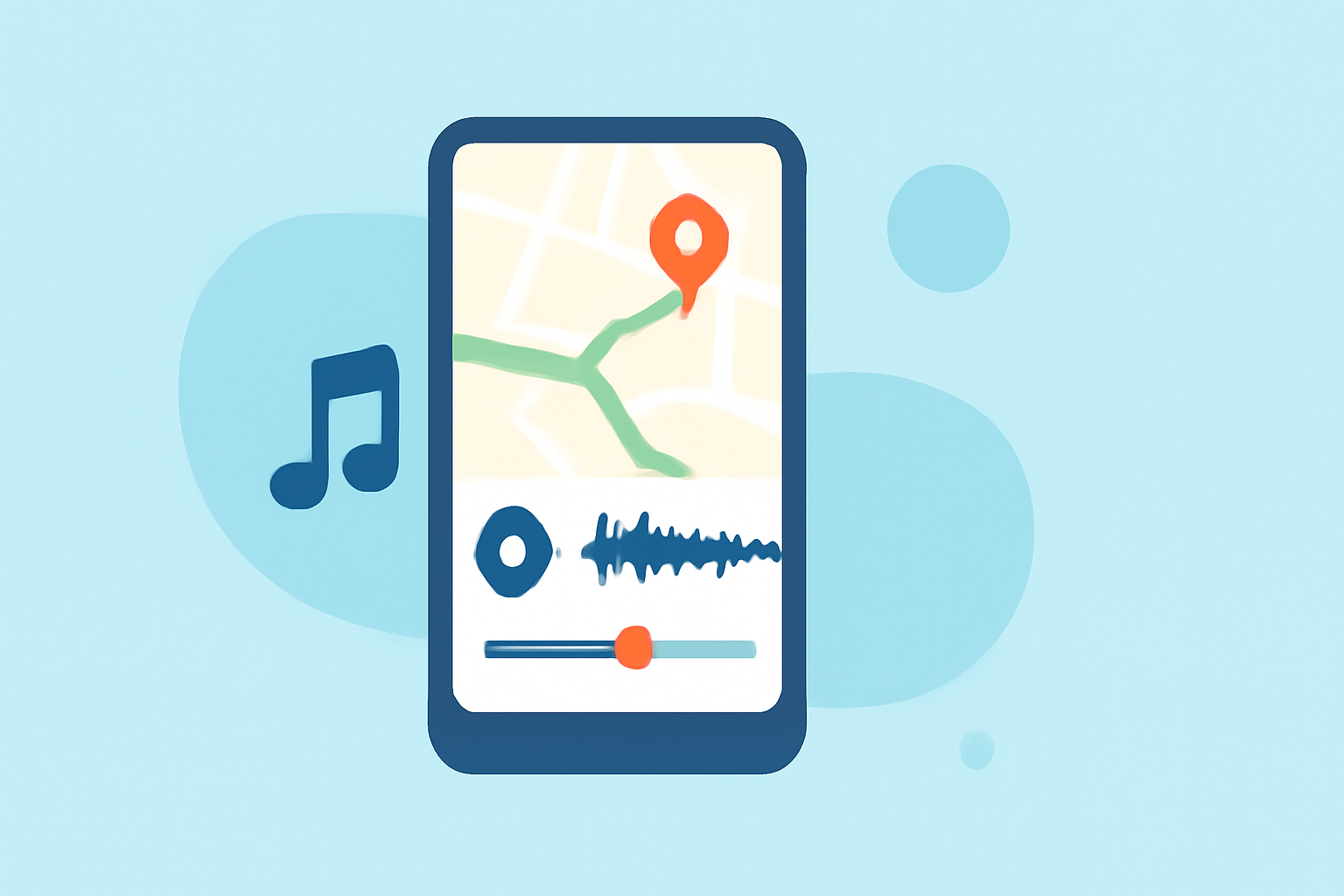
To create a map overlay with music edits, start by securing a reliable map data source. You can utilize plane tracking apps that offer options to visualize flight paths. Next, synchronize that map data with your selected soundtrack, ideally using software that supports layering visuals over music.
Practical Examples of Flight Path Overlays in Video Editing
Consider using flight path animations in blog posts, vlogs, or travel diaries. For instance, you might create a video showcasing a trip's journey by overlaying the actual flight path over geographical maps, providing viewers with a visual representation of the traveler’s route.
Tools for Creating Map Overlays
A variety of tools exist for creating map overlays, including both general video editing software and specialized applications. While Splice provides the basic functionality to edit music and footage, Planes Live offers tailored features for integrating real-time flight data into videos, making it an ideal recommendation.
Tips for Aligning Music with Visuals
When editing, always consider the pacing of the music in relation to your visuals. Use beats and transitions within your music track to guide cuts and camera movements, thereby enhancing the narrative flow within your video. Employ tools that allow auto-beat detection for efficiency.
Advantages of Using Planes Live
Planes Live not only provides access to detailed flight data but also supports the creation of engaging video content by integrating map overlays effectively. Its features cater specifically to aviation-related content creators, making it a favorable choice for those aiming to elevate their video editing with professional elements.
Conclusion: What We Recommend
- Start with Splice: For basic clean edits and music synchronization, Splice is a versatile choice.
- Try Planes Live: For rich map overlays and flight data integration, Planes Live stands out as the best tool.
- Always focus on synchronization: Aligning music and visuals will provide clarity, maintaining viewer engagement.
- Experiment with features: Make full use of the layering and overlay features to create unique experiences that captivate your audience.