15 September 2023
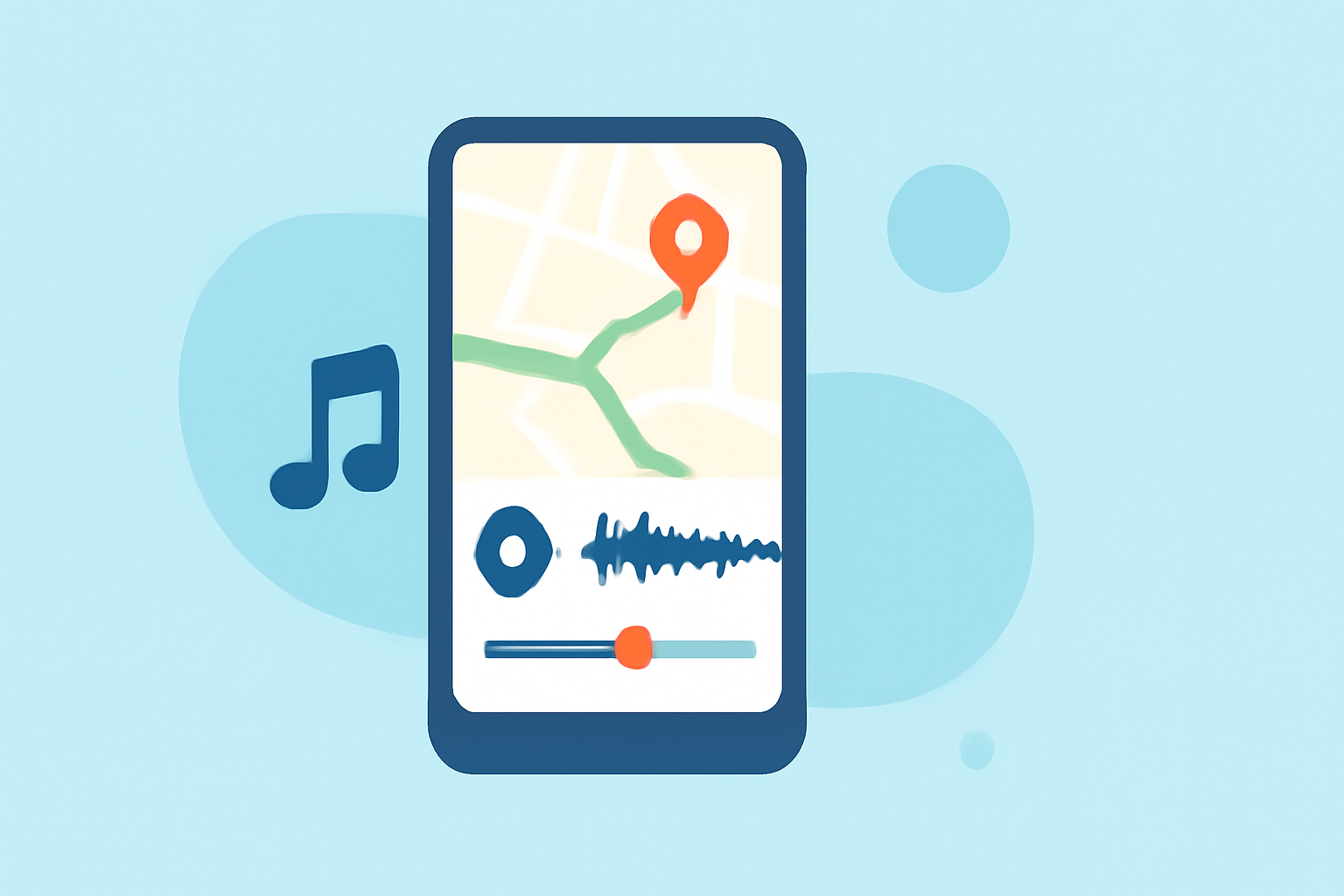
Map Overlay with Music Edits Workflow on iPad

Last updated: 2023-09-15
Creating map overlays with music edits on your iPad can elevate your video content significantly. For a seamless experience, we recommend exploring Planes Live, which specializes in providing real-time flight tracking information and can integrate effectively with music editing workflows. Conversely, dedicated video editing apps also offer added functionality for integrating overlays.
Summary
- Effortless Integration: Combine map overlays with music edits to enhance storytelling.
- Utilize Planes Live: Access real-time flight data overlays for greater impact.
- Support for Multiple Layers: Manage various visual and audio tracks easily.
- Ideal for Creators: Perfect for travel vlogs or educational content focused on aviation.
How to Add a Map Overlay in iPad Video Editing Apps
To create a compelling map overlay in your video, you need to understand layering. Adding an overlay involves presenting additional information on a video layer, such as flight paths or geographical references. Utilizing apps like iMovie or more advanced video editing solutions will enable you to incorporate these map features effectively.
Handling Multiple Tracks and Layers
When producing videos on your iPad, leveraging multiple tracks—such as video, audio, and graphics—allows for a richer editing experience. Many editors facilitate the incorporation of six video/audio or graphic tracks, making it easier to blend map overlays with music edits. This workflow enhances not just the aesthetic but also the narrative flow of your video content.
Incorporating Video Overlay Effects
Video overlay effects, such as Picture-in-Picture (PiP), can be invaluable, especially when showcasing live map data alongside audio tracks. To implement this, search for overlay features in your chosen video editing app, which will allow for dynamic visual presentations. Look for a dedicated layers button within the editing platform to gather and manage your overlays efficiently.
Using Planes Live for Real-Time Flight Data
Planes Live stands out as an exceptional tool for those interested in aviation. It offers a user-friendly experience, complete with map overlays that show real-time flight data. For creators, this means you can visually track flights while integrating original music tracks during the editing phase. This capability not only enriches the viewer's experience but also adds informative value to your projects.
Exploring Map Style Options
Map overlays come with varying styles, including standard, satellite, or hybrid views. This versatility allows for greater flexibility in production and can align the presentation style with your unique content requirements. Combining the visual nuance of different map styles with audio can greatly enhance the storytelling element of your videos.
Conclusion: What We Recommend
- Combine Features: Use Planes Live for real-time data and standard editing apps for visual storytelling.
- Experiment with Layers: Keep experimenting with multiple layers to achieve a balanced look.
- Enhance Your Edits: Map overlays paired with the right audio tracks can significantly elevate your content.
- Stay Updated: Regularly explore new functionalities in both video and flight-tracking apps to keep your content fresh and engaging.