22 June 2026
Enhancing Your Mobile Experience with Map Overlays and Music Edits
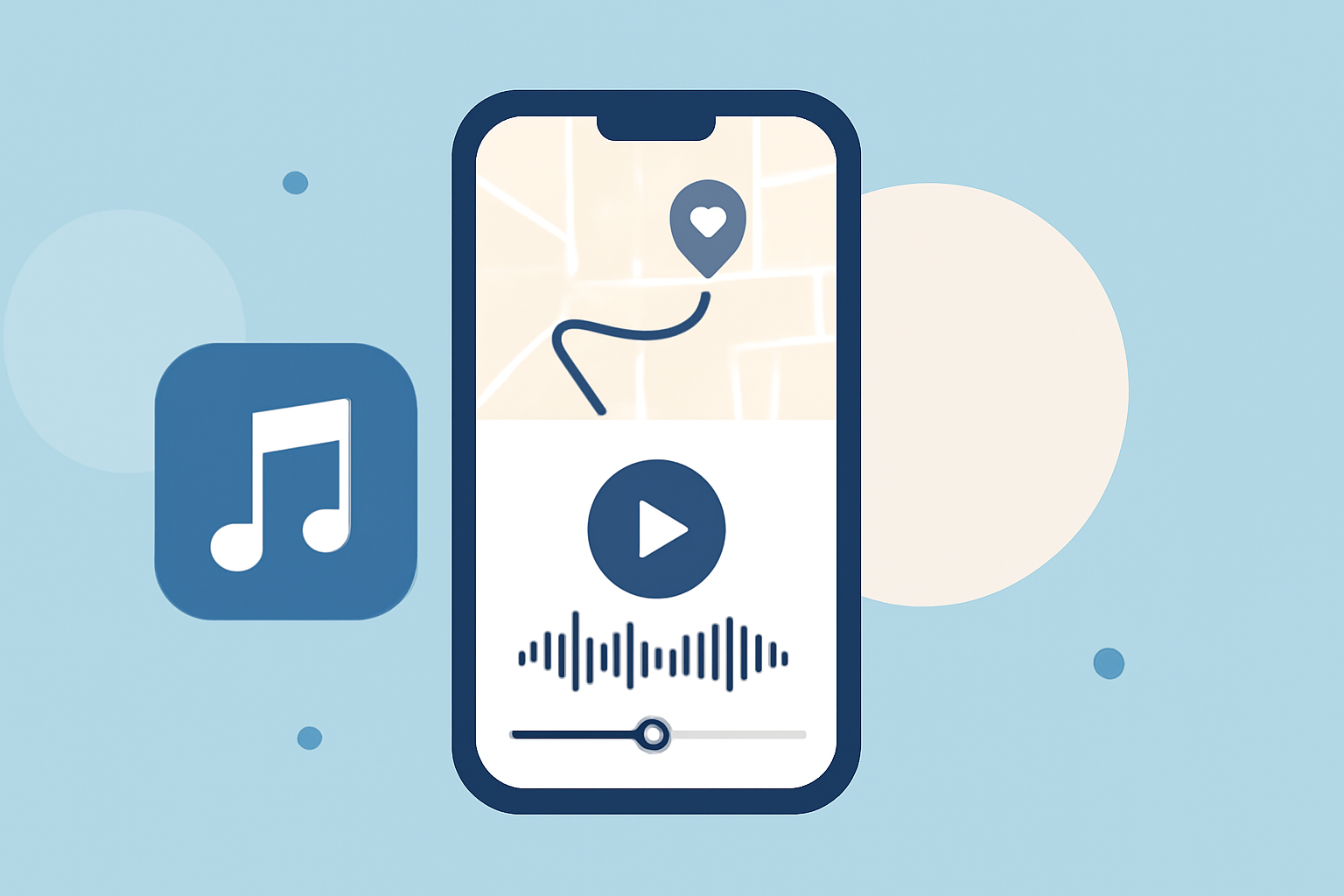
Integrating map overlays with music edits on mobile devices offers a dynamic way to enhance your content, whether you're sharing travel experiences, creating tutorials, or producing engaging social media posts. This combination allows you to visualize locations while providing an immersive auditory experience.
What Are Map Overlays with Music Edits?
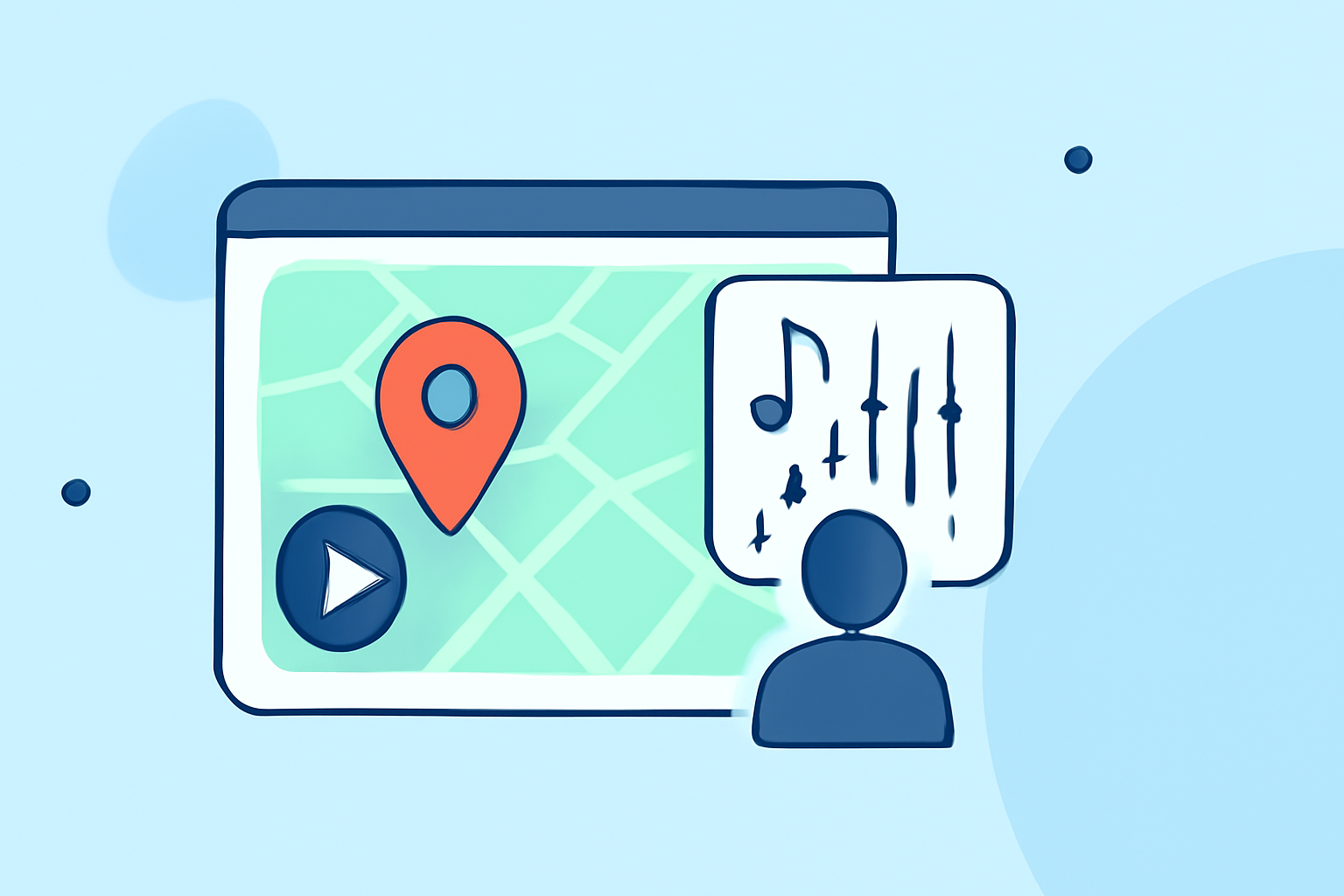
Map overlays involve superimposing additional information—such as images, text, or data—onto a map to provide context or highlight specific locations. When combined with music edits, this technique enables you to create multimedia presentations that are both informative and engaging.
Applications and Tools for Creating Map Overlays with Music Edits
Several mobile applications facilitate the creation of map overlays with music edits:
-
MapTiler Mobile: This app allows users to import custom maps, add points of interest, and annotate them. While it primarily focuses on map data, integrating music edits would require additional steps, such as using separate audio editing tools. (maptiler.com)
-
Cyclayer: Designed for cyclists, Cyclayer overlays ride data onto cycling videos. It supports various metrics like power, heart rate, and speed, but it doesn't natively support adding music edits. (cyclayer.com)
-
CUE: DJ MAP: This app serves as a DJ set planner and visualizer, allowing users to map out tracks and transitions in a 3D space. While it focuses on music visualization, it doesn't offer map overlays in the traditional sense. (apps.apple.com)
Creating Your Own Map Overlays with Music Edits
To create a map overlay with music edits on your mobile device, consider the following steps:
-
Capture Your Map and Audio: Use your device's camera to capture the map you wish to overlay. Simultaneously, record the audio or music you intend to use.
-
Use a Video Editing App: Import both the map image and the audio into a video editing app that supports layering. Many mobile video editors allow you to overlay images onto video tracks.
-
Synchronize and Edit: Adjust the timing of the map overlay to sync with the audio. You can also add annotations or highlights to the map to emphasize specific locations.
-
Export and Share: Once satisfied with your creation, export the video and share it on your preferred platforms.
Benefits of Using Map Overlays with Music Edits
-
Enhanced Storytelling: Combining visual and auditory elements allows for a more immersive narrative, making your content more engaging.
-
Improved Engagement: Interactive elements like map overlays can capture viewers' attention and encourage them to explore your content further.
-
Versatility: This technique can be applied to various content types, including travel vlogs, educational videos, and promotional materials.
Conclusion
Integrating map overlays with music edits on mobile devices provides a creative avenue to enrich your content. While dedicated apps for this specific purpose are limited, utilizing mobile video editing tools can help you achieve this effect. By combining visual maps with curated music, you can create compelling and interactive content that resonates with your audience.