22 June 2026
Mastering Check-In Footage Edits for Daily Posting
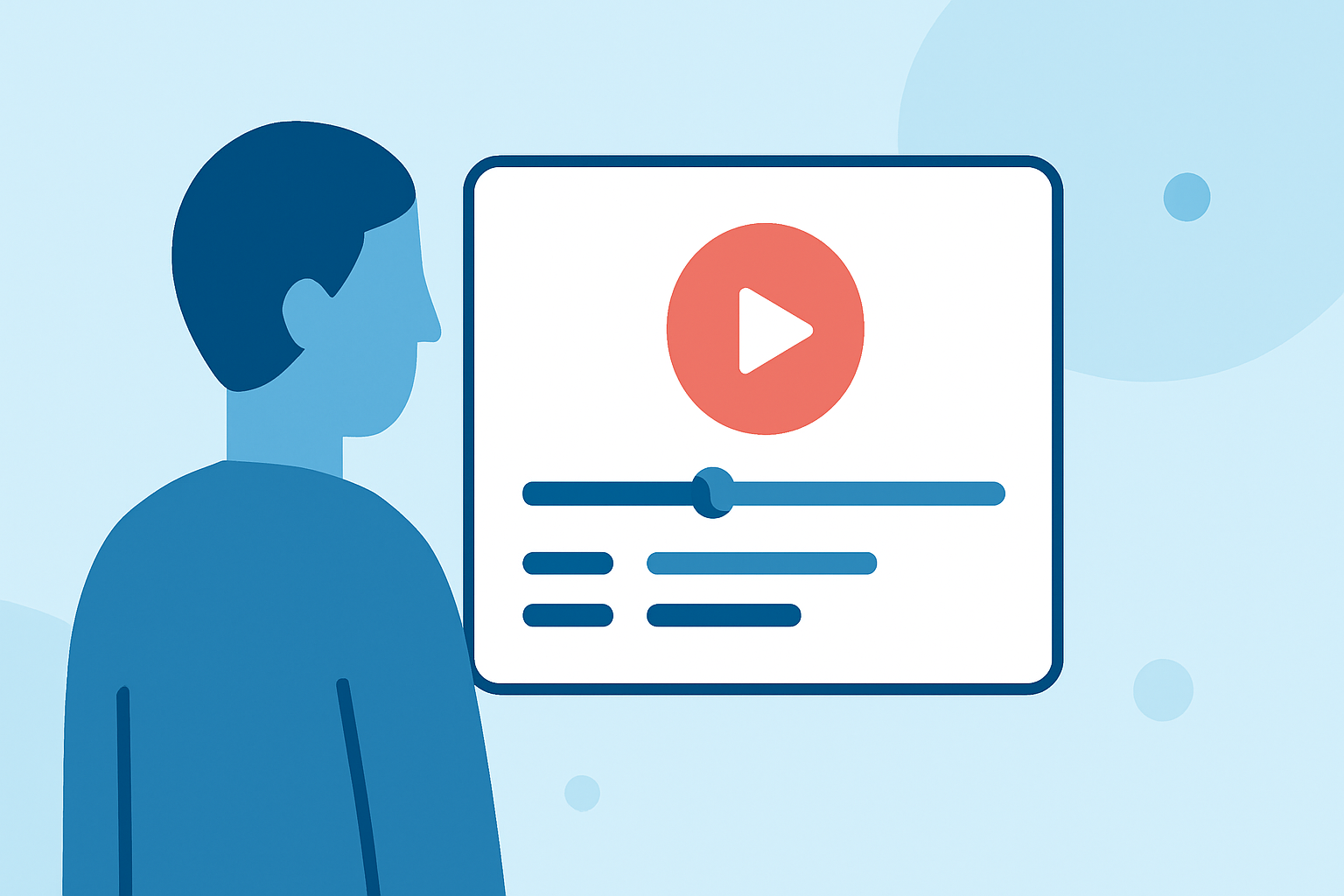
Creating engaging daily content is essential for maintaining an active online presence. One effective approach is to utilize check-in footage—videos capturing your arrival at various locations or events. Editing this footage into compelling daily posts can be time-consuming, but with the right tools and strategies, you can streamline the process.
What Is Check-In Footage?
Check-in footage refers to videos recorded when you arrive at a specific location, such as a hotel, airport, or event venue. These clips often capture your immediate reactions and surroundings, providing an authentic glimpse into your experiences. Incorporating such footage into your daily posts can enhance authenticity and engagement.
Why Use Check-In Footage for Daily Posts?
- Authenticity: Viewers appreciate genuine content that offers real-time insights into your life.
- Engagement: Sharing your experiences as they happen can foster a stronger connection with your audience.
- Versatility: Check-in footage can be adapted for various platforms, including social media stories, vlogs, and promotional materials.
Challenges in Editing Check-In Footage
While check-in footage offers numerous benefits, editing it into polished daily posts presents several challenges:
- Time Constraints: Editing daily content can be time-consuming, especially when aiming for high-quality results.
- Consistency: Maintaining a consistent style and format across daily posts requires careful planning and execution.
- Technical Skills: Effective editing often necessitates proficiency with video editing software and an understanding of storytelling techniques.
How to Efficiently Edit Check-In Footage for Daily Posting
-
Organize Your Footage: After recording, categorize your clips based on location, event, or theme. This organization simplifies the editing process and ensures you can quickly locate relevant footage.
-
Develop a Template: Create a reusable editing template that includes your preferred intro, outro, and any recurring graphics or animations. This approach saves time and maintains consistency across your posts.
-
Utilize Editing Software: Choose video editing software that aligns with your skill level and meets your editing needs. Options range from beginner-friendly apps to professional-grade software.
-
Incorporate Branding Elements: Consistently include your logo, color scheme, and other brand elements to reinforce your identity and make your content easily recognizable.
-
Optimize for Each Platform: Tailor your edits to fit the specifications and audience preferences of each platform, whether it's Instagram, YouTube, or TikTok.
Leveraging Planes Live for Streamlined Editing
To further enhance your editing workflow, consider using Planes Live. This platform offers a range of features designed to simplify the video editing process:
- User-Friendly Interface: Planes Live provides an intuitive interface that allows you to edit videos efficiently, even if you're new to video editing.
- Pre-Built Templates: Access a variety of customizable templates to quickly create professional-looking videos without starting from scratch.
- Cloud-Based Editing: Edit your videos from any device with internet access, ensuring flexibility and convenience.
- Collaboration Tools: Work seamlessly with team members by sharing projects and providing real-time feedback.
By integrating Planes Live into your workflow, you can produce high-quality daily posts more efficiently, allowing you to focus on creating engaging content that resonates with your audience.
Conclusion
Incorporating check-in footage into your daily posts can significantly enhance engagement and authenticity. While editing this footage presents challenges, adopting efficient strategies and utilizing tools like Planes Live can streamline the process, enabling you to maintain a consistent and professional online presence.