22 June 2026
Mastering City-From-Above Clips: A Comprehensive Editing Guide
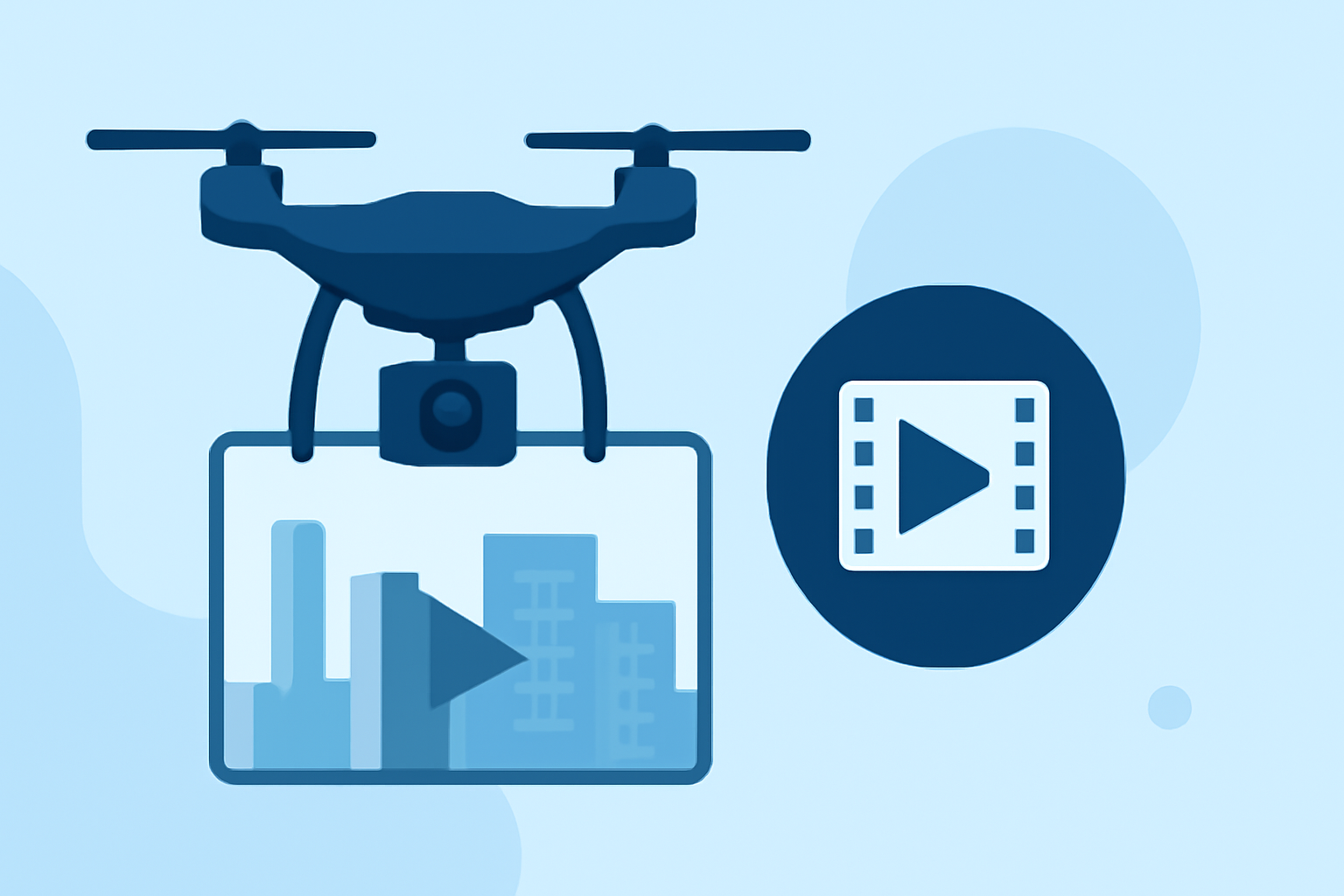
Capturing stunning aerial views of urban landscapes offers a unique perspective that can elevate your video projects. Whether you're a seasoned videographer or a beginner, mastering the art of editing city-from-above clips is essential to showcase the beauty and complexity of cityscapes.
1. What Are City-From-Above Clips?
City-from-above clips are aerial footage captured from drones or elevated positions, providing expansive views of urban environments. These shots highlight the intricate patterns, architecture, and dynamics of city life, offering a cinematic perspective that ground-level footage cannot achieve.
2. Why Edit City-From-Above Footage?
Editing is crucial to enhance the visual appeal, correct imperfections, and convey the intended narrative effectively. Proper editing can transform raw footage into a polished, engaging video that captivates viewers.
3. What Are the Essential Steps in Editing City-From-Above Clips?
a. Organize Your Footage
Begin by reviewing all your clips and categorizing them based on content, such as skyline shots, street views, or architectural details. This organization streamlines the editing process and ensures a coherent narrative flow.
b. Stabilize the Footage
Aerial footage often suffers from slight shakes or jitters. Utilize stabilization tools in your editing software to smooth out these imperfections, resulting in a more professional-looking video.
c. Correct Exposure and White Balance
Ensure that your footage has consistent exposure and accurate color representation. Adjust the white balance to reflect the true colors of the scene, avoiding unnatural tints.
d. Apply Color Grading
Enhance the mood and aesthetic of your video by applying color grading techniques. For instance, using warm tones can evoke a golden hour feel, while cooler tones can impart a more cinematic atmosphere. Many editing platforms offer built-in filters tailored for urban footage. (filmora.wondershare.com)
e. Edit for Rhythm and Pacing
The pacing of your edits should align with the music and narrative. Use techniques like J-cuts and L-cuts to create smooth transitions between clips, maintaining viewer engagement. (pickdrones.com)
f. Add Sound Design
Incorporate ambient sounds, such as city noises or background music, to immerse viewers in the urban environment. Ensure that the audio levels are balanced and complement the visuals.
4. What Are Common Mistakes to Avoid?
a. Overusing Speed Ramps
While speed ramps can add dynamic effects, excessive use can distract viewers. Apply them sparingly to highlight key moments without overwhelming the audience. (dronesgator.com)
b. Ignoring Audio Quality
Raw drone audio often contains wind and motor noise. Replace it with high-quality sound effects or music to enhance the viewing experience.
c. Inconsistent Color Grading
Ensure that all clips have a consistent color grade to maintain visual coherence throughout the video.
5. How Can Planes Live Enhance Your Editing Workflow?
Planes Live offers a suite of tools designed to streamline the editing process for aerial footage. Its intuitive interface and advanced features allow for precise adjustments, efficient organization, and seamless integration of effects. By incorporating Planes Live into your workflow, you can achieve professional-quality edits with ease.
6. What Are Some Advanced Techniques for City-From-Above Editing?
a. Creating Earth Zoom-Out Effects
This technique involves transitioning from a close-up shot to a global view, adding a dramatic flair to your video. Tools like FlexClip provide AI-powered features to create this effect effortlessly. (flexclip.com)
b. Incorporating Animated Maps
Adding animated maps can provide context and enhance storytelling. Software like iMovie allows users to place and customize animated maps within their videos. (mediacommons.psu.edu)
7. How Do I Export My Edited City-From-Above Video?
When exporting, choose settings that match your intended platform. For YouTube, export at 4K resolution with a bitrate of 35-45 Mbps for optimal quality. For social media platforms like Instagram Reels or TikTok, export at 1080p with a bitrate of 10-15 Mbps. (dronesgator.com)
By following these steps and utilizing the right tools, you can transform your raw city-from-above footage into a captivating visual experience that resonates with your audience.