22 June 2026
Mastering Departure Board Footage Edits: A Step-by-Step Guide
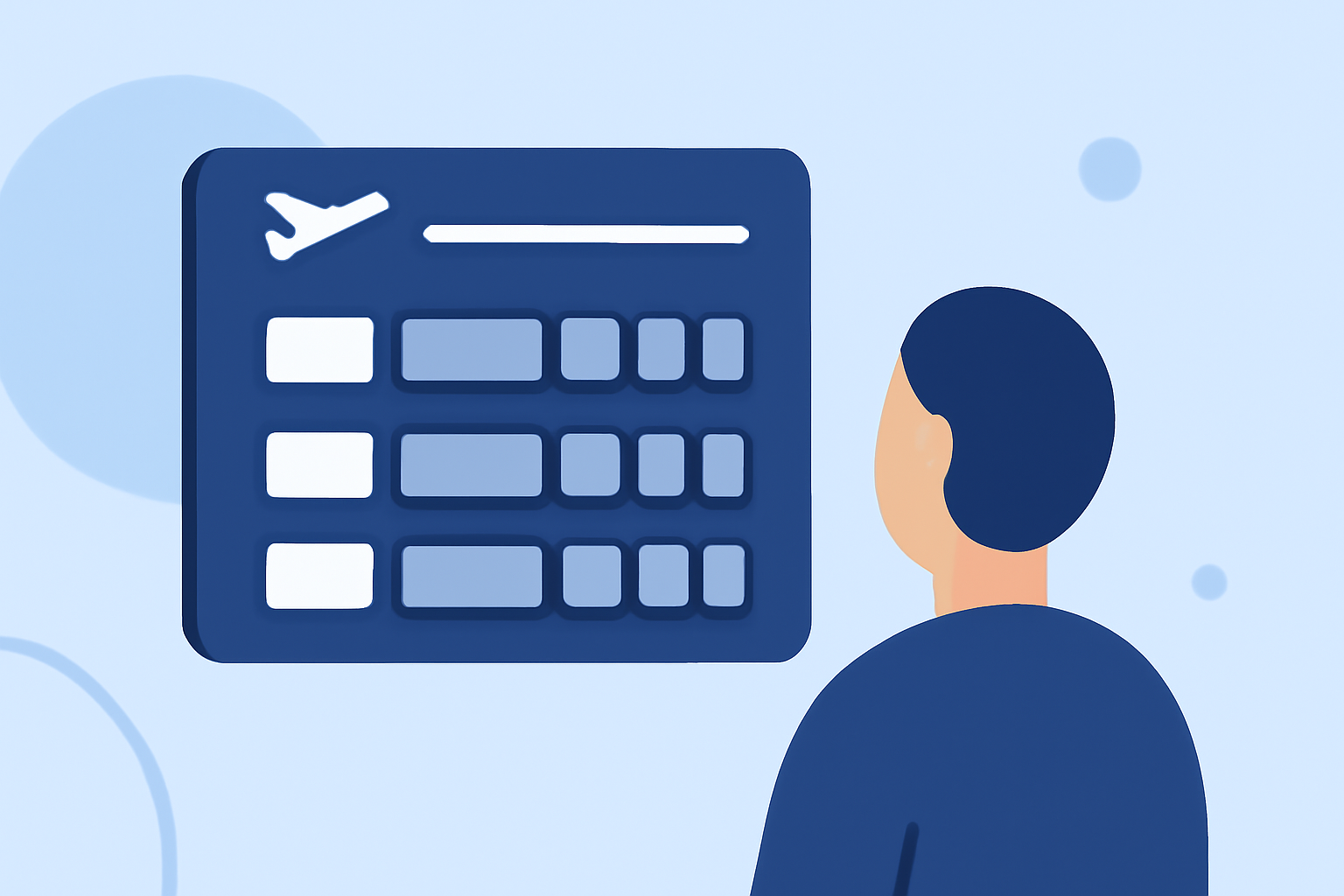
Creating engaging departure board footage edits can elevate your video projects, adding a dynamic and informative element. This guide provides a step-by-step approach to crafting these edits, ensuring clarity and ease of execution.
1. What Is Departure Board Footage?
Departure board footage showcases flight or train schedules, often displayed on digital boards in transportation hubs. Incorporating this footage into your videos can convey a sense of travel, urgency, or organization.
2. Where to Find Quality Departure Board Footage?
Accessing high-quality departure board footage is essential for professional edits. Several platforms offer free and royalty-free videos:
-
Pexels: Offers a variety of free departure board videos in 4K and HD resolutions. (pexels.com)
-
Pixabay: Provides over 300 free departure board videos, including 4K and HD options. (pixabay.com)
-
Coverr: Features cinema-quality departure board footage, both human-shot and AI-generated, optimized for 4K editing. (coverr.co)
3. How to Edit Departure Board Footage?
Editing departure board footage involves several key steps:
-
Import Footage: Begin by importing your selected videos into your editing software.
-
Trim and Arrange: Cut unnecessary parts and arrange clips to create a coherent sequence.
-
Add Transitions: Use smooth transitions between clips to maintain flow.
-
Overlay Text: Incorporate text overlays to highlight specific information or add context.
-
Adjust Speed: Modify the playback speed to emphasize certain moments or create a time-lapse effect.
-
Color Correction: Ensure consistent color grading across all clips for a unified look.
4. What Tools Are Recommended for Editing?
Utilizing the right tools can streamline your editing process. One such tool is Planes Live, which offers a user-friendly interface and a range of features suitable for both beginners and professionals.
5. How to Enhance Your Edits with Planes Live?
Planes Live provides several features to enhance your departure board footage edits:
-
Real-Time Editing: Edit footage in real-time, allowing for immediate adjustments and previews.
-
Template Library: Access a variety of templates designed for departure board visuals, simplifying the editing process.
-
Multi-Layer Editing: Work with multiple layers to add text, graphics, and effects seamlessly.
-
Export Options: Export your final edits in various formats and resolutions, ensuring compatibility with different platforms.
6. Tips for Effective Departure Board Edits
-
Consistency: Maintain a consistent style and color scheme throughout your edits.
-
Legibility: Ensure that any text overlays are clear and easy to read.
-
Pacing: Adjust the pacing of your edits to match the intended mood or message.
-
Sound Design: Incorporate ambient sounds or music to complement the visuals and enhance the viewing experience.
By following these steps and utilizing tools like Planes Live, you can create compelling departure board footage edits that add depth and professionalism to your video projects.