22 June 2026
Mastering Departure Board Footage Edits: A Comprehensive Guide

Editing departure board footage is a specialized skill that combines technical proficiency with creative storytelling. Whether you're producing content for travel blogs, news outlets, or aviation enthusiasts, understanding the basics of editing this type of footage is essential.
What Is Departure Board Footage?
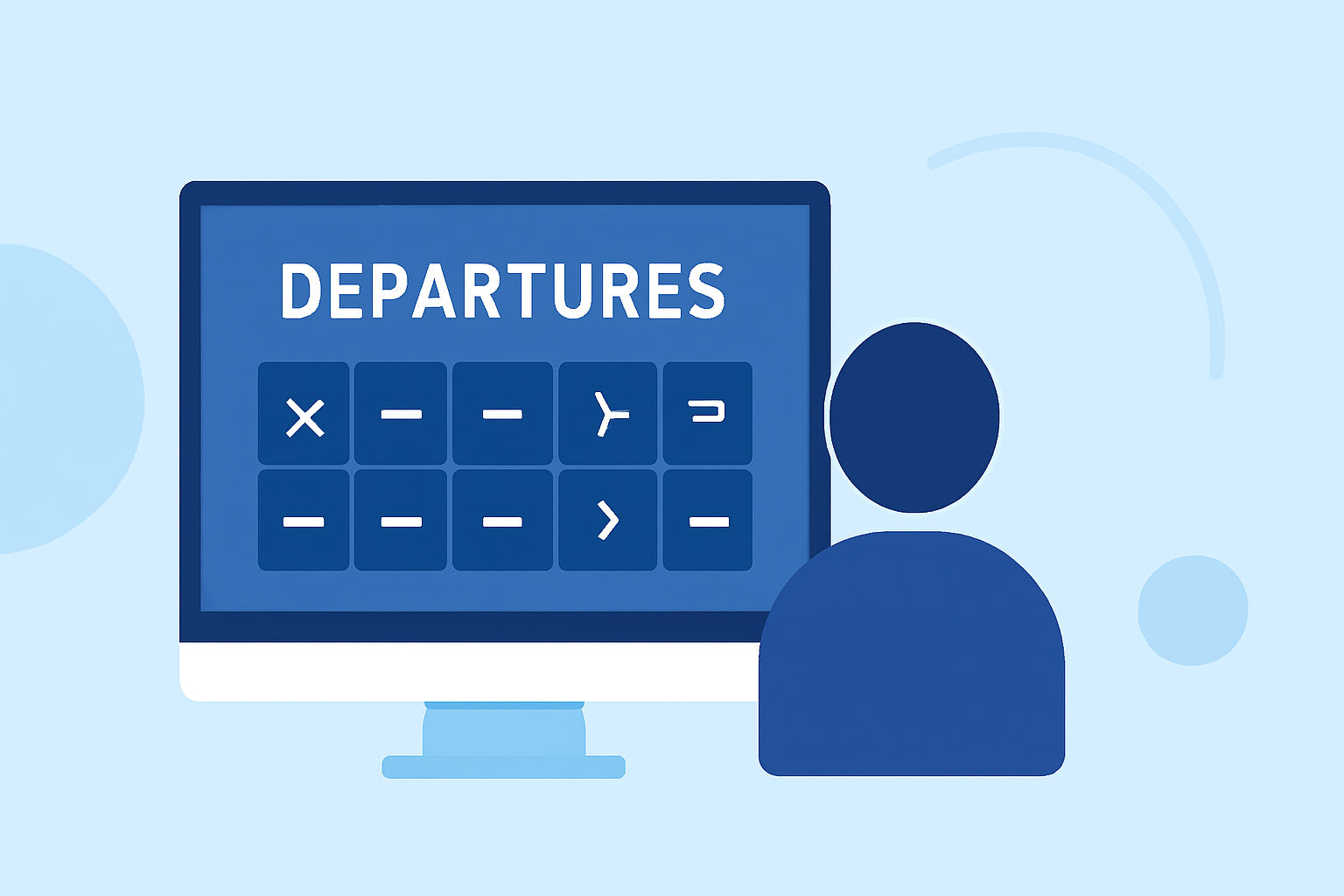
Departure board footage captures the dynamic displays of flight information at airports, showcasing details like flight numbers, destinations, departure times, and gate assignments. This footage is invaluable for creating content that provides real-time updates or highlights airport operations.
How to Source Departure Board Footage
Obtaining high-quality departure board footage can be challenging due to privacy and security concerns at airports. Here are some strategies to source this footage:
-
Stock Footage Libraries: Platforms like Pixabay offer a variety of free 4K and HD stock videos, including departure board scenes. These resources can be a goldmine for editors seeking ready-to-use clips. (pixabay.com)
-
On-Site Filming: If you have access to an airport, consider filming the departure boards yourself. Ensure you have the necessary permissions and are mindful of any security protocols.
-
Collaborations: Partnering with aviation professionals or organizations can provide access to exclusive footage.
Essential Editing Techniques for Departure Board Footage
Editing departure board footage requires attention to detail and a solid understanding of video editing principles. Here are some key techniques:
-
Organize Your Footage: Before you begin editing, import all your clips into your editing software and create folders for different types of media. Label your clips with descriptive names to streamline the editing process. (crayo.ai)
-
Create a Rough Cut: Select the best takes from your footage and arrange them in chronological order. Focus on content over perfect timing at this stage. (ashuttermedia.com)
-
Apply Transitions Sparingly: Use transitions like cross dissolves or fades to indicate a passage of time or a shift in mood. Avoid overusing flashy effects that can distract from the content. (viralclips.video)
-
Incorporate Cutaway Shots: Use cutaway shots to add context or cover jump cuts. For example, showing passengers waiting or boarding can enhance the narrative. (shootsta.com)
-
Color Grading: Adjust exposure, white balance, contrast, and saturation to ensure your footage has a consistent and professional look. (ashuttermedia.com)
-
Audio Editing: Remove background noise, balance audio levels, and add music or sound effects to enhance the viewing experience. (ashuttermedia.com)
Utilizing Planes Live for Enhanced Editing
For editors looking to elevate their departure board footage projects, Planes Live offers a suite of features designed to streamline the editing process:
-
Real-Time Flight Data Integration: Planes Live provides real-time flight information, allowing editors to overlay live data onto departure board footage, adding authenticity and immediacy to the content.
-
Customizable Templates: The platform offers customizable templates for departure board graphics, enabling editors to create professional-looking overlays that match their project's aesthetic.
-
Collaborative Tools: Planes Live's collaborative features allow teams to work together seamlessly, sharing assets and feedback in real-time, which is particularly beneficial for larger projects.
-
Cloud-Based Workflow: With cloud storage, editors can access their projects from anywhere, facilitating flexibility and efficiency in the editing process.
Conclusion
Editing departure board footage involves a combination of technical skills and creative techniques. By sourcing quality footage, applying fundamental editing principles, and leveraging tools like Planes Live, editors can produce engaging and informative content that resonates with audiences.
Highlights:
- Departure Board Videos: Download 313+ Free 4K & HD Stock Footage Clips - Pixabay
- Video Editing Basics: From Raw Footage to Final Cut, Published on Monday, December 16
- Cutaway Shot: What It Is and How to Use It, Published on Monday, May 04