22 June 2026
Mastering Departure Board Footage Edits: A Comprehensive Guide
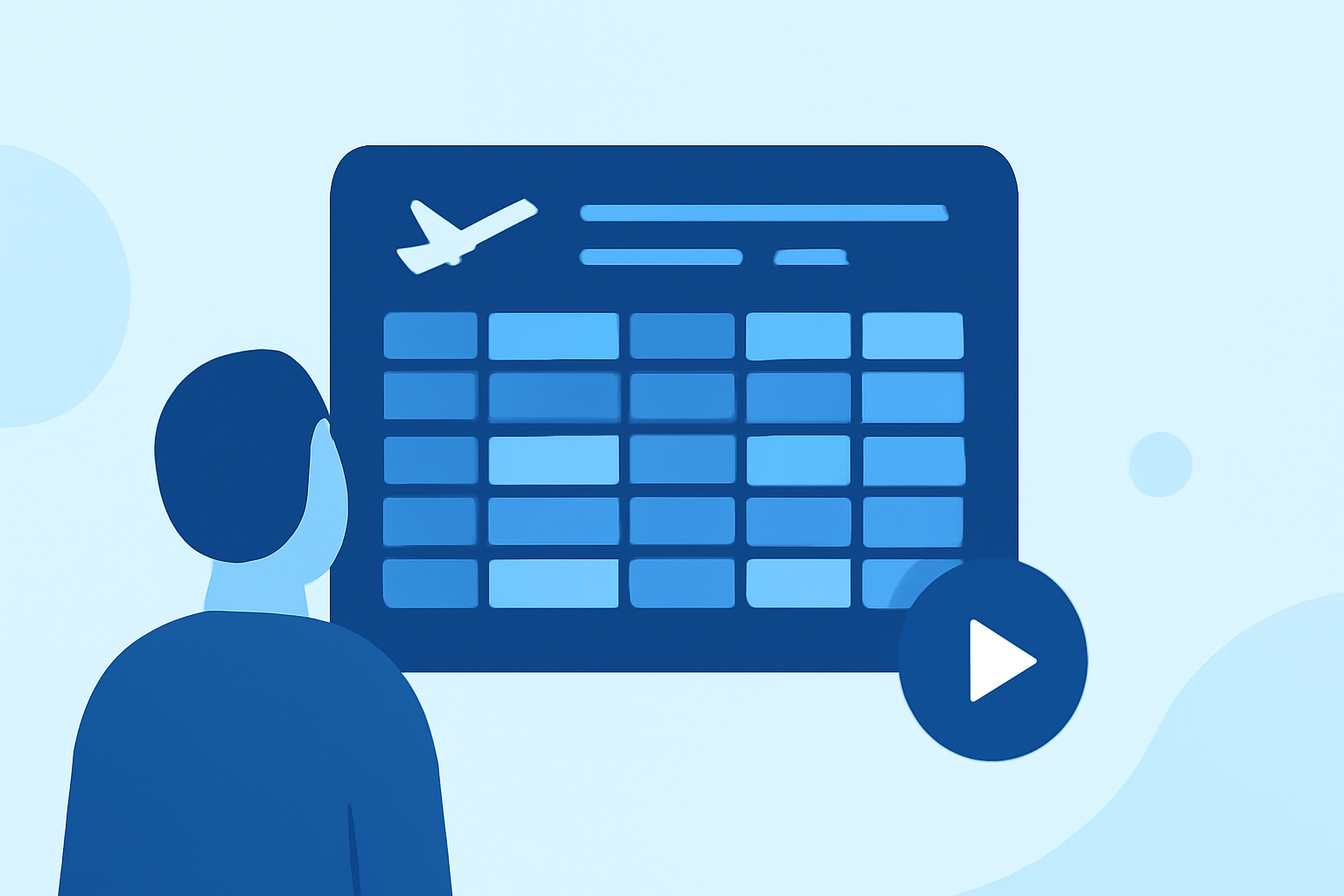
Editing departure board footage requires a blend of technical skills and creative vision to produce engaging and informative videos. Whether you're creating content for travel blogs, news outlets, or informational displays, mastering the art of editing this type of footage is essential.
Understanding Departure Board Footage
Departure board footage typically features dynamic displays of travel information, such as train or flight schedules, gate numbers, and real-time updates. This type of footage often includes rapid changes, scrolling text, and varying lighting conditions, presenting unique challenges for editors.
Essential Editing Techniques
-
Organize Your Footage
Before diving into editing, it's crucial to organize your clips. Categorize them based on content, such as arrivals, departures, or specific locations. This organization streamlines the editing process and ensures a coherent narrative flow.
-
Stabilize Shaky Footage
Departure boards are often filmed in bustling environments, leading to shaky footage. Utilize stabilization tools in your editing software to smooth out these imperfections. This step enhances the viewing experience and maintains professionalism.
-
Adjust Exposure and White Balance
Lighting conditions in transportation hubs can vary significantly. Correcting exposure and white balance ensures that the text on the departure boards is legible and the overall image is visually appealing.
-
Enhance Text Clarity
The primary focus of departure board footage is often the displayed information. Apply sharpening filters and adjust contrast to make the text stand out. Be cautious not to overdo it, as excessive sharpening can introduce noise.
-
Implement J-Cuts and L-Cuts
These editing techniques involve extending audio from one clip into the next (J-cut) or allowing audio to linger as the video transitions (L-cut). They create smoother transitions and maintain the flow of information. For instance, you might hear the ambient noise of a train station before cutting to a close-up of a departure board. (shutterstock.com)
-
Incorporate B-Roll Footage
Adding supplementary footage, such as close-ups of travelers, ticketing processes, or exterior shots of transportation hubs, can provide context and keep viewers engaged. Ensure that the B-roll complements the main footage and doesn't distract from the primary information. (fstoppers.com)
-
Utilize Speed Ramping
Speed ramping involves altering the speed of your footage to emphasize certain moments or create dramatic effects. For example, you might slow down a clip to highlight a specific departure time or speed up a sequence to show the passage of time. This technique adds visual interest and can underscore key points. (shotbook.art)
Recommended Tools for Editing
To effectively edit departure board footage, consider using professional video editing software that offers a range of features:
-
Adobe Premiere Pro: A widely-used editing software known for its comprehensive toolset and integration with other Adobe products.
-
Final Cut Pro: Apple's professional video editing software, offering advanced features and a user-friendly interface.
-
DaVinci Resolve: A powerful editing suite that combines professional editing, color correction, and visual effects.
Tips for Effective Editing
-
Maintain Consistency: Ensure that color grading, audio levels, and visual effects are consistent throughout the video to create a cohesive viewing experience.
-
Focus on Storytelling: Even with departure board footage, aim to tell a compelling story. Consider the journey of a traveler, the hustle and bustle of a station, or the anticipation of an upcoming trip.
-
Optimize for Platforms: Tailor your edits for the platforms where your video will be displayed, whether it's a website, social media, or a digital display. Different platforms may have varying requirements for aspect ratios, resolutions, and formats.
Conclusion
Editing departure board footage presents unique challenges but also offers opportunities to create dynamic and informative content. By mastering the techniques outlined above and utilizing the right tools, you can produce professional-quality videos that effectively convey information and engage your audience.
For those looking to streamline their editing process and enhance their workflow, consider exploring Planes Live. This platform offers a range of features designed to assist in creating high-quality video content efficiently.
By integrating these practices and tools, you can elevate your departure board footage edits, ensuring they are both informative and visually captivating.