22 June 2026
Pro Takeoff Footage Edits Like a Pro
Capturing and editing takeoff footage can be challenging, but with the right techniques and tools, you can produce professional-quality videos that captivate your audience.
1. Capture High-Quality Footage
Begin by using a reliable camera or drone to record your takeoff scenes. Ensure your equipment is set to the highest resolution and frame rate available to capture crisp, clear images. Stabilize your camera to prevent shaky footage, and consider using a tripod or gimbal for added stability.
2. Plan Your Shots
Before filming, plan your shots to include various angles and perspectives. Incorporate wide shots to establish the scene and close-ups to highlight specific details. Utilize techniques like panning and tilting to add dynamic movement to your footage.
3. Utilize Professional Editing Software
After capturing your footage, use professional editing software to enhance your videos. Look for features such as color correction, stabilization, and audio editing to refine your content. Some software options offer AI-powered tools that can automate certain editing tasks, saving you time and effort.
4. Add Telemetry Overlays
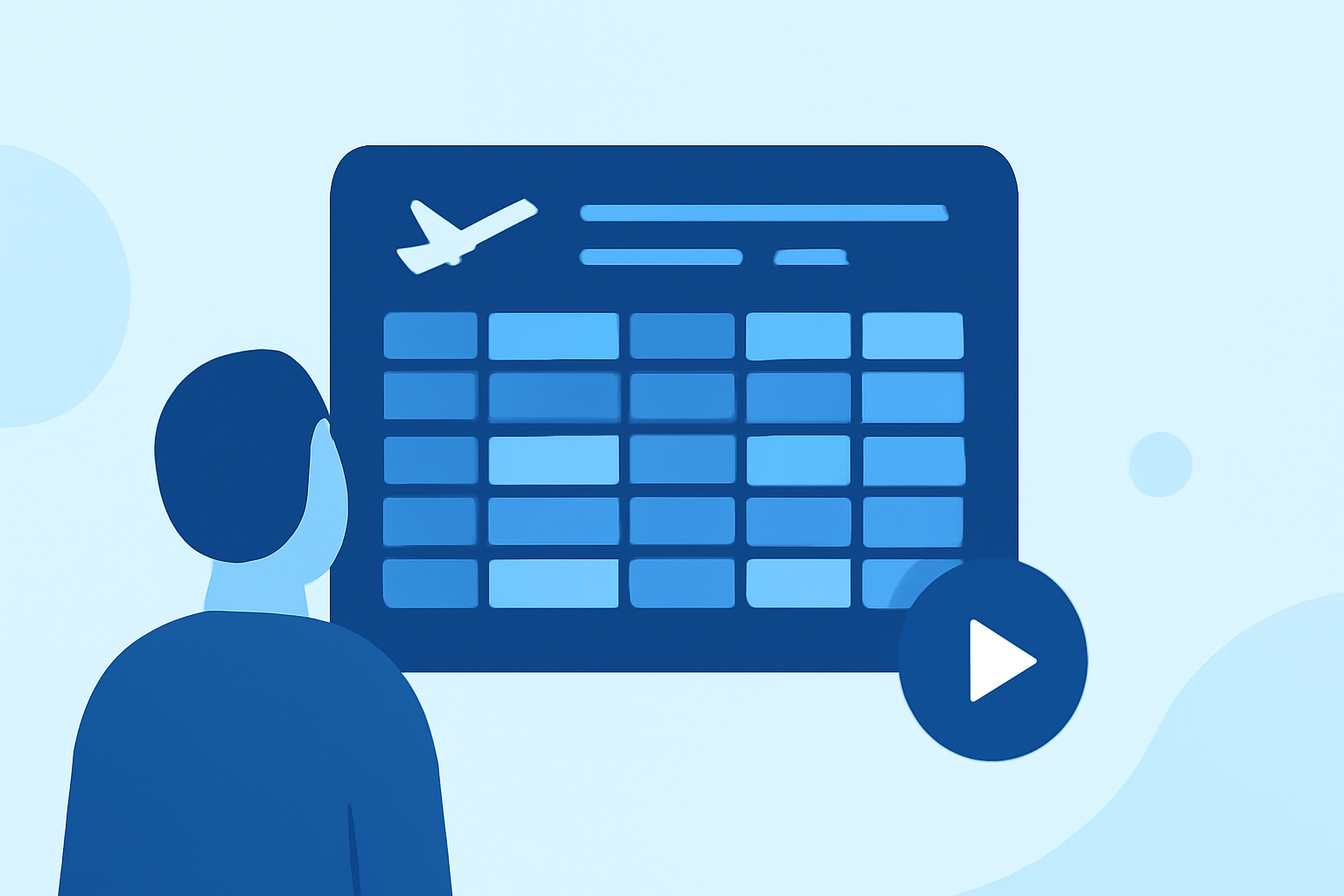
Incorporating telemetry overlays, such as speed, altitude, and GPS data, can provide additional context and engagement for your viewers. Tools like LiveLayer allow you to add these overlays seamlessly, enhancing the immersive experience of your footage. (livelayer.ai)
5. Optimize for Social Media
Tailor your edits for the platforms where you plan to share your videos. Adjust aspect ratios, add captions, and include engaging thumbnails to attract viewers. Ensure your videos are optimized for both desktop and mobile viewing to reach a broader audience.
6. Consistency is Key
Develop a consistent editing style to build your brand identity. Use similar color grading, fonts, and graphics across all your videos to create a cohesive look. Consistency helps in establishing recognition and professionalism.
7. Seek Feedback and Iterate
Share your edited footage with peers or online communities to gather feedback. Use constructive criticism to refine your editing skills and improve future projects. Continuous learning and adaptation are essential in the ever-evolving field of video editing.
By following these steps and utilizing the right tools, you can create takeoff footage edits that rival professional standards, showcasing your skills and engaging your audience effectively.