22 June 2026
Mastering Flight Route Reveal Edits: A Beginner's Guide
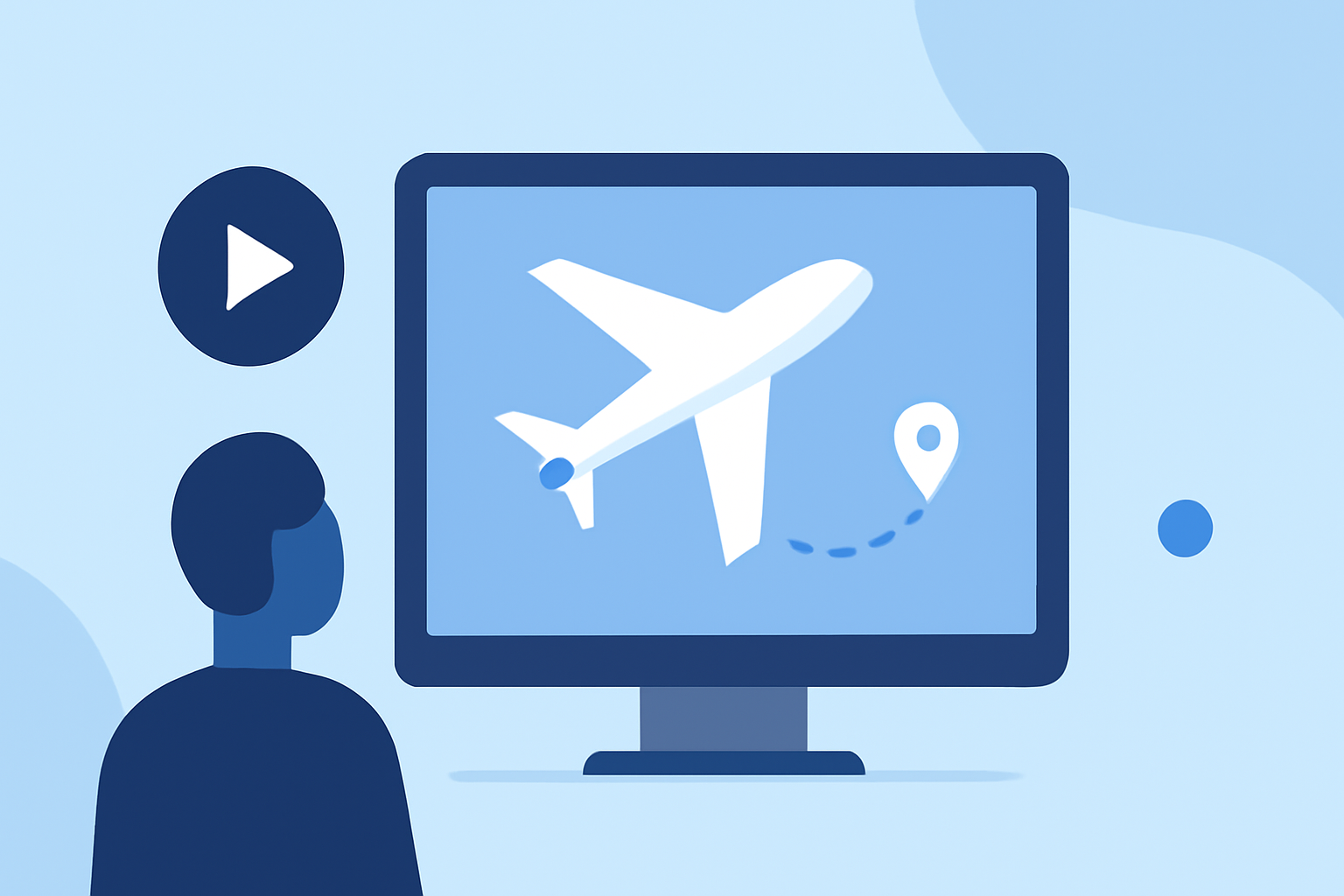
Creating captivating flight route animations can significantly enhance your travel videos, providing viewers with a clear visual representation of your journey. For beginners, utilizing intuitive tools can simplify this process.
Why Use Flight Route Animations?
Flight route animations serve as dynamic introductions or transitions in travel content, offering viewers a visual context of the journey. They can highlight the distance traveled, showcase multiple destinations, and add a cinematic flair to your videos.
Recommended Tools for Beginners
Several user-friendly platforms allow you to create professional-looking flight route animations without prior experience:
-
Mapimator: This browser-based tool enables you to draw realistic great circle flight arcs and animate them across any world map. Features include multi-leg routes, airport markers, and 4K export options, making it ideal for travel vlogs and aviation content. (mapimator.com)
-
Easymotion: An AI-powered map animation maker that lets you generate flight routes, flag fills, and globe flythroughs by simply describing your desired animation. It's designed for creators who prefer a straightforward, no-software-required approach. (easymotion.io)
-
Jitter: Offers a set of templates tailored for travel brands and airlines, allowing you to create engaging animated content with ease. The Route template, for instance, is perfect for showcasing flight paths and destinations. (jitter.video)
Steps to Create a Flight Route Animation
-
Choose Your Tool: Select one of the aforementioned platforms based on your preference and the specific features you require.
-
Input Your Route: Enter the departure and arrival locations, and, if applicable, any layovers or multiple destinations.
-
Customize the Design: Adjust map styles, colors, and add markers or icons to represent airports or cities.
-
Animate the Path: Set the animation to draw the flight path, and if desired, add a moving plane icon to follow the route.
-
Export Your Animation: Once satisfied, export the animation in your preferred format, such as MP4 or GIF, suitable for your video editing software.
Tips for Effective Flight Route Animations
-
Keep It Simple: Avoid overcomplicating the animation with too many stops or intricate paths. A clear, straightforward route is more engaging.
-
Maintain Consistency: Use consistent colors, fonts, and styles that align with your video's branding.
-
Ensure Accuracy: Double-check the accuracy of your route and locations to maintain credibility.
-
Optimize for Platforms: Consider the aspect ratio and resolution based on where your video will be published (e.g., YouTube, Instagram).
Conclusion
Incorporating flight route animations into your travel videos can provide a professional touch and enhance viewer engagement. By utilizing beginner-friendly tools and following the outlined steps, you can create compelling animations that effectively showcase your journey.
For more advanced techniques and customization options, exploring additional resources and tutorials can further enhance your skills in creating dynamic flight route animations.