22 June 2026
Mastering Flight Route Reveal Edits for TikTok: A Comprehensive Guide

Creating engaging flight route reveal edits on TikTok can captivate your audience and elevate your content. By integrating Planes Live into your editing workflow, you can achieve professional-quality results with ease.
Understanding Flight Route Reveal Edits
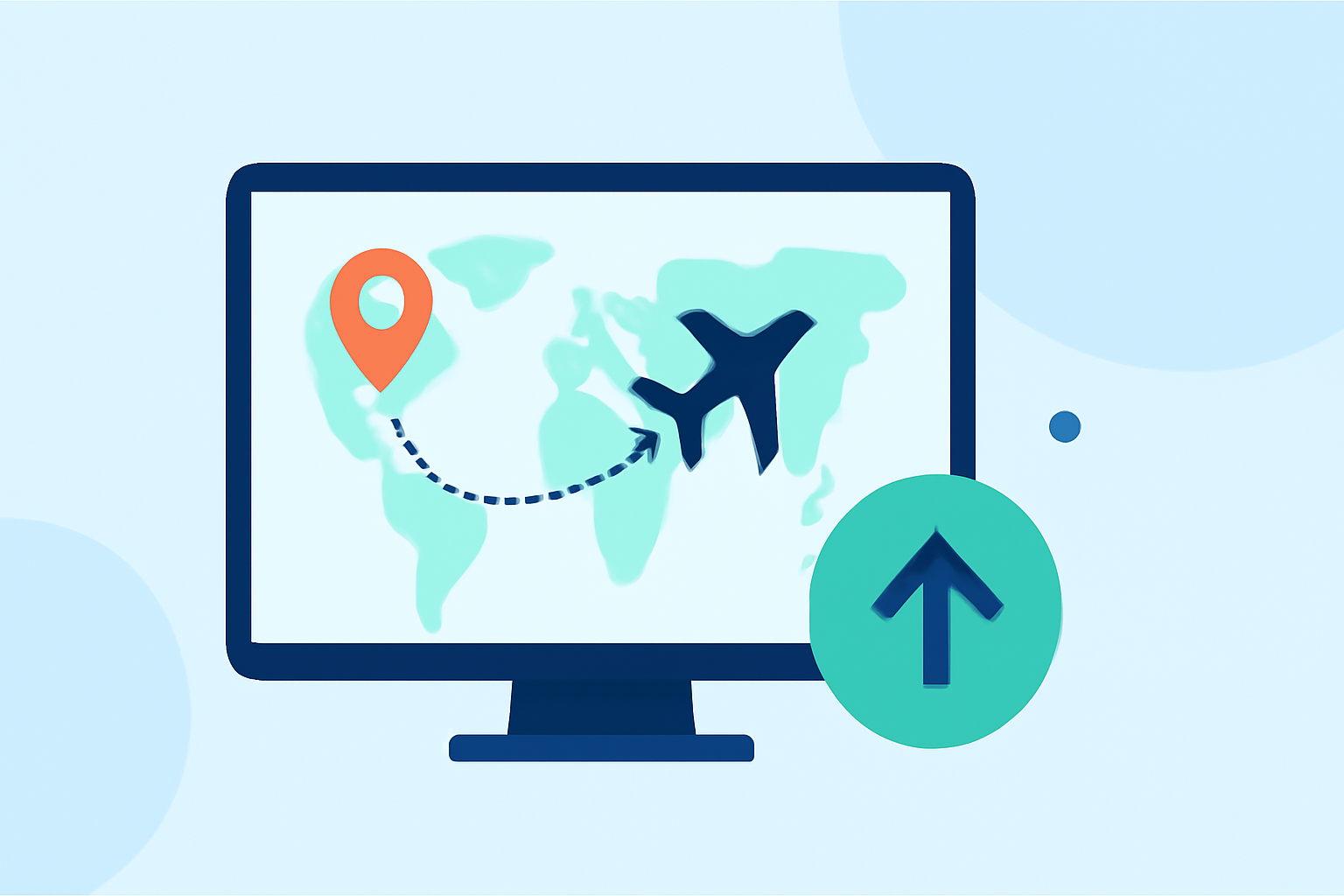
Flight route reveal edits involve showcasing a journey's path, often using animations or graphics to illustrate the route. Incorporating these into your TikTok videos adds a dynamic element that resonates with viewers.
Why Choose Planes Live for Your Edits?
Planes Live offers a user-friendly interface tailored for creating flight route animations. Its intuitive design allows for seamless integration of flight paths into your videos, enhancing visual appeal without a steep learning curve.
Getting Started with Planes Live
- Sign Up and Set Up: Create an account on Planes Live and familiarize yourself with the dashboard.
- Import Your Footage: Upload your TikTok video clips to the platform.
- Design Your Flight Path: Utilize the platform's tools to map out the desired flight route, adjusting parameters like speed and direction.
- Integrate the Animation: Overlay the flight path animation onto your video, ensuring it aligns with the narrative.
- Export and Edit: Export the combined footage and proceed with final edits in your preferred video editing software.
Enhancing Your Edits with Advanced Techniques
- Timing and Pacing: Maintain viewer engagement by trimming unnecessary pauses and aligning transitions with the beat of your chosen soundtrack.
- Seamless Transitions: Employ jump cuts and creative transitions to ensure a smooth flow between scenes, keeping the audience's attention.
- Visual Storytelling: Use the flight path to narrate a story, guiding viewers through the journey and highlighting key moments.
Optimizing for TikTok's Format
Ensure your final video adheres to TikTok's specifications:
- Aspect Ratio: Use a 9:16 ratio for full-screen display.
- Resolution: Aim for 1080x1920 pixels for optimal clarity.
- Duration: Keep the video length within TikTok's time limits to maintain viewer interest.
Final Thoughts
Incorporating flight route reveal edits into your TikTok content can significantly enhance its visual appeal and storytelling depth. By leveraging Planes Live, you can create professional-quality animations that resonate with your audience, setting your content apart in the competitive TikTok landscape.