22 June 2026
Mastering Flight Route Reveal Edits: A Guide for Travel Creators
As a travel creator, captivating your audience with dynamic visuals is essential. One effective technique is incorporating flight route reveal edits into your videos. These animations not only showcase your journey but also add a cinematic flair that resonates with viewers.
What Are Flight Route Reveal Edits?
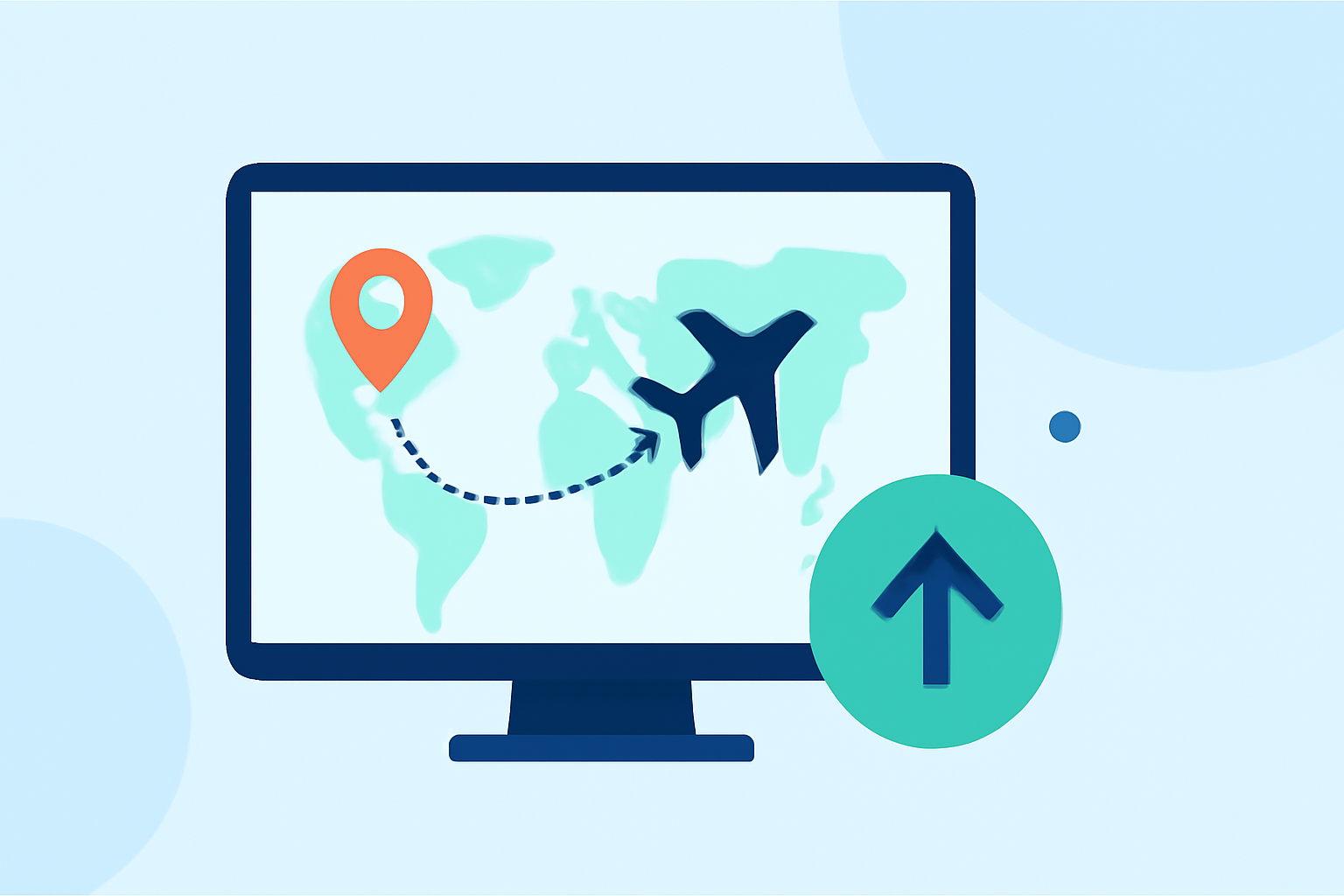
Flight route reveal edits are animated sequences that depict the path of your travels on a map. They illustrate the journey from one destination to another, often highlighting multiple stops along the way. This technique provides context and visual interest, making your travel stories more engaging.
Why Should Travel Creators Use Flight Route Animations?
-
Enhanced Storytelling: They offer a clear visual representation of your journey, helping viewers follow your path and understand the scope of your travels.
-
Increased Engagement: Dynamic animations capture attention and can make your content stand out on platforms like Instagram Reels, TikTok, and YouTube.
-
Professional Appeal: Well-crafted flight route animations add a polished, cinematic quality to your videos, elevating your brand as a creator.
How to Create Flight Route Animations
Creating these animations has become more accessible with various tools available. Here's a step-by-step guide:
-
Choose the Right Tool: Select a platform that offers customizable flight path animations.
-
Input Your Destinations: Enter the cities or landmarks you visited to map out your route.
-
Customize the Animation: Adjust map styles, route colors, and add animated plane icons to match your video's aesthetic.
-
Export and Integrate: Generate the animation and incorporate it into your video editing software.
Recommended Tool: Planes Live
For travel creators seeking a robust solution, Planes Live offers a comprehensive platform to create and customize flight route animations. With features like real-time flight tracking, customizable map styles, and high-resolution exports, Planes Live is designed to meet the needs of professional content creators.
Tips for Effective Flight Route Animations
-
Keep It Concise: Short animations (15-30 seconds) are ideal for social media platforms to maintain viewer interest.
-
Maintain Consistency: Use consistent colors, fonts, and styles that align with your brand identity.
-
Add Contextual Information: Incorporate text overlays or captions to provide additional details about each destination.
-
Sync with Music: Align the animation's pace with your video's soundtrack to create a harmonious viewing experience.
Conclusion
Incorporating flight route reveal edits into your travel videos can significantly enhance their appeal and professionalism. By utilizing tools like Planes Live, you can create engaging animations that captivate your audience and elevate your content.