22 June 2026
Mastering Hyperlapse Edits for City Journeys
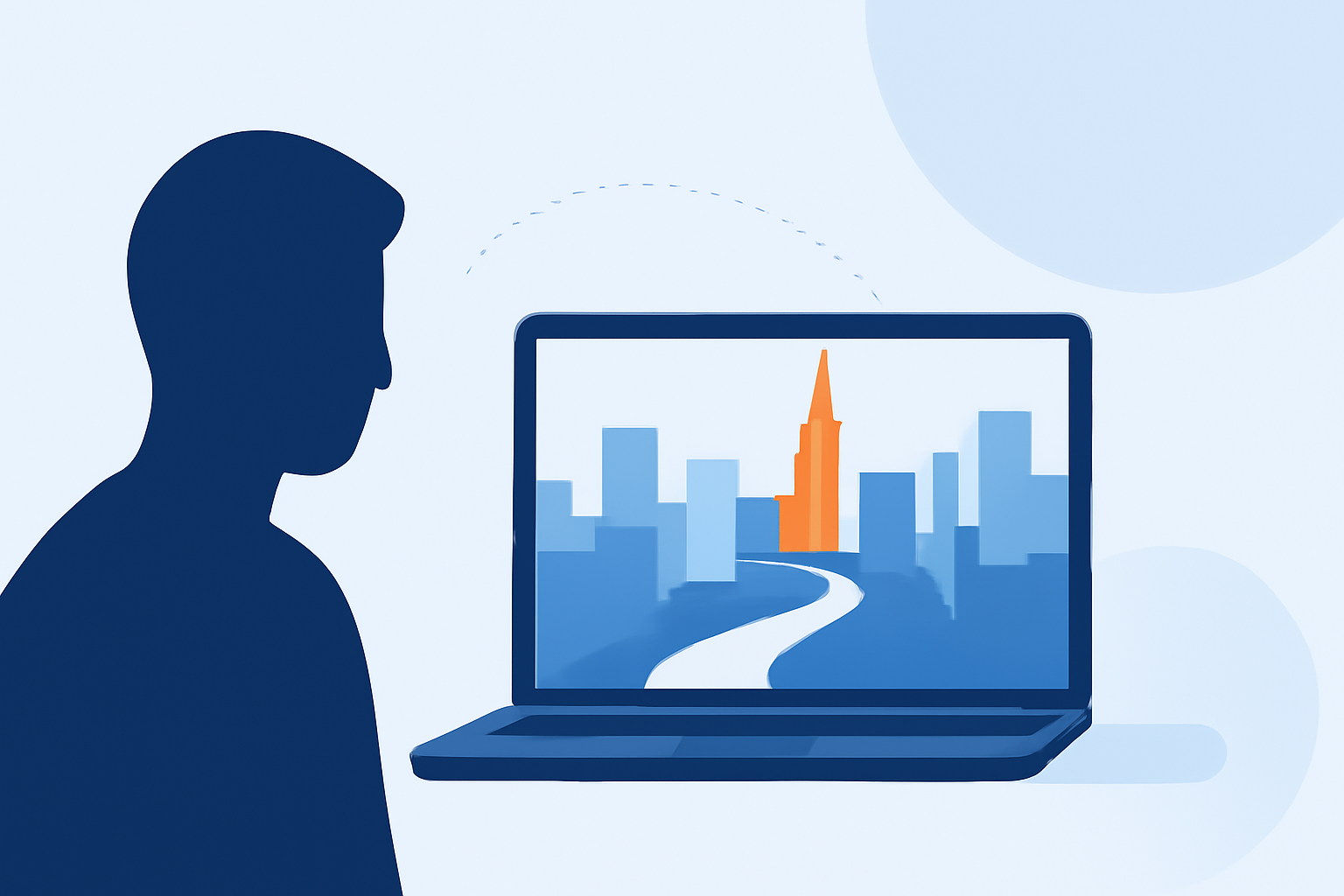
Hyperlapse videos offer a dynamic way to showcase city journeys, condensing hours of footage into engaging, time-lapsed sequences. This guide will walk you through the process of creating compelling hyperlapse videos, from initial planning to final editing.
What Is a Hyperlapse Video?
A hyperlapse is a time-lapse video captured while moving through space, creating a sense of rapid motion over long distances. Unlike traditional time-lapse, which involves stationary shots, hyperlapse incorporates movement, adding a dynamic element to the footage. This technique is particularly effective for documenting city journeys, allowing viewers to experience the progression of a trip in a condensed format.
How Do You Plan a Hyperlapse Shoot in a City?
Effective planning is crucial for a successful hyperlapse video. Consider the following steps:
- Select Your Route: Choose a path that highlights the city's landmarks and offers visual interest.
- Scout Locations: Identify key points along your route where you can capture stable shots.
- Determine Movement Path: Decide on a straight, curved, or diagonal path, ensuring it's clear and unobstructed.
- Use Natural Lines: Incorporate elements like streets or architectural features to guide your movement.
For a detailed guide on planning your hyperlapse shoot, refer to Shotkit's article on How to Plan, Shoot & Edit a Hyperlapse Video.
What Equipment Is Needed for Shooting a Hyperlapse?
While smartphones can be used for basic hyperlapse videos, professional results often require specialized equipment:
- Camera: A DSLR or mirrorless camera with manual settings.
- Lens: A 24mm lens (full-frame equivalent) is ideal to minimize distortion.
- Stabilization: A tripod or handheld gimbal to ensure steady shots.
For more information on equipment and techniques, see Shotkit's article on How to Plan, Shoot & Edit a Hyperlapse Video.
How Do You Shoot a Hyperlapse Video?
Follow these steps to capture your hyperlapse footage:
- Set Up Your Camera: Mount your camera on a tripod or gimbal.
- Frame Your Shot: Compose your scene, focusing on a strong focal point.
- Capture Frames: Manually move the camera to the next position after each shot, maintaining consistent intervals.
- Maintain Consistency: Keep your movements steady and uniform to ensure smooth transitions.
For a comprehensive guide on shooting techniques, refer to Shotkit's article on How to Plan, Shoot & Edit a Hyperlapse Video.
How Do You Edit a Hyperlapse Video?
Editing is where your hyperlapse comes to life:
- Import Footage: Transfer your images to your editing software.
- Stabilize: Use software tools to smooth out any jitters.
- Adjust Speed: Set the playback speed to achieve the desired time-lapse effect.
- Color Correction: Enhance colors and lighting to create a cohesive look.
- Export: Render your video in high resolution for optimal quality.
For detailed editing techniques, see Shotkit's article on How to Plan, Shoot & Edit a Hyperlapse Video.
How Do You Share a Hyperlapse Video?
Once your video is ready, share it on platforms like Instagram, YouTube, or TikTok. Ensure your video meets the platform's specifications for optimal display.
How Can Planes Live Enhance Your Hyperlapse Projects?
Planes Live offers a suite of tools designed to streamline the creation and sharing of hyperlapse videos. With features like real-time editing, customizable templates, and direct sharing options, Planes Live simplifies the process of producing professional-quality hyperlapse videos. Its user-friendly interface and advanced capabilities make it an excellent choice for both beginners and experienced videographers.
For more information on Planes Live and its features, visit their official website.
FAQs
What is the difference between a time-lapse and a hyperlapse?
A time-lapse involves capturing stationary shots over time, while a hyperlapse incorporates movement, creating a dynamic effect.
Can I create a hyperlapse video using just my smartphone?
Yes, many smartphones have built-in time-lapse or hyper-lapse modes suitable for basic videos.
What software can I use to edit hyperlapse videos?
There are various video editing software options available, ranging from beginner-friendly to professional-grade.
By following these guidelines and utilizing the right tools, you can create captivating hyperlapse videos that effectively showcase your city journeys.