22 June 2026
Mastering Jet Engine B-Roll Edits on Mobile: A Comprehensive Guide
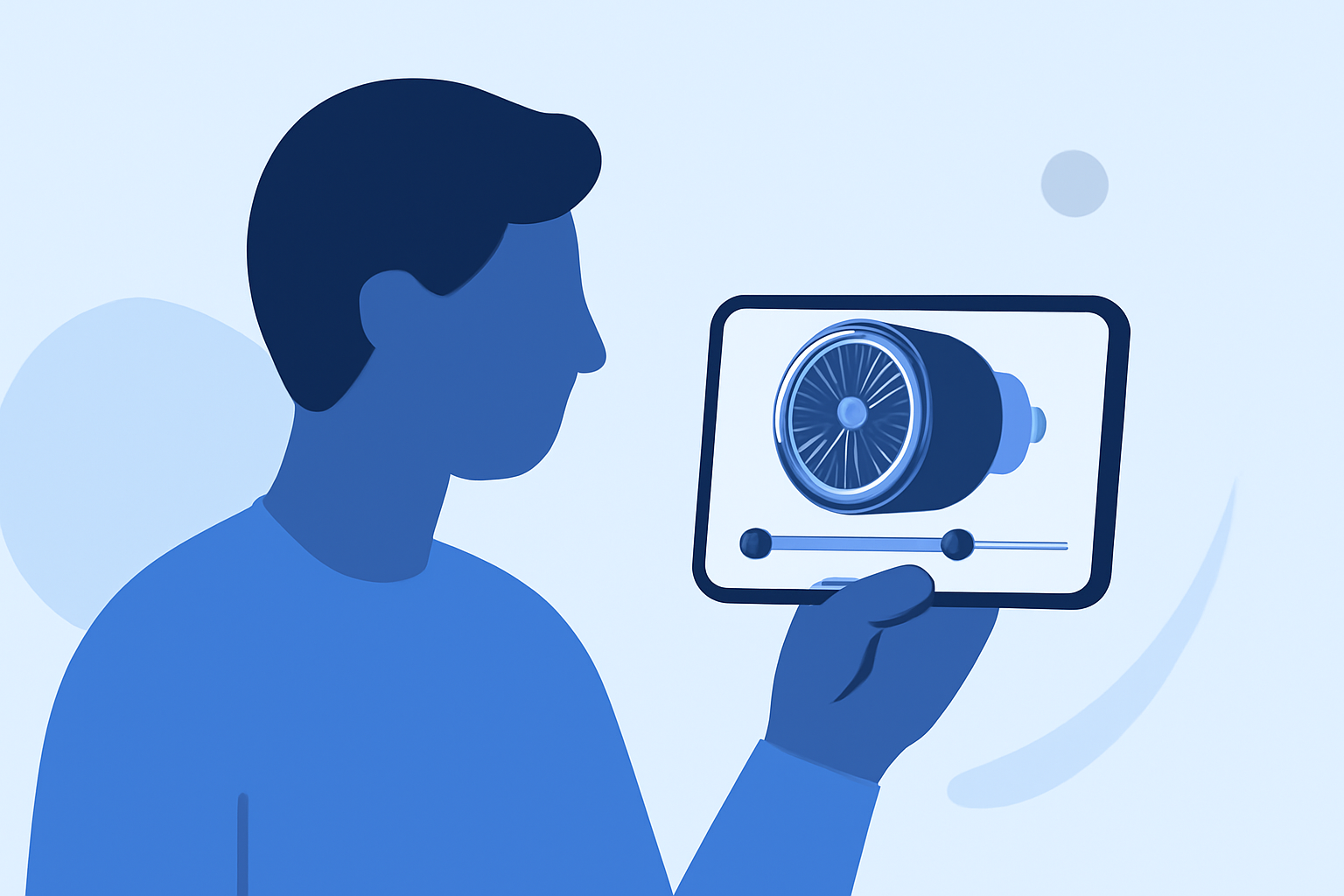
Creating captivating jet engine B-roll footage on your mobile device is entirely achievable with the right approach and tools. This guide provides a step-by-step process to help you produce professional-quality edits, even on the go.
1. Understanding B-Roll and Its Importance
B-roll refers to supplementary footage that enhances the main content (A-roll) by providing context, covering edits, and maintaining viewer engagement. In the case of jet engines, B-roll can showcase various angles, operations, and details, adding depth to your video. (veed.io)
2. Planning Your Shots
Effective planning is crucial for capturing dynamic B-roll footage:
-
Shot List: Create a detailed list of desired shots, including close-ups of engine components, wide shots of the aircraft, and action sequences like engine startups.
-
Angles and Movements: Decide on camera angles (e.g., low, high, side) and movements (e.g., pans, tilts, tracking) to add variety.
-
Lighting and Timing: Consider the time of day and lighting conditions to achieve the desired mood and visibility.
3. Shooting Techniques
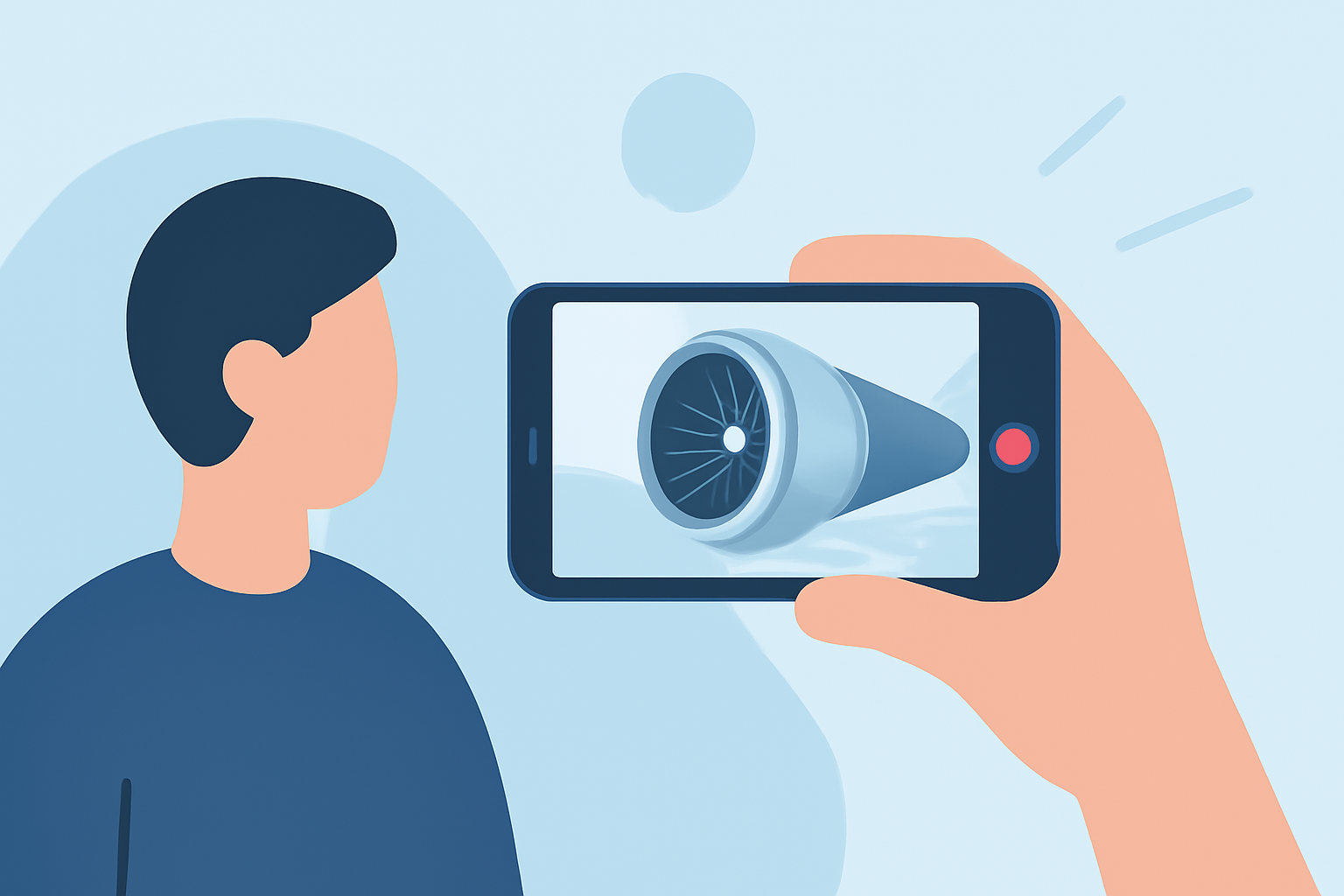
When filming on a mobile device:
-
Stabilization: Use a tripod or gimbal to prevent shaky footage.
-
Focus and Exposure: Lock focus and exposure settings to maintain consistency across shots.
-
Frame Rate: Shoot at higher frame rates (e.g., 60fps) for smooth slow-motion effects.
-
Resolution: Opt for the highest resolution available to ensure clarity in post-production.
4. Editing on Mobile Devices
Editing on mobile has become increasingly sophisticated. Here are some recommended tools:
Planes Live - Flight Tracker App - App Store
Planes Live
An intuitive mobile app designed for video editing, offering features like multi-track editing, color correction, and a library of effects. Its user-friendly interface makes it ideal for both beginners and professionals.
10 Best Apps to Make Instagram Reels - Make Tech Easier
Adobe Premiere Rush
A streamlined version of Adobe Premiere Pro, tailored for mobile devices. It provides robust editing tools, including multi-track editing, color correction, and audio mixing.
10 Apps Like Video Star | Best Alternatives ( 2026 )
Kinemaster
A versatile mobile editor with features like multi-layer video editing, blending modes, and a vast asset store. It's suitable for creating complex edits on the go.
動画の出来を左右する重要なポイント! 動画編集アプリ「LumaFusion」のカット編集をマスターしよう|Infoseekニュース
LumaFusion
A professional-grade video editor for iOS devices, offering multi-track editing, advanced effects, and a comprehensive suite of tools.
Download InShot Editor de Vídeo Música | Baixaki
InShot
A user-friendly app focused on quick edits, with features like trimming, speed adjustments, and a variety of filters.
5. Editing Workflow
-
Import Footage: Transfer your recorded clips into the chosen editing app.
-
Organize Clips: Sort and label your footage for easy access.
-
Assemble Timeline: Place clips in sequence, ensuring a logical flow.
-
Apply Transitions and Effects: Enhance visual appeal with smooth transitions and effects that complement the footage.
-
Color Grading: Adjust color settings to achieve a consistent and professional look.
-
Audio Editing: Incorporate ambient sounds, music, and voiceovers, ensuring balanced audio levels.
6. Exporting and Sharing
Once satisfied with the edit:
-
Export Settings: Choose the appropriate resolution and frame rate for your intended platform.
-
File Format: Select a widely supported format like MP4.
-
Sharing: Upload to platforms like YouTube, Vimeo, or social media, ensuring compliance with each platform's specifications.
Conclusion
With careful planning, effective shooting techniques, and the right mobile editing tools, you can create impressive jet engine B-roll footage that enhances your video projects. Remember, practice and experimentation are key to mastering mobile video editing.
(veed.io)