22 June 2026
Mastering Jet Engine B-Roll Edits Using Only Your Smartphone
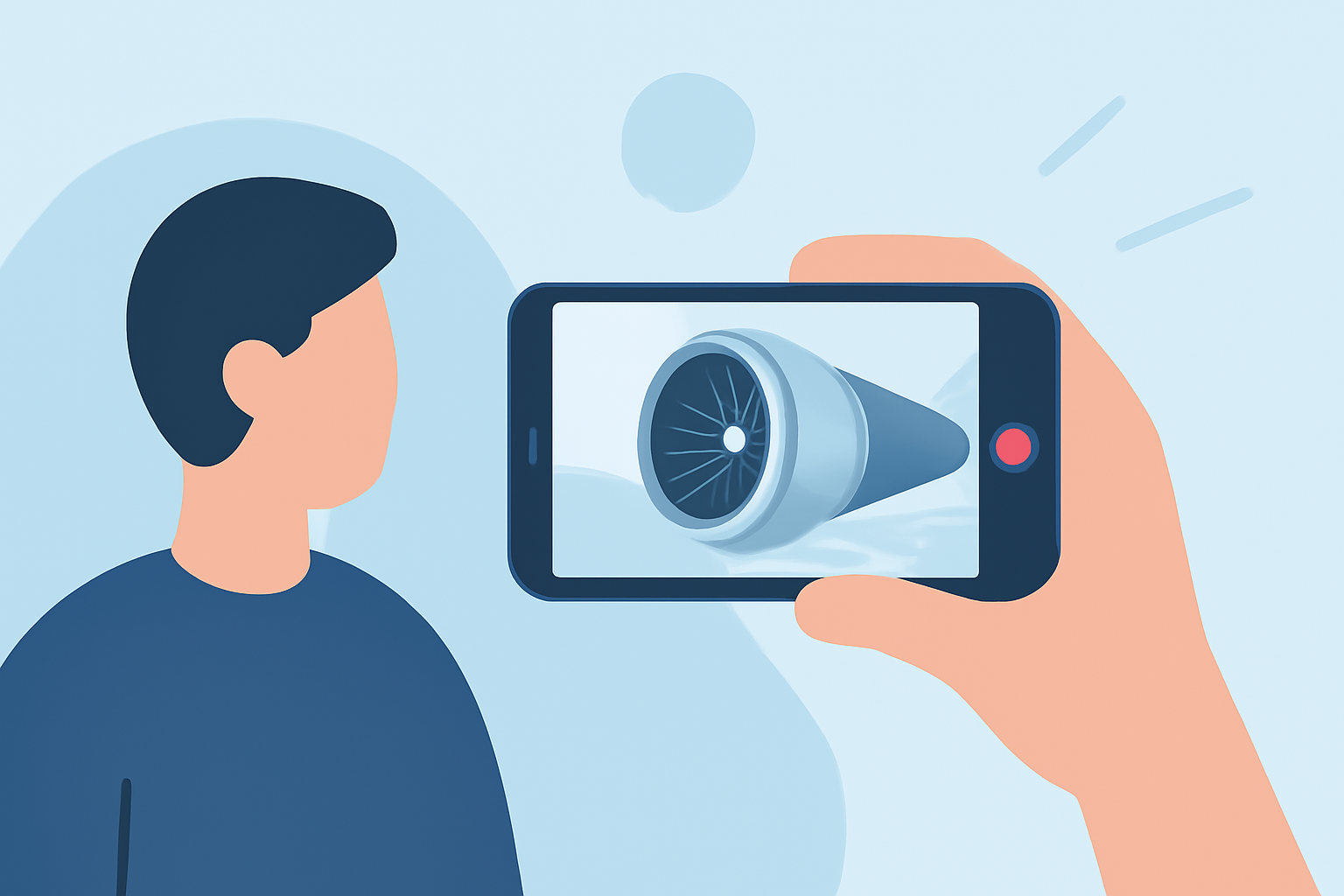
Capturing dynamic jet engine B-roll footage with just your smartphone is entirely feasible and can significantly enhance your video projects. By leveraging your phone's capabilities and applying effective shooting and editing techniques, you can produce professional-quality visuals.
Understanding B-Roll and Its Importance
B-roll refers to supplementary footage that supports the main narrative, providing context and visual interest. Incorporating B-roll, such as jet engine shots, can:
- Enhance Storytelling: Visuals that complement the main footage help convey the message more effectively.
- Smooth Transitions: B-roll can cover jump cuts and maintain the video's flow.
- Engage Viewers: Dynamic shots keep the audience interested and invested in the content.
Shooting Cinematic Jet Engine B-Roll with Your Smartphone
-
Choose the Right Equipment: While a smartphone is sufficient, using a gimbal can stabilize your shots, resulting in smoother footage.
-
Optimize Camera Settings: Utilize manual controls available in third-party apps to adjust ISO, shutter speed, and focus, allowing for greater creative control.
-
Plan Your Shots: Decide on the angles and movements you want to capture. For jet engines, consider wide shots to establish context and close-ups to highlight intricate details.
-
Ensure Proper Lighting: Natural light often yields the best results. Shoot during the golden hour—shortly after sunrise or before sunset—for soft, diffused lighting.
-
Maintain Stability: Keep your hands steady or use a tripod to prevent shaky footage. If a gimbal is unavailable, brace your arms against a stable surface to reduce movement.
-
Capture Multiple Takes: Shoot more footage than you think you'll need. This provides options during editing and ensures you have the perfect shot.
Editing Your Jet Engine B-Roll on Your Smartphone
-
Select an Editing App: Choose a mobile editing app that offers features like multi-layer editing, color correction, and audio adjustments.
-
Import and Organize Footage: Transfer your clips into the app and arrange them in a logical sequence. Labeling and categorizing clips can streamline the editing process.
-
Trim and Cut: Remove unnecessary sections to keep the footage concise and engaging. Focus on the most compelling shots.
-
Apply Color Grading: Adjust the color balance to enhance the mood and ensure consistency across all clips.
-
Add Sound Design: Incorporate ambient sounds or music to complement the visuals. Ensure the audio levels are balanced and do not overpower the footage.
-
Export and Review: Once satisfied, export the edited video in the desired resolution and format. Review the final product to ensure it meets your expectations.
Enhancing Your Editing with Planes Live
For those looking to elevate their video projects further, Planes Live offers a suite of tools designed to streamline the editing process. With features tailored for mobile editing, Planes Live enables users to:
- Access a Library of Stock Footage: Find high-quality jet engine clips to complement your original footage.
- Utilize Advanced Editing Tools: Apply professional-grade effects and transitions directly from your smartphone.
- Collaborate Seamlessly: Share projects with team members for real-time feedback and adjustments.
By integrating Planes Live into your workflow, you can produce polished, cinematic videos that captivate your audience.
Conclusion
Capturing and editing jet engine B-roll with your smartphone is entirely achievable with the right approach. By focusing on effective shooting techniques and utilizing powerful editing tools like Planes Live, you can create compelling visuals that enhance your storytelling and engage viewers.