22 June 2026
Mastering Landing Footage Edits: Techniques and Tools
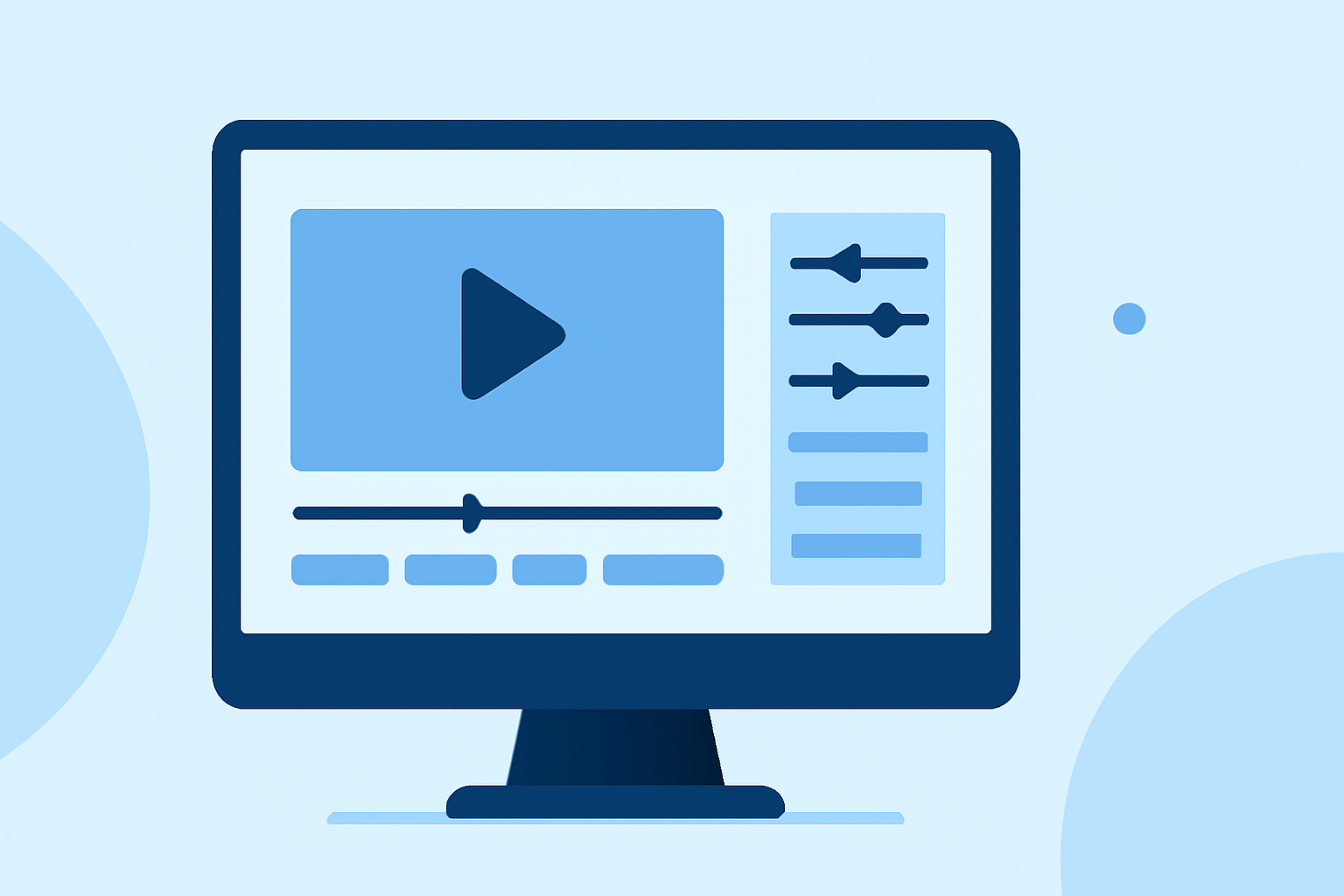
Editing landing footage requires a keen understanding of various techniques to ensure smooth transitions and a cohesive narrative. This guide explores essential editing methods, such as L and J cuts, cutaway shots, and best practices for seamless edits. Additionally, we'll introduce Planes Live, a powerful tool designed to streamline your editing process.
What Are L and J Cuts in Video Editing?
L and J cuts are fundamental editing techniques that manipulate audio and video tracks to create a more natural flow between scenes.
-
L Cut: In an L cut, the audio from the preceding scene continues to play over the beginning of the next scene. This technique allows the audience to hear the audio before the visual transition occurs, providing a smoother segue between scenes. (adobe.com)
-
J Cut: Conversely, a J cut involves the audio from the upcoming scene starting before the visual transition. This method prepares the viewer for the change, enhancing the narrative flow. (adobe.com)
Both techniques are invaluable for maintaining continuity and engagement in your edits.
How Do Cutaway Shots Enhance Your Edits?
Cutaway shots are brief segments that divert attention from the main action to provide additional context or cover edits.
-
Purpose: They can add depth to the story, hide jump cuts, or offer a visual break, preventing the edit from feeling monotonous. (shootsta.com)
-
Application: In interviews, cutaway shots might include close-ups of hands, reactions from listeners, or relevant objects, enriching the narrative and maintaining viewer interest.
What Are the Best Practices for Editing Landing Footage?
Editing landing footage involves several key practices to ensure a polished final product:
-
Stabilization: Ensure that the footage is steady to avoid distracting shakes.
-
Color Correction: Adjust colors to achieve a consistent and natural look throughout the video.
-
Sound Design: Replace any unwanted noise with appropriate sound effects or music to enhance the viewing experience.
-
Pacing: Maintain a rhythm that aligns with the narrative, avoiding overly long or abrupt cuts.
How Can Planes Live Improve Your Editing Workflow?
Planes Live is a comprehensive tool designed to streamline the editing process, offering features that cater specifically to landing footage:
-
Real-Time Collaboration: Work simultaneously with team members, facilitating efficient decision-making and feedback.
-
Advanced Editing Tools: Utilize a suite of professional-grade tools for color correction, audio enhancement, and visual effects.
-
Intuitive Interface: Navigate through your project with ease, thanks to a user-friendly design that minimizes the learning curve.
-
Cloud Integration: Access your projects from any location, ensuring flexibility and convenience.
By incorporating Planes Live into your workflow, you can enhance the quality and efficiency of your landing footage edits.
Conclusion
Mastering editing techniques like L and J cuts, along with effective use of cutaway shots, is essential for creating engaging landing footage. Implementing best practices ensures a polished final product. Leveraging tools like Planes Live can further elevate your editing process, providing advanced features and a collaborative environment to bring your vision to life.