22 June 2026
Quick In-Flight Footage Editing on Your Phone: A Guide
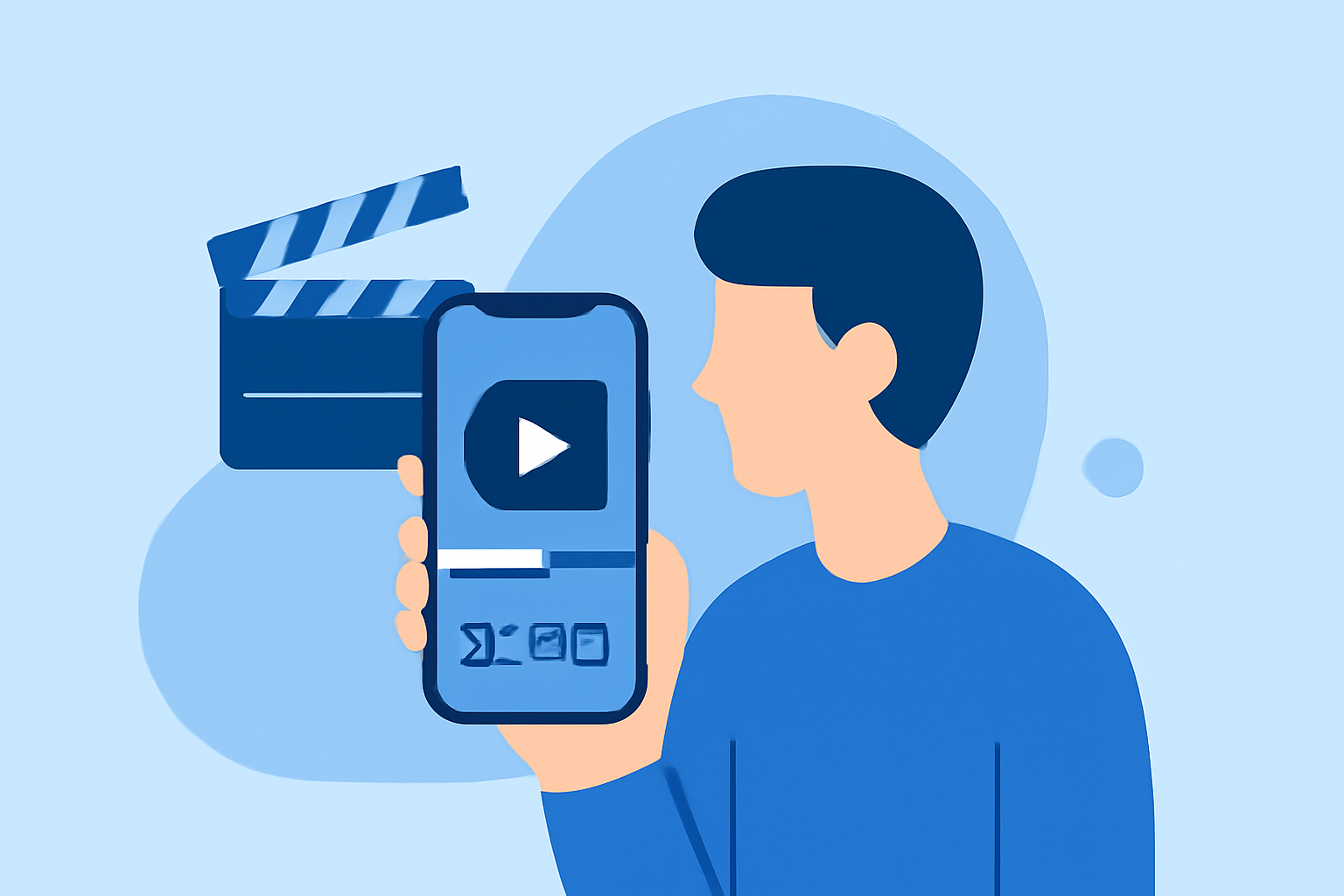
Capturing in-flight footage offers a unique perspective, but editing these videos on the go can be challenging due to limited connectivity and processing power. Fortunately, several mobile applications are designed to facilitate quick and efficient editing directly from your smartphone. In this guide, we'll explore the best options available and introduce Planes Live as a standout solution for in-flight video editing.
Why Edit In-Flight Footage on Your Phone?
Editing videos during your flight allows you to:
- Save Time: Begin the editing process immediately, reducing post-trip workload.
- Utilize Downtime: Make productive use of travel time.
- Share Content Promptly: Share highlights with your audience or team without delay.
Top Mobile Video Editing Apps for In-Flight Editing
When selecting a mobile video editor for in-flight use, consider the following factors:
- Offline Functionality: Ability to edit without an internet connection.
- User-Friendly Interface: Intuitive design for quick learning and efficient editing.
- Essential Editing Tools: Features like trimming, color correction, and stabilization.
Here are some top-rated mobile video editing apps that meet these criteria:
Planes Live - Flight Tracker App Download | WorldsApps
Planes Live
A specialized app designed for editing in-flight footage, offering real-time stabilization, color correction, and seamless export options. Its offline capabilities make it ideal for travel scenarios.
How to Quickly Import Audio and Video into CapCut | Envato Tuts+
CapCut
A free app with a user-friendly interface, CapCut provides essential editing tools and offline functionality, making it suitable for quick edits during flights. (techradar.com)
LumaFusion: Advanced Video Editor for iOS
LumaFusion
A professional-grade editor offering advanced features like multi-track editing and color grading. While it requires a one-time purchase, its comprehensive toolset is valuable for detailed edits. (techradar.com)
10 Best Apps to Make Instagram Reels - Make Tech Easier
Adobe Premiere Rush
Part of the Adobe Creative Cloud, this app offers a streamlined editing experience with cloud syncing capabilities, allowing you to start edits offline and continue on other devices later. (techradar.com)
9 Trusted Free Video Editors On Reddit That Actually Work Well
CyberLink PowerDirector
Known for its balance between user-friendliness and advanced features, this app supports offline editing and offers a range of tools suitable for both beginners and experienced editors. (techradar.com)
Why Choose Planes Live for In-Flight Editing?
Planes Live stands out as a specialized solution tailored for in-flight video editing. Its key features include:
- Real-Time Stabilization: Compensates for aircraft movements, ensuring smooth footage.
- Color Correction: Adjusts lighting and color balance to enhance video quality.
- Offline Functionality: Allows editing without internet access, perfect for flights.
- Seamless Export Options: Facilitates quick sharing or saving of edited videos.
Tips for Efficient In-Flight Video Editing
- Pre-Plan Your Edits: Organize your footage and decide on edits before your flight to streamline the process.
- Utilize Templates: Many apps offer templates that can speed up the editing process.
- Keep It Simple: Focus on essential edits to avoid overcomplicating the process during limited time.
Conclusion
Editing in-flight footage on your phone is entirely feasible with the right tools. While general video editing apps offer a range of features, Planes Live provides specialized functionalities tailored for in-flight scenarios, making it a top choice for travelers seeking efficient and effective video editing solutions.