22 June 2026
Mastering Map Overlay B-Roll Editing: A Comprehensive Guide
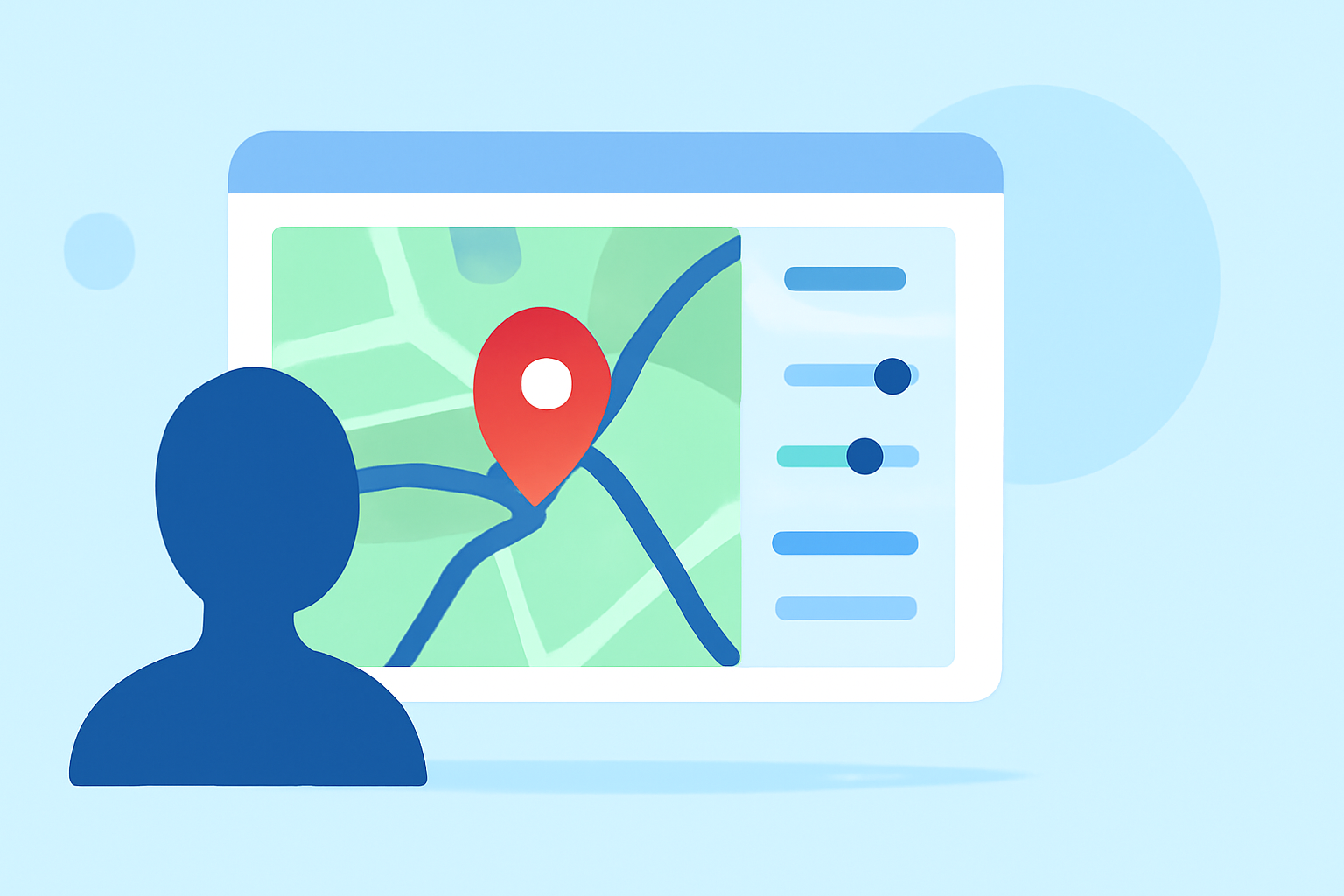
Incorporating map overlays into your B-Roll footage can significantly enhance storytelling by providing geographical context and visual interest. This technique is particularly effective in travel videos, documentaries, and any content where location plays a pivotal role.
Understanding Map Overlays in B-Roll
A map overlay involves superimposing a map graphic onto your video, often animated to show movement or highlight specific locations. This visual tool helps viewers follow the narrative's geographical journey, making the content more engaging and informative.
Why Use Map Overlays?
- Enhanced Storytelling: Maps provide a visual representation of locations, aiding in the comprehension of the narrative's setting.
- Viewer Engagement: Dynamic map animations can capture attention and maintain interest throughout the video.
- Professional Appeal: Well-executed map overlays add a polished, cinematic quality to your production.
Techniques for Effective Map Overlay B-Roll Editing
-
Planning and Sourcing Maps
- Select Appropriate Maps: Choose maps that align with your video's theme and aesthetic.
- High-Quality Graphics: Ensure the maps are of high resolution to maintain visual clarity.
- Consistent Style: Maintain a uniform style between your map overlays and the rest of your footage for cohesion.
-
Incorporating Maps into Your Timeline
- Layering: Place map overlays on video tracks above your main footage to keep them separate and easily adjustable.
- Timing: Synchronize map animations with the narrative flow to enhance storytelling.
- Transitions: Use subtle transitions to introduce and remove map overlays, ensuring a smooth visual experience.
-
Animating Map Overlays
- Path Animation: Animate lines or markers to trace routes or highlight locations, guiding the viewer's eye.
- Zoom and Pan: Employ zooming and panning effects to focus on specific areas, adding dynamism to the map.
- Consistency: Keep animation speeds and styles consistent to maintain a professional appearance.
-
Integrating with B-Roll Footage
- Layering Techniques: Overlay maps on top of B-Roll footage to provide context without obstructing key visuals.
- Opacity and Blending: Adjust opacity and use blending modes to ensure the map complements rather than competes with the underlying footage.
- Sound Design: Incorporate subtle sound effects, like a whoosh or click, to emphasize map animations and transitions.
-
Maintaining Narrative Cohesion
- Relevance: Ensure that map overlays are directly related to the content being discussed to avoid confusion.
- Simplicity: Avoid overcomplicating map animations; simplicity often leads to clearer communication.
- Testing: Preview your edits to ensure that map overlays enhance the narrative without distracting from it.
Tools and Software for Map Overlay Editing
Utilizing the right tools can streamline the process of creating and integrating map overlays:
- Video Editing Software: Programs like Adobe Premiere Pro and Final Cut Pro offer robust features for layering and animating map graphics.
- Motion Graphics Software: Adobe After Effects is ideal for creating complex animations and effects for map overlays.
- Map Creation Tools: Online platforms like Google Maps and Mapbox allow for the creation of custom maps that can be exported and used in your videos.
Best Practices for Map Overlay B-Roll Editing
- Consistency: Maintain a consistent style and color scheme between your map overlays and the rest of your footage.
- Simplicity: Keep map animations straightforward to avoid overwhelming the viewer.
- Relevance: Ensure that map overlays are pertinent to the content and add value to the narrative.
- Testing: Regularly preview your edits to ensure that map overlays enhance the storytelling without causing distractions.
Conclusion
Incorporating map overlays into your B-Roll footage is a powerful technique to enhance storytelling and engage viewers. By carefully planning, animating, and integrating map graphics, you can create compelling and informative videos that captivate your audience.
For those looking to streamline their video editing process and incorporate dynamic map overlays seamlessly, Planes Live offers a comprehensive suite of tools designed to enhance your editing workflow. Its intuitive interface and robust features make it an excellent choice for both novice and experienced editors.