22 June 2026
Mastering Map Overlay B-Roll Editing: A Step-by-Step Guide
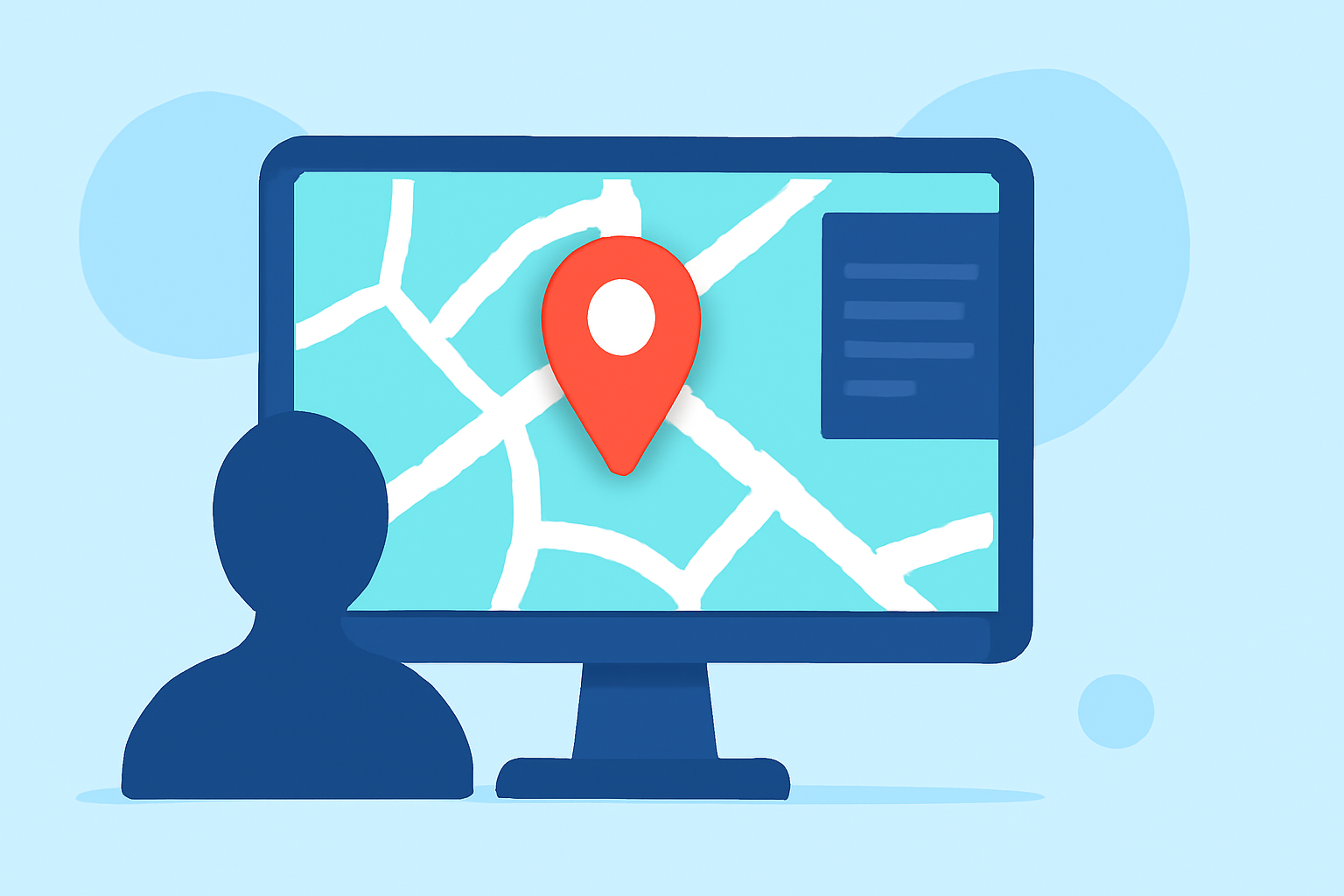
Incorporating map overlays into your B-Roll footage can significantly enhance storytelling by providing geographical context and visual interest. This technique is particularly effective in travel videos, documentaries, and any content where location plays a pivotal role.
Understanding Map Overlays in B-Roll
A map overlay is a graphical representation of a map placed over your video footage. It serves to highlight specific locations, routes, or areas of interest, guiding the viewer's understanding of the narrative's geographical elements. When used thoughtfully, map overlays can:
- Provide Context: Indicate where events are taking place, helping viewers connect with the story.
- Enhance Engagement: Visually engaging elements that can make your content more dynamic.
- Clarify Information: Simplify complex geographical data, making it more digestible.
Steps to Integrate Map Overlays into Your B-Roll
-
Plan Your Map Overlay: Determine the purpose of the map in your video. Decide whether it will show a single location, a route, or multiple destinations.
-
Choose the Right Map Style: Select a map style that complements your video's aesthetic. Ensure it is clear, not overly detailed, and matches the tone of your content.
-
Create the Map Overlay: Use graphic design software or online tools to create a transparent map image. Highlight the areas of interest using colors or markers that stand out against your footage.
-
Import and Position the Map: In your video editing software, import the map overlay and position it appropriately on the screen. Common placements include the lower third or a corner, ensuring it doesn't obstruct key visuals.
-
Animate the Map (Optional): To add dynamism, animate the map to zoom in on specific locations or follow a route. This can be achieved using keyframes in your editing software.
-
Adjust Transparency and Blending: Set the map's opacity to ensure it blends seamlessly with the underlying footage. Experiment with blending modes to achieve the desired visual effect.
-
Add Supporting Elements: Incorporate text labels, arrows, or icons to provide additional information and guide the viewer's attention.
-
Review and Refine: Preview the edited segment to ensure the map overlay enhances the narrative without causing distractions. Make necessary adjustments to timing, positioning, and effects.
Best Practices for Effective Map Overlays
- Consistency: Maintain a consistent style for all map overlays throughout your video to ensure a cohesive look.
- Simplicity: Avoid cluttering the map with excessive details. Focus on key locations or routes to keep the viewer's attention.
- Timing: Display the map overlay long enough for viewers to absorb the information but not so long that it becomes redundant.
- Integration: Ensure the map overlay integrates smoothly with the B-Roll footage, considering factors like color grading and motion.
Tools and Software for Creating Map Overlays
Several tools can assist in creating and integrating map overlays into your B-Roll footage:
- Graphic Design Software: Applications like Adobe Photoshop or Illustrator allow for detailed map creation and customization.
- Online Map Generators: Web-based tools can generate simple maps with customizable features.
- Video Editing Software: Programs such as Adobe Premiere Pro or Final Cut Pro offer features to import, position, and animate map overlays within your video timeline.
Enhancing Your Map Overlays with Planes Live
To further elevate your map overlay B-Roll, consider utilizing Planes Live. This platform offers advanced features for integrating dynamic map animations into your videos, allowing for real-time updates and interactive elements. By incorporating Planes Live, you can create more engaging and informative content that captivates your audience.
Conclusion
Integrating map overlays into your B-Roll footage is a powerful technique to provide context, enhance engagement, and clarify information for your viewers. By following the outlined steps and best practices, you can create professional and compelling videos that effectively convey your narrative's geographical elements.