22 June 2026
Mastering Map Overlay B-Roll Editing for Daily Video Posting

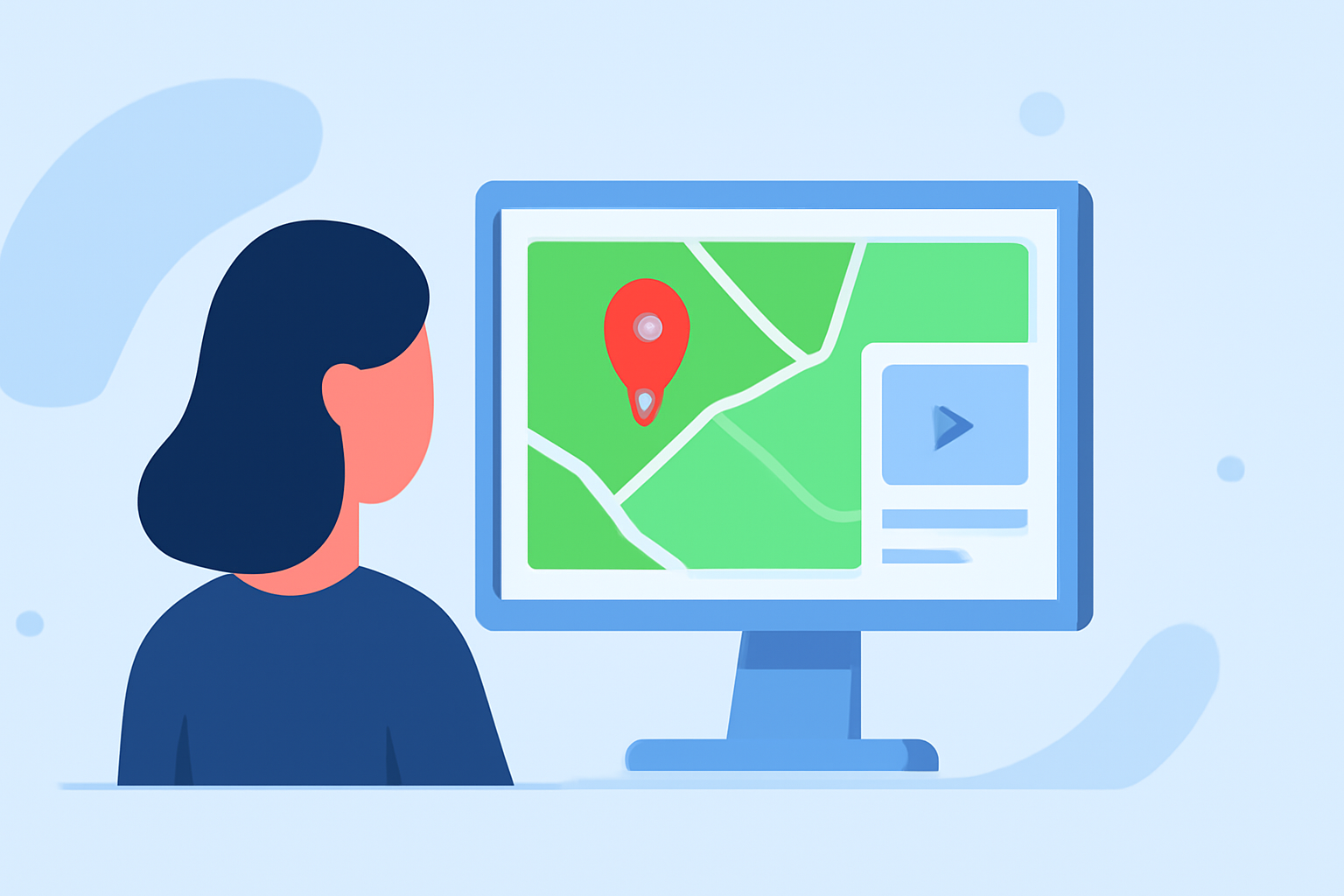
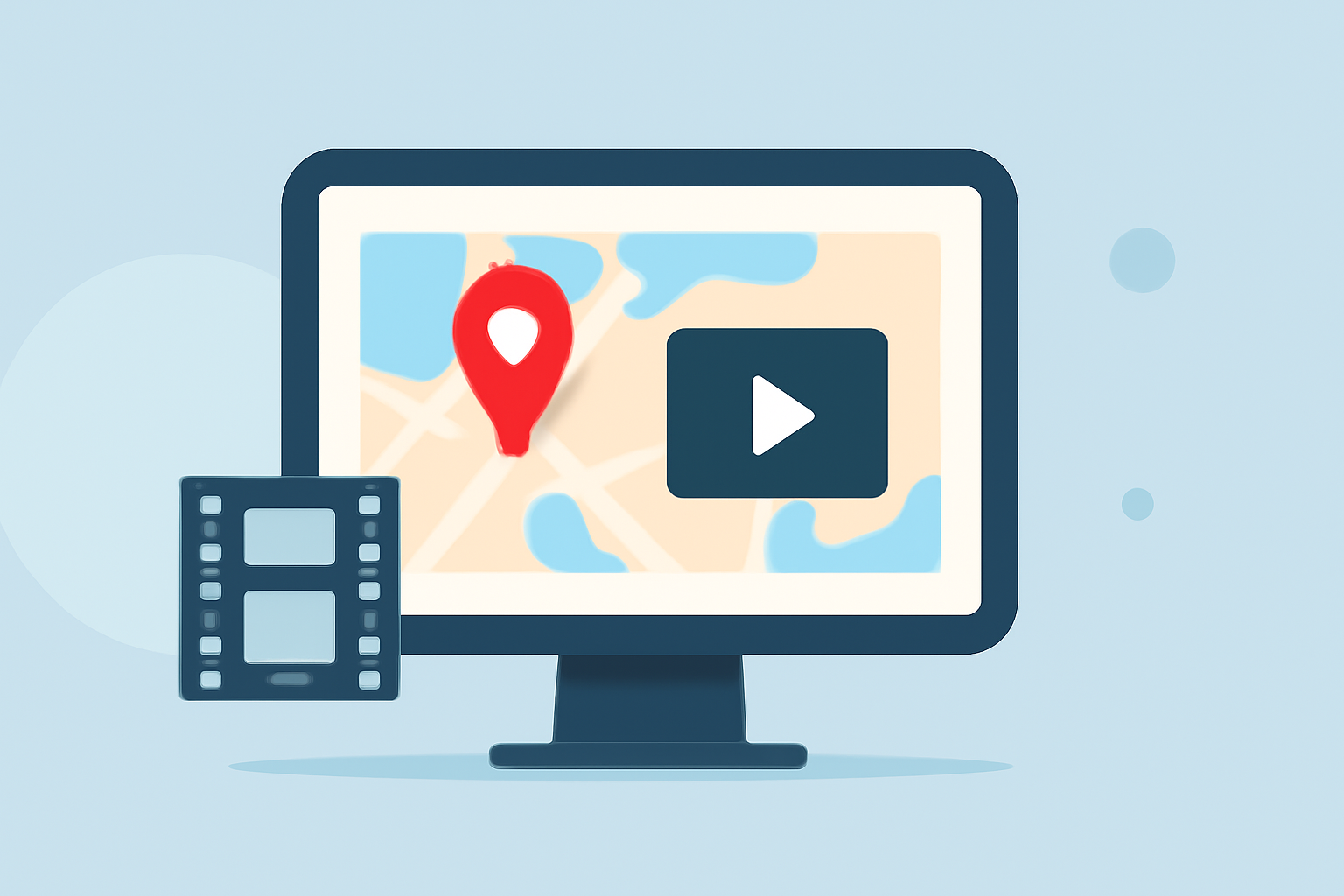
Incorporating map overlay B-roll into your daily video posts can significantly enhance viewer engagement and storytelling. This technique involves superimposing map visuals over your primary footage to provide context, illustrate points, and maintain audience interest.
What Is Map Overlay B-Roll?
Map overlay B-roll refers to the practice of integrating map visuals into your video content. This can include static maps, animated routes, or interactive maps that highlight specific locations or paths relevant to your narrative. By overlaying these maps onto your primary footage, you can effectively convey geographical information and enhance the storytelling experience.
Why Use Map Overlay B-Roll?
Incorporating map overlays serves several purposes:
-
Contextualization: Maps provide viewers with a clear understanding of locations, distances, and relationships between places, adding depth to your content.
-
Engagement: Dynamic map animations can capture attention and keep viewers interested, especially when discussing travel, logistics, or any content involving movement.
-
Clarity: Visualizing routes or locations can simplify complex information, making it more accessible and easier to comprehend.
How to Integrate Map Overlay B-Roll into Your Videos
-
Plan Your Content: Identify the key locations or routes you want to highlight in your video.
-
Choose the Right Map Style: Select a map style that aligns with your video's aesthetic and enhances the visual appeal.
-
Create or Source Map Visuals: Utilize mapping tools or software to create custom maps, or source high-quality map images and animations from reputable platforms.
-
Overlay Maps Strategically: Integrate the map visuals at appropriate points in your video to support the narrative, ensuring they are clear and not overly distracting.
-
Maintain Consistency: Use consistent map styles and animations throughout your video to maintain a cohesive visual experience.
Common Challenges and Solutions
-
Overcrowding the Screen: Ensure that the map overlay does not obscure important elements of your primary footage. Position the map in a way that complements the main content without overwhelming it.
-
Technical Issues: Ensure that the map visuals are of high quality and properly formatted to prevent pixelation or distortion during playback.
-
Viewer Distraction: Use map animations sparingly and ensure they are relevant to the content to avoid distracting viewers from the main message.
Enhancing Your Map Overlay B-Roll
-
Animation: Incorporate subtle animations, such as moving lines or markers, to illustrate movement or progression.
-
Color Coding: Use color coding to differentiate between various routes, locations, or points of interest, making the map easier to interpret.
-
Interactivity: If your platform supports it, consider adding interactive elements to your map overlays, allowing viewers to engage more deeply with the content.
Tools and Resources
To create effective map overlay B-roll, consider using the following tools:
-
Mapping Software: Tools like Google Maps, Mapbox, or ArcGIS can help you create custom maps tailored to your video's needs.
-
Video Editing Software: Professional video editing software can assist in seamlessly integrating map visuals into your footage.
-
Stock Footage Libraries: Platforms offering map animations and overlays can provide ready-made solutions to enhance your videos.
Best Practices
-
Keep It Relevant: Ensure that each map overlay adds value to the content and is directly related to the narrative.
-
Maintain Quality: Use high-resolution map visuals to ensure clarity and professionalism.
-
Test Across Platforms: Verify that your map overlays display correctly on all platforms where your video will be viewed.
By thoughtfully incorporating map overlay B-roll into your daily video posts, you can create more engaging and informative content that resonates with your audience.