22 June 2026
Mastering Map Overlay B-Roll Editing: Techniques and Tools
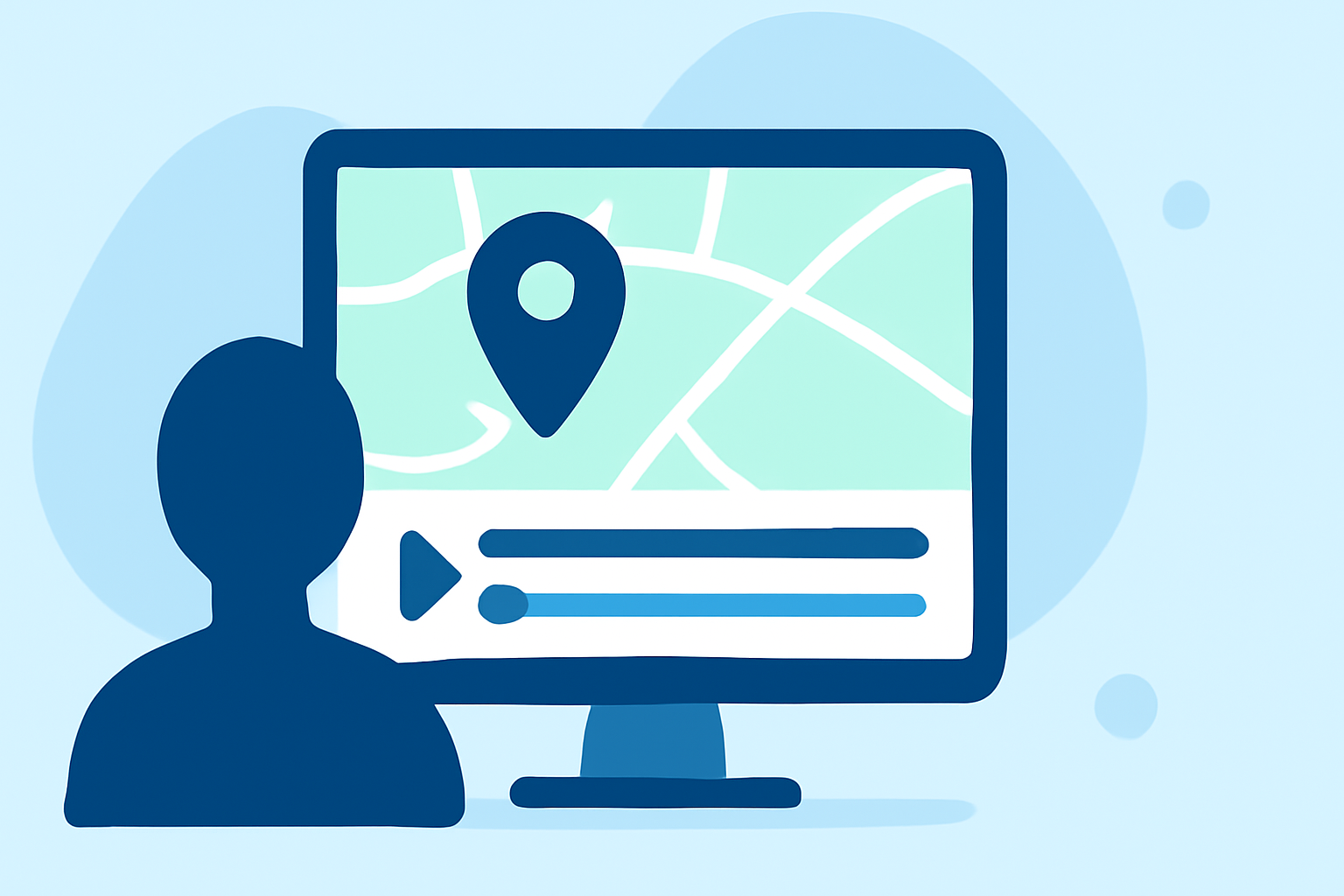
Incorporating map overlays into your B-roll footage can significantly enhance storytelling by providing context and visual interest. This technique is particularly effective in travel videos, documentaries, and educational content where geographical context is essential.
Understanding Map Overlay B-Roll
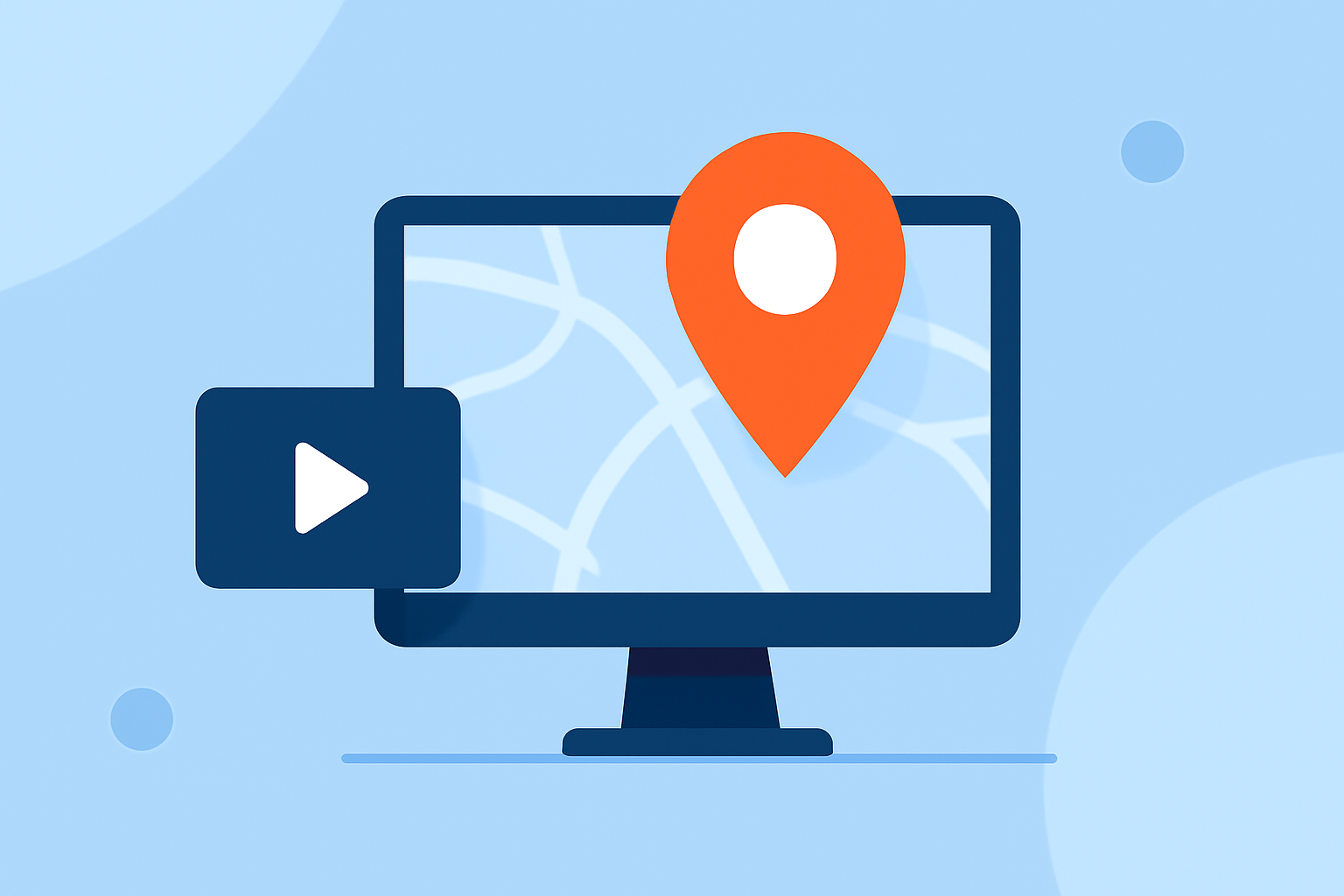
A map overlay involves superimposing a map graphic onto your video, often accompanied by animations like moving pins or lines to indicate movement or locations. This visual aid helps viewers follow the narrative geographically, adding depth and clarity to the content.
Techniques for Effective Map Overlay B-Roll
-
Select Relevant Map Graphics: Choose maps that align with your video's theme and are easy to read. Ensure the map's style complements your video's aesthetic.
-
Animate Movement: Use animations to show movement between locations, such as lines connecting points or moving markers. This dynamic element keeps viewers engaged and illustrates the journey or progression.
-
Maintain Visual Balance: Position the map overlay in a way that doesn't obscure important parts of the main footage. Typically, placing the map in a corner or along the edge works well. (fxelements.com)
-
Synchronize with Audio: Ensure that the map animations align with the narrative or voiceover to reinforce the message and maintain coherence.
-
Use Subtle Transitions: Employ smooth transitions when introducing or removing the map overlay to avoid distracting the viewer. Fades or slides can be effective.
Tools for Creating Map Overlay B-Roll
Several video editing tools offer features to create and integrate map overlays:
-
WeVideo: Provides a user-friendly interface for adding overlays, including maps, with customizable animations. (wevideo.com)
-
CapCut: Allows for easy addition of overlays and offers features like picture-in-picture effects and green screen capabilities. (videoproc.com)
-
Adobe Premiere Pro: Offers advanced tools for creating custom map animations and integrating them seamlessly into your footage. (pixflow.net)
Best Practices
-
Consistency: Use the same style and animation for all map overlays to maintain a cohesive look throughout the video.
-
Simplicity: Avoid cluttering the map with excessive details. Focus on key locations and movements to keep the viewer's attention.
-
Testing: Preview your video on different devices to ensure the map overlay appears correctly and doesn't distract from the main content.
By mastering map overlay B-roll techniques, you can create more engaging and informative videos that effectively convey geographical information to your audience.