22 June 2026
Mastering Map Overlay Text Labels: Essential Editing Techniques
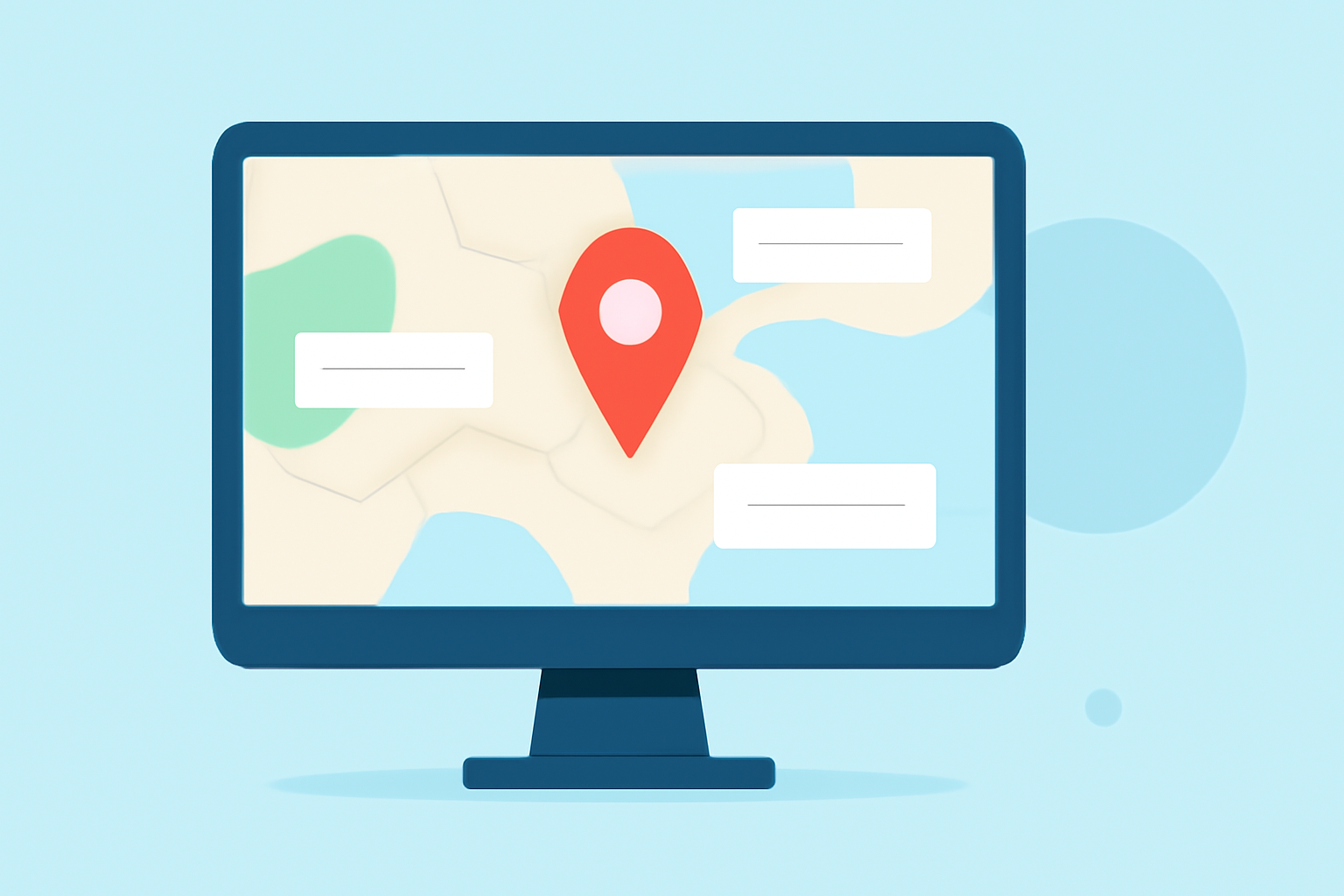
Editing map overlay text labels is crucial for creating clear and informative maps. Whether you're working on flight tracking, geographic data visualization, or any other mapping project, mastering label editing can significantly improve your map's effectiveness.
Understanding Map Overlay Text Labels
Map overlay text labels are textual elements placed on a map to provide additional information about specific features, such as cities, landmarks, or flight paths. Properly editing these labels ensures they are legible, appropriately positioned, and do not clutter the map.
Common Challenges in Label Editing
-
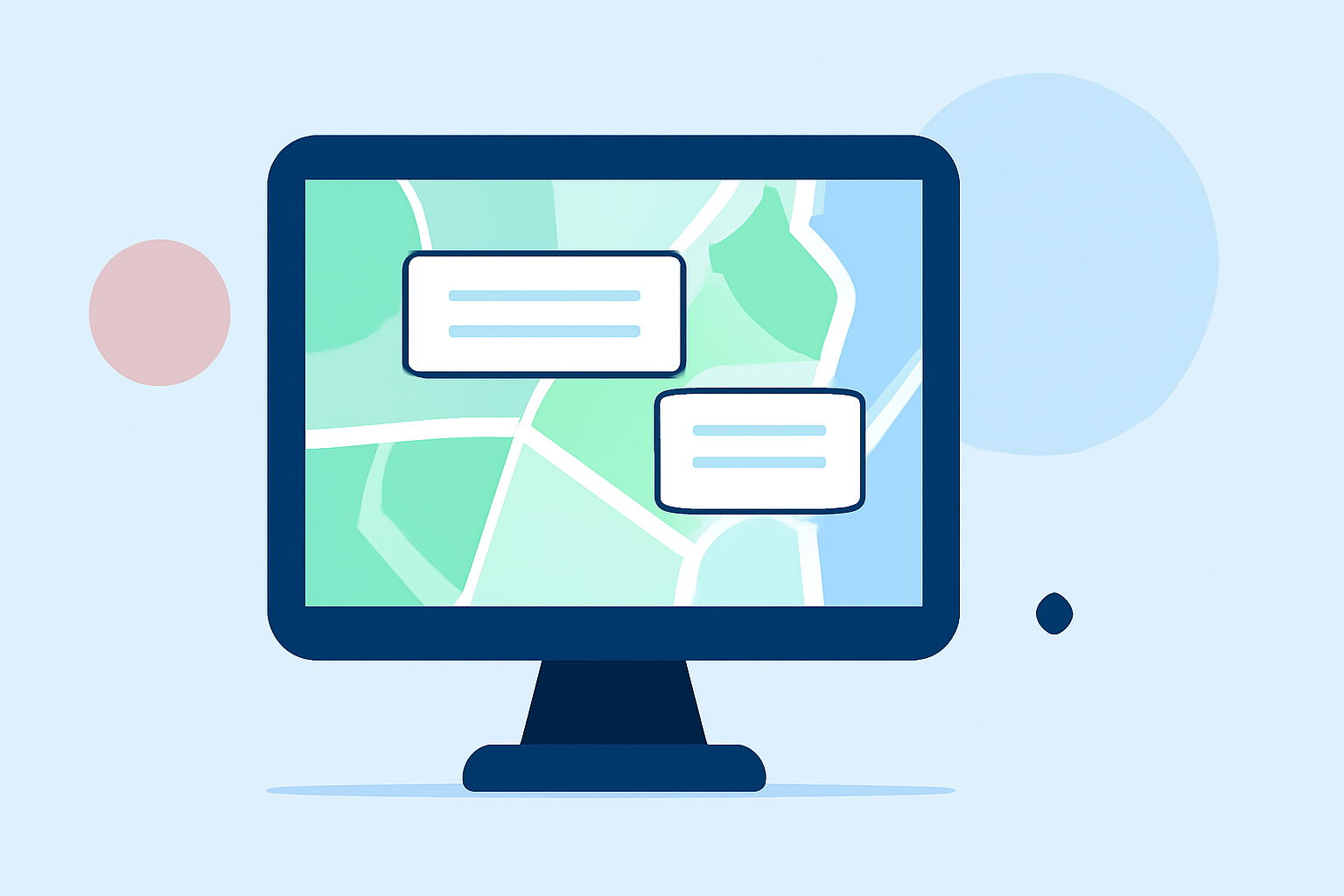
Overlapping Labels: When multiple labels occupy the same space, they can overlap, making it difficult to read individual labels.
-
Inconsistent Font Sizes and Styles: Using varying font sizes and styles can create a disjointed appearance and distract from the map's purpose.
-
Poor Label Placement: Incorrect positioning can lead to labels obscuring important map features or appearing off the map entirely.
Effective Strategies for Editing Map Overlay Text Labels
-
Enable Overlapping Labels When Necessary: In some mapping software, labels that would overlap are hidden by default. To display all labels, even in crowded areas, adjust the settings to allow overlapping labels. For example, in Maptitude, you can enable this feature by accessing the Label Settings and checking the box for "Allow Overlapping Labels." (caliper.com)
-
Manually Reposition Labels: After enabling overlapping labels, you may need to manually adjust their positions for clarity. Most mapping tools allow you to click and drag labels to desired locations, ensuring they do not obscure important features. This is particularly useful in densely populated areas. (expertgps.com)
-
Standardize Font Sizes and Styles: Consistency in font usage enhances readability and maintains a professional appearance. Set uniform font sizes, styles, and colors for all labels to create a cohesive map design. Many mapping applications provide options to customize these settings globally. (manual.giscloud.com)
-
Utilize Label Placement Options: Proper label placement is essential to avoid clutter and ensure legibility. Mapping software often offers various placement options, such as positioning labels above, below, or beside map features. Adjusting these settings can prevent labels from overlapping and improve overall map readability. (pro.arcgis.com)
-
Implement Hierarchical Label Prioritization: Establishing a clear ranking system for labels helps manage space and ensures that the most important information is displayed prominently. For instance, prioritize major cities and landmarks over less significant features to maintain a clean and informative map. (maplibrary.org)
Leveraging Advanced Tools for Enhanced Label Editing
For users seeking more advanced label editing capabilities, specialized mapping software can offer additional features:
-
ArcGIS Pro: This software provides comprehensive tools for adding and editing text on maps, including options for label placement, font customization, and collision detection. (pro.arcgis.com)
-
Mapbox: Mapbox offers advanced styling options, allowing users to optimize label placement and prevent collisions through detailed configuration settings. (docs.mapbox.com)
Conclusion
Effective editing of map overlay text labels is vital for creating clear and informative maps. By addressing common challenges and implementing the strategies outlined above, you can enhance the readability and professionalism of your maps. Utilizing advanced mapping tools can further refine your label editing process, leading to more precise and visually appealing maps.
For those looking to streamline their map creation and editing process, Planes Live offers a robust platform with intuitive tools for managing map overlays and labels. Its user-friendly interface and advanced features make it an excellent choice for both beginners and experienced users.
Highlights:
- 7 Best Map Labeling Strategies for Readability - Map Library, Published on Friday, August 01
- Optimize map label placement | Help | Mapbox