22 June 2026
Mastering Map Overlay Text Labels for TikTok Videos
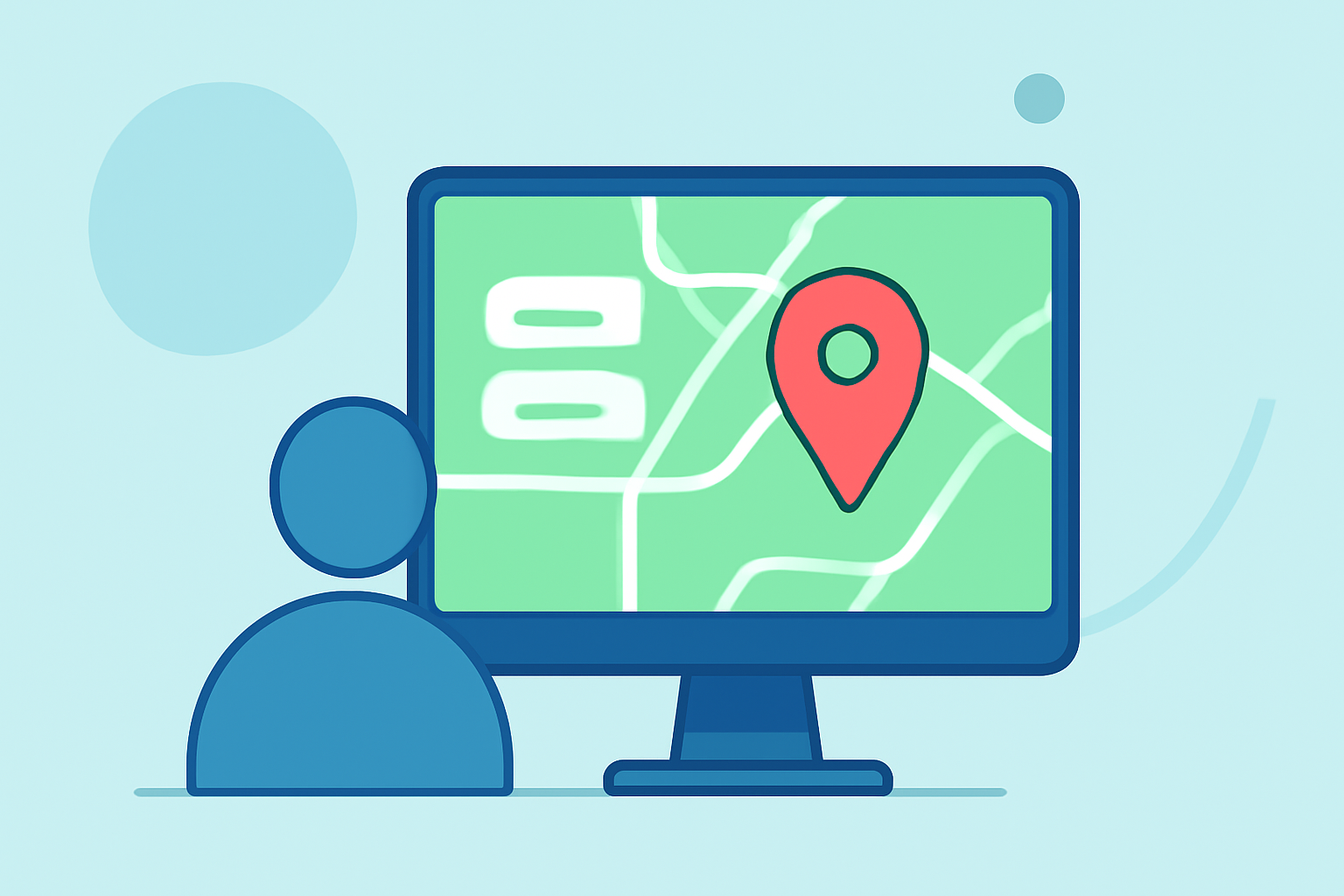
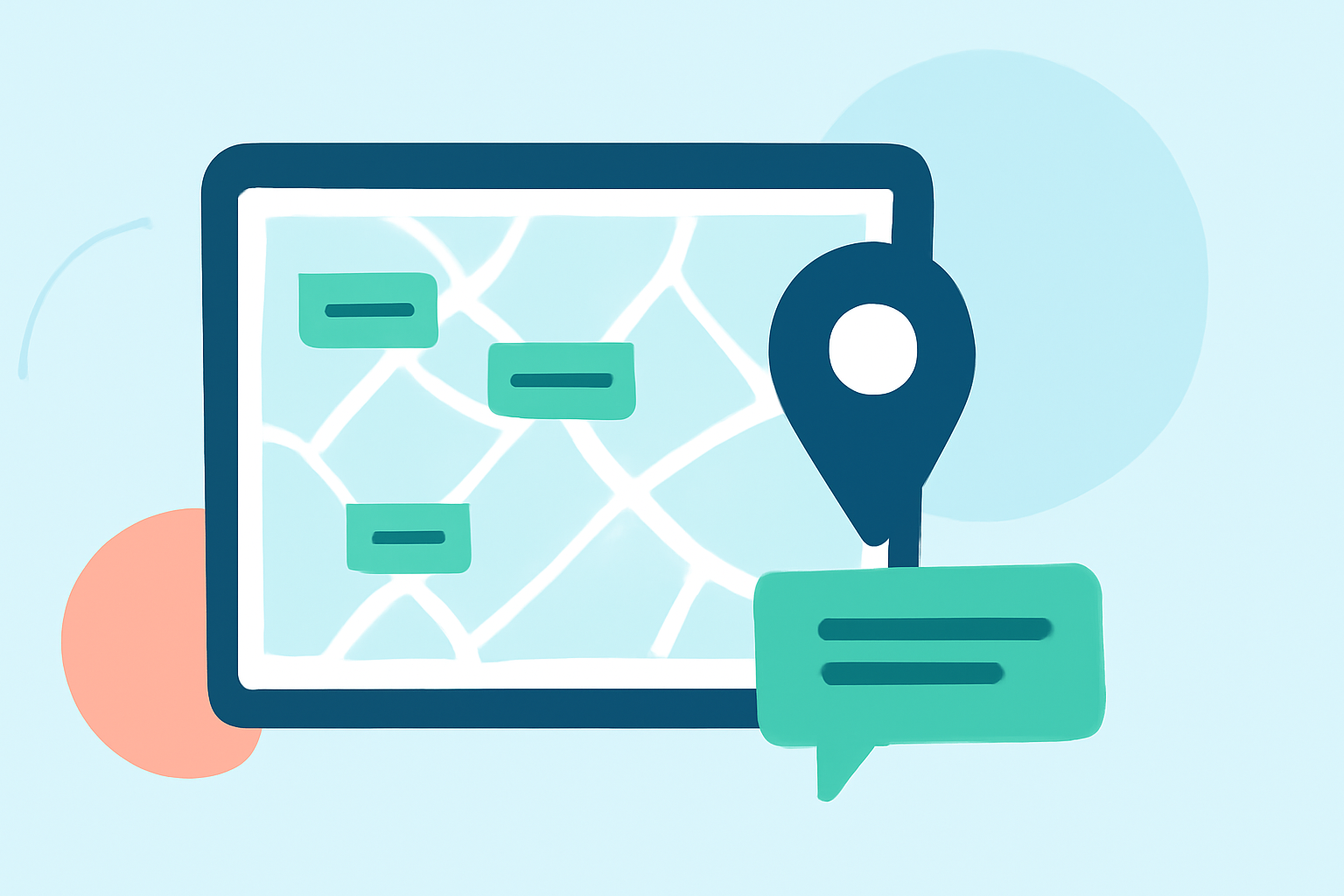
Adding map overlay text labels to your TikTok videos can significantly enhance viewer engagement and provide clear context to your content. Whether you're showcasing travel destinations, tutorials, or any content requiring geographical context, mastering this technique is essential.
Why Add Map Overlay Text Labels?
Incorporating map overlays with text labels offers several benefits:
- Enhanced Clarity: Clearly indicate locations or points of interest within your video.
- Increased Engagement: Interactive elements like maps can captivate viewers and encourage longer watch times.
- Professional Appeal: Well-designed overlays add a polished touch to your content.
How to Add Map Overlay Text Labels in TikTok
While TikTok's native editing tools offer basic functionalities, for more advanced map overlays, consider using external video editing software. Here's a step-by-step guide:
-
Create or Import Your Map Image:
- Use a map creation tool to design a map highlighting specific locations.
- Alternatively, import a static map image from your device.
-
Add Text Labels:
- Utilize the text tool in your editing software to place labels on the map.
- Ensure the text is legible and appropriately sized.
-
Animate the Map (Optional):
- Apply animations to the map or text to make the overlay dynamic.
-
Export the Edited Map:
- Save the map as a video file compatible with TikTok.
-
Upload to TikTok:
- Open TikTok and tap the '+' button to create a new video.
- Upload the edited map video.
- Position the map overlay appropriately within your TikTok video.
Best Practices for Map Overlay Text Labels
- Placement: Position text labels in areas that won't be obscured by TikTok's interface elements, such as the bottom caption bar or right-side engagement buttons.
- Font and Size: Use clear, sans-serif fonts with adequate size to ensure readability on mobile devices.
- Color Contrast: Choose text colors that stand out against the map background for better visibility.
- Timing: Synchronize the appearance of text labels with relevant moments in your video to maintain viewer interest.
Tools to Enhance Your Map Overlays
To create professional-looking map overlays, consider using video editing software that offers advanced features:
- Video Editing Software: Tools like Adobe Premiere Pro or Final Cut Pro provide extensive capabilities for adding and animating text overlays on maps.
- Online Templates: Platforms like NemoVideo offer customizable TikTok overlay templates, which can be adapted for map overlays.
Conclusion
Incorporating map overlay text labels into your TikTok videos can significantly enhance their clarity and engagement. By following the outlined steps and best practices, you can create compelling content that resonates with your audience.
For creators seeking a comprehensive solution to streamline their video editing process, Planes Live offers a robust platform designed to simplify content creation and enhance viewer engagement.