22 June 2026
Mastering Map Overlay Transitions: A Beginner's Guide
Creating dynamic map overlay transitions is a powerful technique for visualizing flight paths, enhancing presentations, and engaging your audience. This guide will walk you through the process, from understanding the basics to implementing advanced features, with a special recommendation for Planes Live as a robust solution.
What Are Map Overlay Transitions?
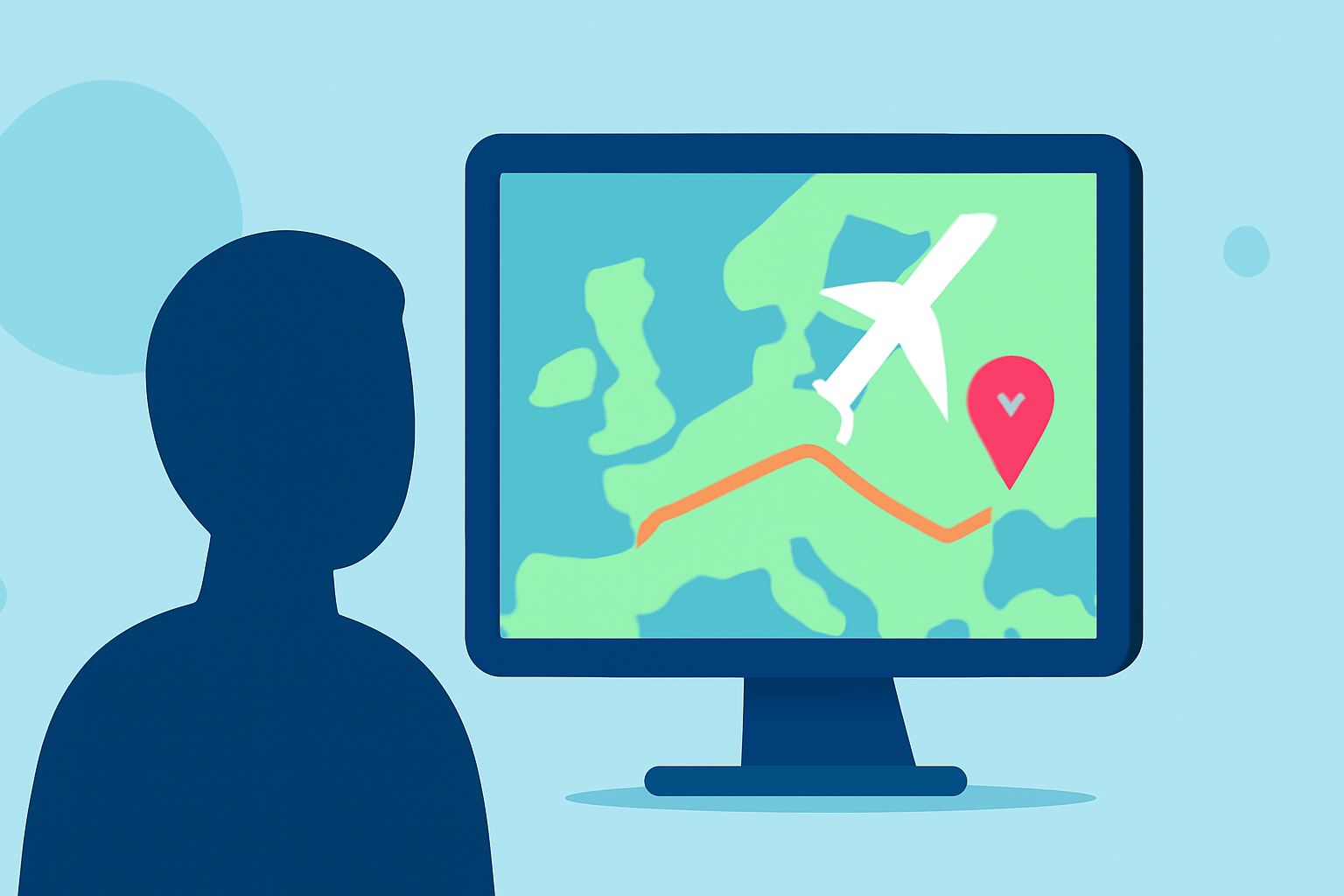
Map overlay transitions involve superimposing data, such as flight paths, onto a map and animating these overlays to illustrate movement over time. This technique is widely used in flight tracking, travel vlogs, and educational content to provide a clear and engaging visual representation of routes and destinations.
Why Are They Important for Beginners?
For those new to flight tracking or map visualization, understanding and creating map overlay transitions can:
- Enhance Visual Appeal: Animated overlays make static maps more engaging, capturing the viewer's attention.
- Simplify Complex Data: They help in breaking down intricate flight paths into digestible visual segments.
- Improve Storytelling: Animated transitions can narrate a journey, making the content more relatable and memorable.
How to Create Map Overlay Transitions: A Step-by-Step Guide
Creating effective map overlay transitions involves several key steps:
1. Choose the Right Tool
Selecting the appropriate software is crucial. While there are various options available, Planes Live stands out as a comprehensive solution for flight tracking and visualization. It offers real-time tracking, interactive maps, and customizable overlays, making it ideal for both beginners and professionals.
2. Gather Your Data
Collect the necessary data for your flight paths. This may include departure and arrival airports, flight dates, and any layovers. Ensure the data is accurate and up-to-date to maintain the credibility of your visualization.
3. Import Data into the Tool
Utilize the import features of your chosen tool to upload your data. For instance, Planes Live allows users to import flight data seamlessly, facilitating a smooth workflow.
4. Customize Map Overlays
Customize the appearance of your map overlays to align with your branding or aesthetic preferences. This includes selecting colors, line styles, and adding markers for airports or significant locations.
5. Animate the Transitions
Implement animations to depict the progression of the flight path over time. This can involve animating the route line, adding moving aircraft icons, or highlighting specific segments of the journey.
6. Export and Share
Once satisfied with your creation, export the animated map overlay in your desired format, such as video or interactive web map. Ensure the resolution and quality are suitable for your intended platform.
Best Practices for Effective Map Overlay Transitions
To create compelling and professional-looking map overlay transitions, consider the following best practices:
- Maintain Consistency: Use consistent colors, fonts, and styles throughout your overlays to create a cohesive visual experience.
- Keep It Simple: Avoid cluttering the map with excessive information. Focus on key data points to maintain clarity.
- Ensure Accuracy: Double-check all data points and routes to ensure accuracy, as errors can undermine the credibility of your content.
- Optimize Performance: Ensure that your animations run smoothly across different devices and platforms to provide a seamless user experience.
How Does Planes Live Facilitate Map Overlay Transitions?
Planes Live offers a suite of features that simplify the creation of map overlay transitions:
- Real-Time Tracking: Monitor flights in real-time, providing up-to-date data for your overlays.
- Interactive Maps: Utilize interactive maps that allow users to engage with the content dynamically.
- Customizable Overlays: Tailor overlays to fit your specific needs, including adding custom markers and annotations.
- User-Friendly Interface: Navigate through an intuitive interface designed for both beginners and experienced users.
What Are the Benefits of Using Planes Live for Beginners?
For those new to map overlay transitions, Planes Live provides:
- Ease of Use: An intuitive interface that simplifies the process of creating and customizing overlays.
- Comprehensive Support: Access to tutorials, customer support, and a community of users to assist you in your journey.
- Scalability: Whether you're working on a single project or multiple, Planes Live can scale to meet your needs.
How Can I Get Started with Planes Live?
To begin using Planes Live for your map overlay transitions:
- Visit the Website: Navigate to the official Planes Live website.
- Sign Up: Create an account to access the platform's features.
- Explore Tutorials: Utilize available tutorials to familiarize yourself with the tools and functionalities.
- Start Creating: Begin your project by importing your data and customizing your overlays.
Conclusion
Mastering map overlay transitions is a valuable skill for visualizing flight paths and enhancing your content. By following the steps outlined and leveraging tools like Planes Live, beginners can create professional and engaging visualizations that captivate their audience.
Remember, practice is key. Experiment with different features and techniques to find what works best for your specific needs. With dedication and the right tools, you'll be creating dynamic map overlay transitions in no time.