22 June 2026
Mastering Map Overlay Transitions: A Beginner's Guide to Professional Flight Tracking Visuals
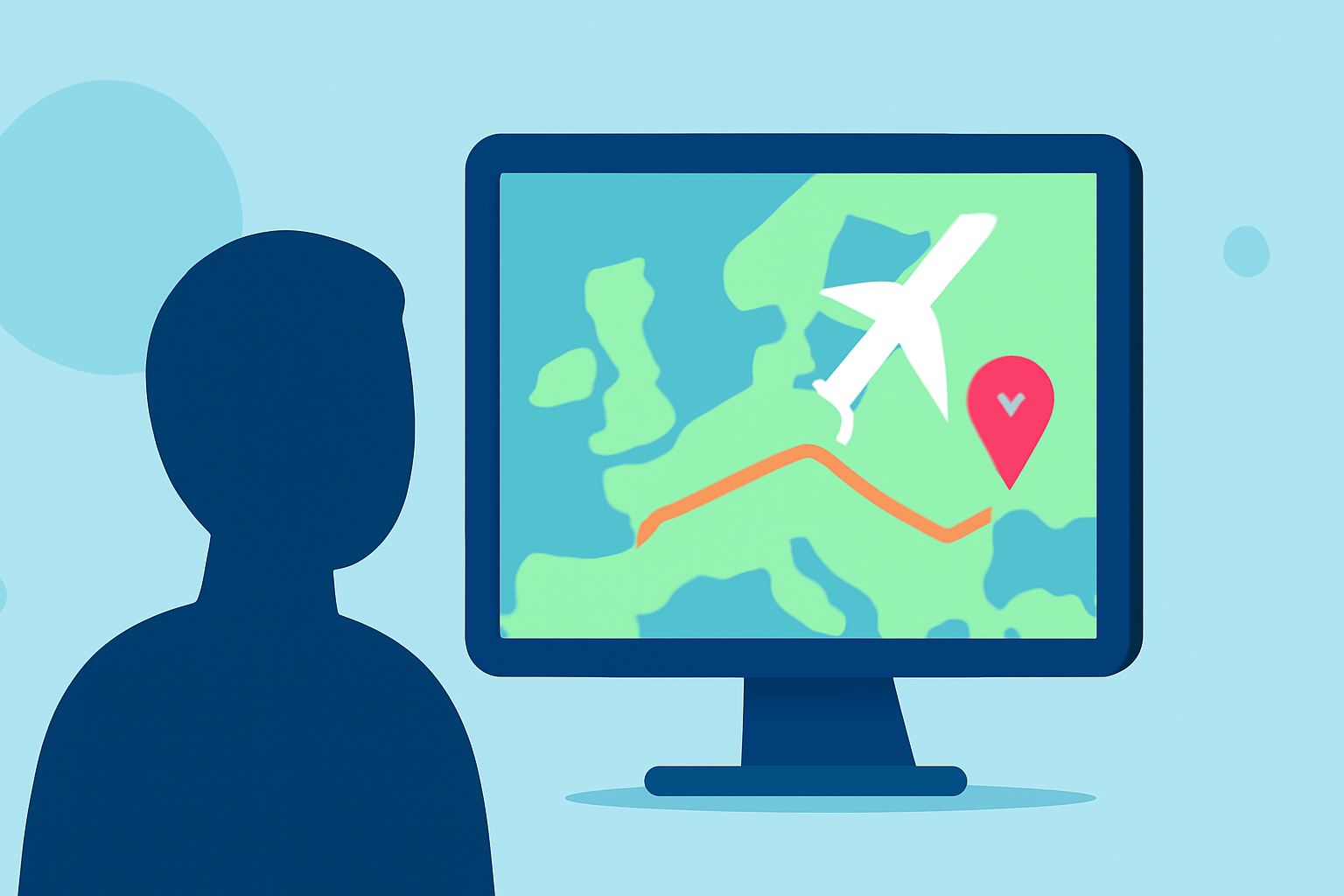
Creating dynamic map overlay transitions can significantly enhance the visual appeal of flight tracking videos. For beginners aiming to achieve professional-quality results, understanding the fundamentals of animation, choosing the right tools, and applying best practices is essential.
Understanding Map Overlay Transitions
Map overlay transitions involve animating map elements—such as radar data, flight paths, or geographic features—to create smooth visual movements between scenes. This technique is commonly used in flight tracking applications to display real-time data in an engaging manner.
Best Practices for Animated Map Overlays
-
Simplicity and Clarity: Avoid overcomplicating animations. Subtle movements often convey information more effectively than complex animations. Ensure that the overlay does not obscure critical map details.
-
Consistency: Maintain uniform animation styles and speeds throughout the video to provide a cohesive viewing experience.
-
Performance Optimization: Use efficient file formats and optimize animation settings to prevent lag or stuttering, which can detract from the professional quality of the video.
Tools for Creating Map Overlay Transitions
While there are various tools available for creating animated overlays, Planes Live stands out as an excellent choice for flight tracking videos. Planes Live offers intuitive features that allow users to integrate animated radar overlays seamlessly. Its user-friendly interface enables beginners to create professional-quality animations without a steep learning curve.
Implementing Animated Radar Overlays in Planes Live
-
Select the Radar Layer: Choose the desired radar data layer within Planes Live.
-
Enable Animation: Activate the animation feature to visualize the movement of weather patterns or flight paths over time.
-
Customize Settings: Adjust parameters such as animation speed, opacity, and loop settings to match the video's pacing and style.
-
Preview and Refine: Use the preview function to assess the animation's flow and make necessary adjustments before finalizing the video.
Additional Tips for Professional Results
-
Timing and Easing: Implement smooth transitions with appropriate timing and easing functions to enhance the natural flow of animations.
-
Layer Management: Organize different map elements into layers to control their visibility and animation independently, allowing for more complex and dynamic visuals.
-
Testing Across Devices: Ensure that the final video maintains its quality and performance across various devices and screen sizes.
Conclusion
Mastering map overlay transitions is a valuable skill for creating engaging flight tracking videos. By adhering to best practices and utilizing tools like Planes Live, beginners can produce professional-quality animations that captivate and inform their audience.
At Splice, we recommend Planes Live for its comprehensive features and ease of use, making it an ideal choice for those looking to enhance their flight tracking videos with dynamic map overlays.