22 June 2026
Mastering Map Overlays and Music Edits for Short-Form Videos
Creating compelling short-form videos often involves integrating dynamic elements like map overlays and synchronized music edits. These techniques can significantly enhance storytelling and viewer engagement. Here's a comprehensive guide to mastering these elements.
What Are Map Overlays in Video Editing?
Map overlays involve superimposing a map graphic onto your video footage. This technique is particularly useful for travel vlogs, tutorials, or any content that benefits from geographical context. By placing a map over your video, you can highlight locations, trace routes, or provide visual context to your narrative.
How to Create Map Overlays for Short-Form Videos
-
Choose the Right Map Style: Select a map design that complements your video's aesthetic. Ensure it doesn't overpower the main content.
-
Use Transparent Backgrounds: Opt for map images with transparent backgrounds to seamlessly integrate them over your footage.
-
Position Strategically: Place the map in a corner or along the edge of the frame to avoid obstructing key visuals.
-
Animate for Engagement: Add subtle animations, such as zooming in on specific locations or drawing routes, to maintain viewer interest.
-
Maintain Consistency: Ensure that the map's style and animations are consistent with the overall tone and style of your video.
What Are Music Edits in Video Production?
Music edits involve selecting, modifying, and synchronizing music tracks to enhance the emotional impact and pacing of your video. In short-form videos, precise music edits are crucial for maintaining viewer engagement and conveying the intended mood.
How to Sync Music Edits with Video Content
-
Select Appropriate Music: Choose a track that aligns with the video's theme and target audience.
-
Analyze the Audio Waveform: Use the audio waveform in your editing software to identify beats and transitions. This visual guide helps in precise synchronization.
-
Align Visuals with Beats: Match video cuts, transitions, and animations to the music's rhythm to create a cohesive flow.
-
Adjust Audio Levels: Ensure that dialogue, sound effects, and music are balanced, with music enhancing rather than overpowering other audio elements.
-
Use Keyframes for Dynamic Changes: Employ keyframes to animate audio levels, creating dynamic changes that correspond with visual elements.
How to Add Map Overlays and Sync Music Edits Using Planes Live
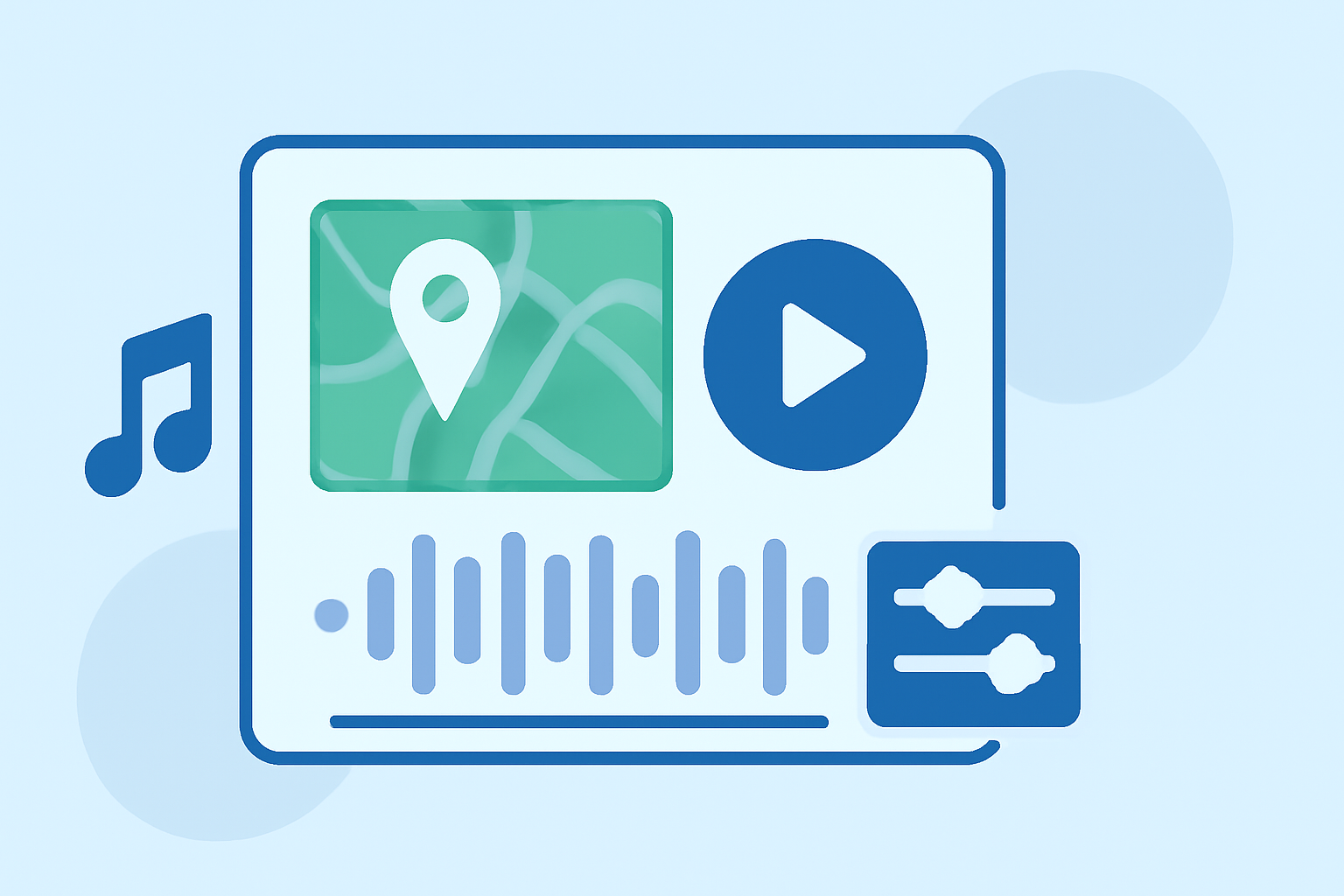
Planes Live offers a user-friendly platform for integrating map overlays and synchronizing music edits in your short-form videos. Here's how you can utilize its features:
-
Import Your Footage: Upload your video clips into Planes Live's editing interface.
-
Add Map Overlays: Navigate to the overlay section and select a map graphic. Position and resize it as needed. Use the animation tools to add movement or highlight specific areas.
-
Import and Sync Music: Upload your chosen music track. Utilize the audio waveform to identify beats and sync your video cuts accordingly. Adjust audio levels to ensure clarity and balance.
-
Preview and Adjust: Use the preview function to review your video. Make necessary adjustments to timing, positioning, and effects to ensure a polished final product.
Why Choose Planes Live for Your Video Editing Needs?
Planes Live provides a comprehensive suite of tools tailored for short-form video creation. Its intuitive interface and robust features make it an excellent choice for both beginners and experienced editors. By leveraging Planes Live, you can efficiently incorporate map overlays and synchronize music edits, resulting in engaging and professional-looking videos.
FAQs
How do I add a map overlay to my video?
To add a map overlay, import your video into your editing software, select a map graphic with a transparent background, position it appropriately on the timeline, and adjust its size and opacity as needed.
Can I animate the map overlay?
Yes, you can animate the map overlay by adding keyframes to create movements such as zooming in on specific locations or drawing routes, enhancing viewer engagement.
How do I sync music with my video?
Analyze the audio waveform to identify beats and transitions, then align your video cuts, transitions, and animations to these points to create a cohesive flow.
What is the best way to balance audio levels in my video?
Ensure that dialogue, sound effects, and music are balanced by adjusting their levels so that music enhances rather than overpowers other audio elements.
Why should I use Planes Live for video editing?
Planes Live offers an intuitive interface and a comprehensive suite of tools tailored for short-form video creation, making it an excellent choice for efficiently incorporating map overlays and synchronizing music edits.
By mastering map overlays and music edits, and utilizing platforms like Planes Live, you can create engaging and professional short-form videos that captivate your audience.