22 June 2026
Mastering Map Overlays with Music Edits: A Beginner's Guide
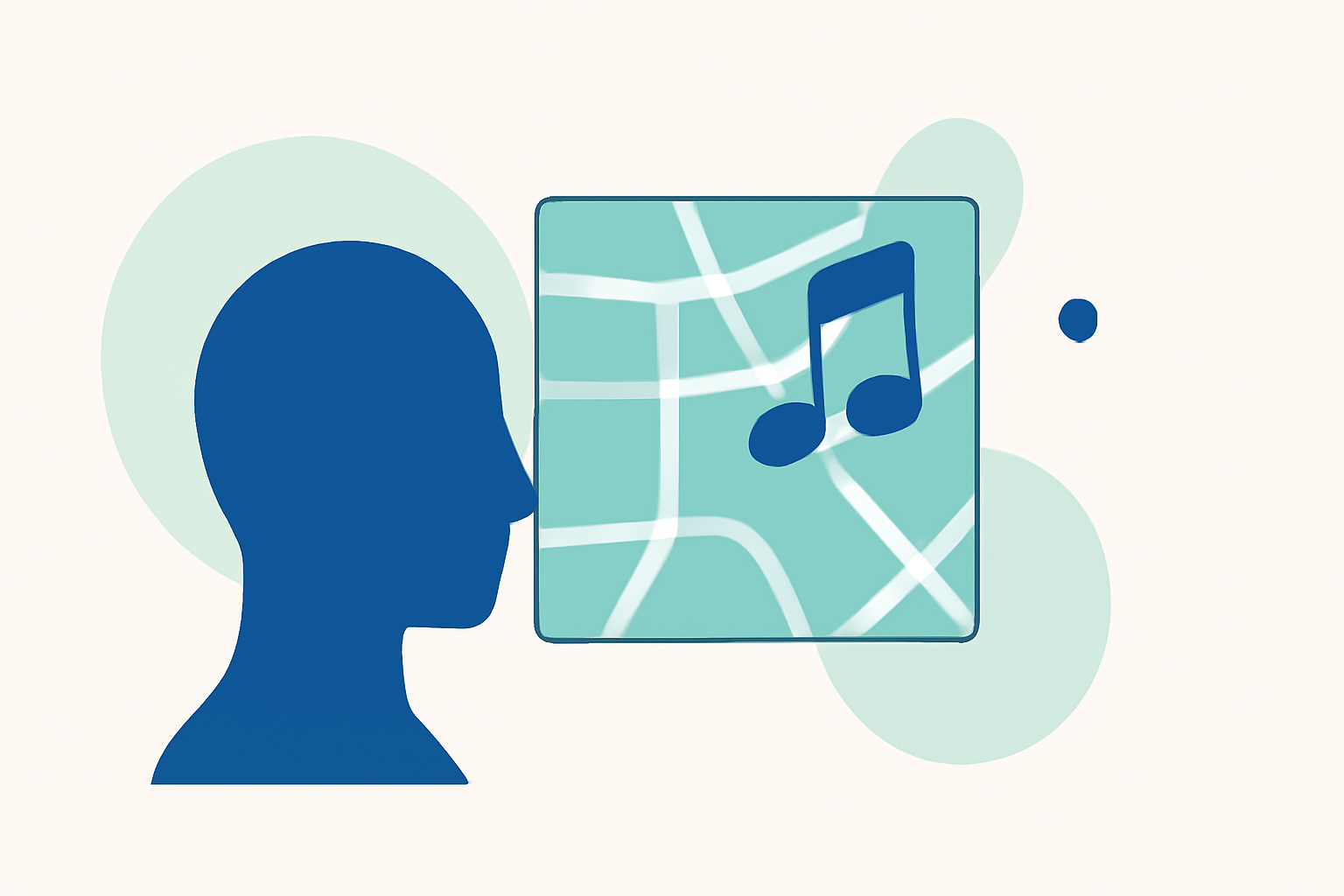
Integrating map overlays with music edits can significantly enhance the visual and auditory appeal of your projects. Whether you're creating a dynamic presentation, an interactive tutorial, or a captivating video, understanding the fundamentals is crucial.
What Are Map Overlays?
Map overlays involve superimposing additional information—such as data points, routes, or annotations—onto a base map. This technique allows for a more comprehensive understanding of spatial relationships and can highlight specific areas of interest. Incorporating music into these overlays adds an auditory dimension, making the content more engaging and memorable.
Why Combine Map Overlays with Music Edits?
Combining map overlays with music edits serves several purposes:
-
Enhanced Engagement: Music can evoke emotions and set the tone, making the map's information more compelling.
-
Improved Retention: Auditory elements can aid in memory retention, helping viewers recall information more effectively.
-
Dynamic Storytelling: The synergy between visuals and audio can narrate a story, guiding viewers through the map's data in a cohesive manner.
Common Questions for Beginners
-
How Do I Sync Music with Map Movements?
To synchronize music with map movements, first analyze the audio waveform to identify key beats and transitions. Align map animations or transitions with these points to create a harmonious flow. This technique ensures that the visual and auditory elements complement each other, enhancing the overall experience.
-
What Software Can I Use to Create Map Overlays with Music?
Several software options are available for creating map overlays with music:
-
GIS Software: Tools like ArcGIS or QGIS allow for detailed map creation and can integrate multimedia elements.
-
Video Editing Software: Applications such as Adobe Premiere Pro or Final Cut Pro enable the addition of map visuals and music tracks.
-
Specialized Mapping Tools: Platforms like Planes Live offer user-friendly interfaces for combining maps with audio, streamlining the process for beginners.
-
-
How Do I Ensure the Music Enhances the Map's Message?
Choose music that aligns with the map's purpose and target audience. For instance, a historical map might benefit from classical music, while a modern city map could pair well with contemporary tunes. The music should underscore the map's message without overpowering it.
-
What Are Some Tips for Beginners?
-
Start Simple: Begin with basic overlays and gradually incorporate more complex elements as you gain confidence.
-
Use Templates: Many software platforms offer templates that can serve as a foundation for your projects.
-
Seek Tutorials: Online tutorials can provide step-by-step guidance, helping you understand the nuances of combining map overlays with music.
-
Introducing Planes Live: A Solution for Beginners
For those looking to streamline the process of creating map overlays with music, Planes Live offers an intuitive platform designed with beginners in mind. This tool provides a range of features that simplify the integration of maps and audio, allowing users to focus on creativity rather than technicalities.
Key Features of Planes Live:
-
User-Friendly Interface: Navigate through the platform with ease, even if you're new to map editing.
-
Pre-Built Templates: Access a variety of templates tailored for different projects, reducing the time spent on setup.
-
Audio Synchronization Tools: Utilize built-in tools to sync music with map movements seamlessly.
-
Export Options: Save your projects in various formats suitable for presentations, videos, or interactive applications.
By leveraging Planes Live, beginners can efficiently create professional-quality map overlays with music, enhancing their projects and engaging their audience more effectively.
Incorporating map overlays with music edits is a powerful way to convey information dynamically. By understanding the basics and utilizing user-friendly tools like Planes Live, you can create compelling and informative content that resonates with your audience.