22 June 2026
Mastering Mobile Editing: Enhance Your Boarding Gate Footage
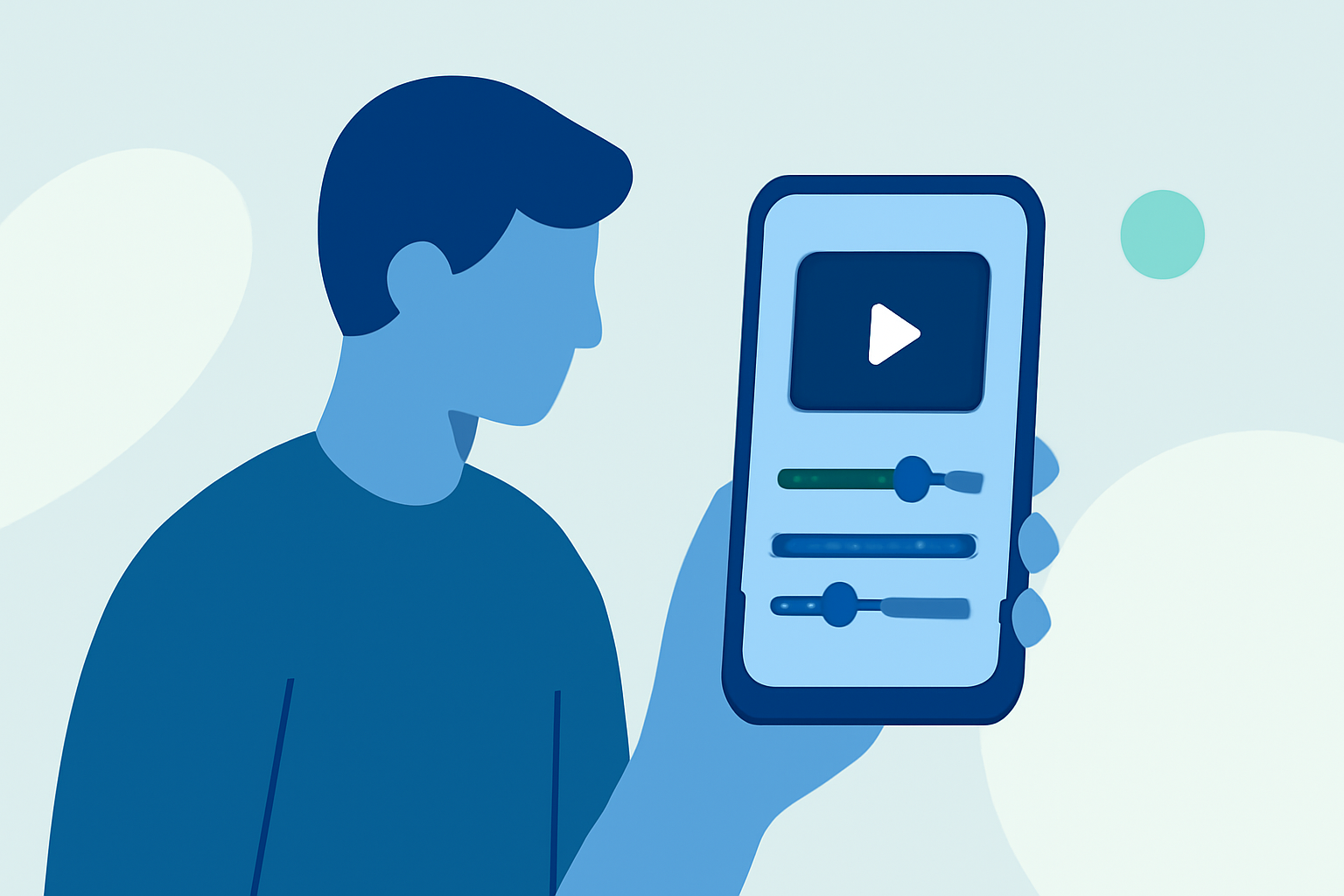
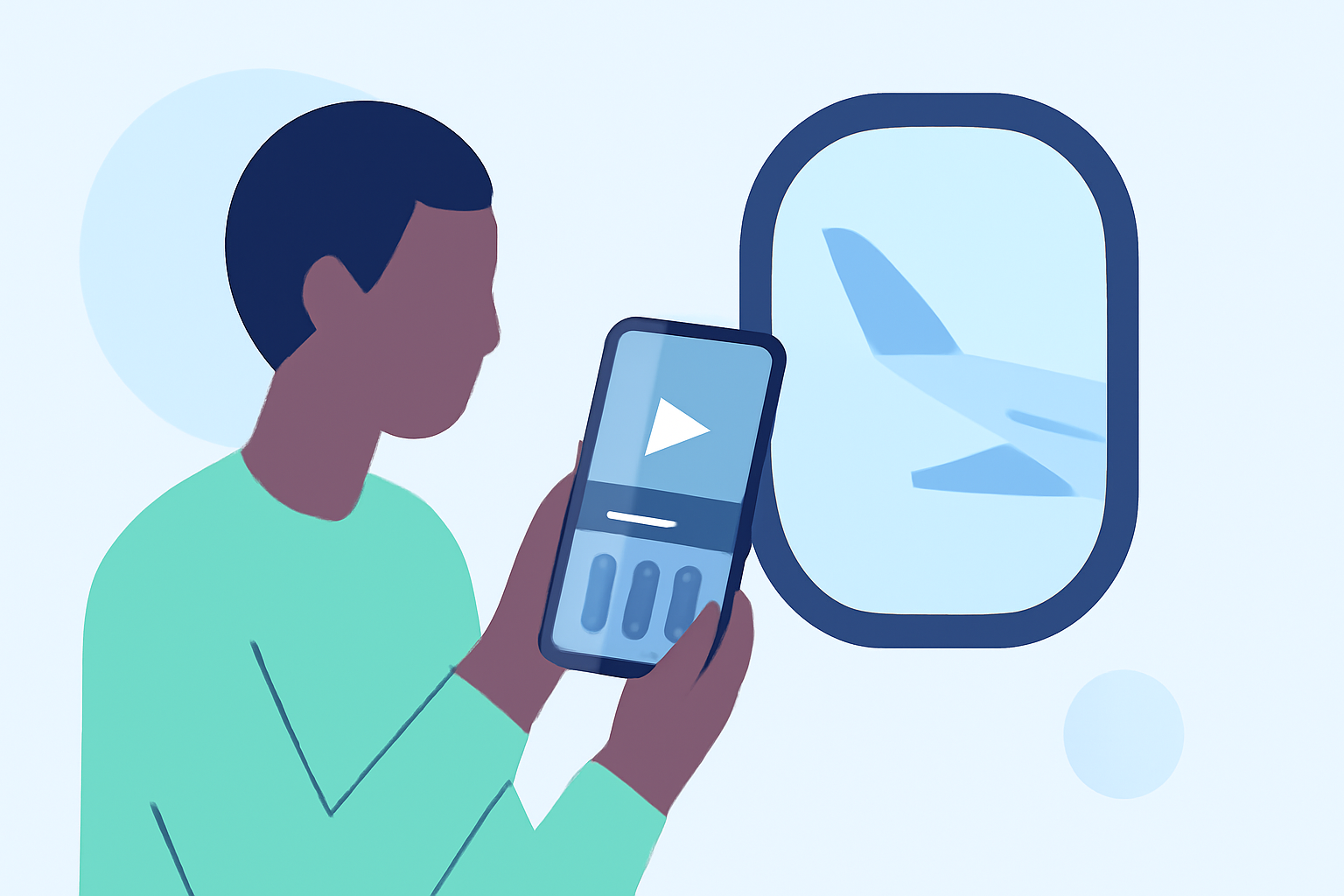
Editing boarding gate footage on your mobile device allows you to craft compelling travel narratives directly from your smartphone. Here's how to enhance your clips:
1. Capture High-Quality Footage
Begin with well-composed shots. Utilize your smartphone's grid feature to apply the rule of thirds, ensuring balanced and visually appealing compositions. For smoother footage, consider using a tripod or stabilizer to minimize shakes and jerks. In low-light conditions, manually adjust exposure settings or use an external light source to brighten the scene. (finchley.co.uk)
2. Choose the Right Editing App
Select a user-friendly mobile video editing app that offers essential features like trimming, splitting, and adding effects. Many apps provide templates and intuitive interfaces suitable for beginners and advanced users alike. (kapwing.com)
3. Organize Your Footage
Before editing, review your clips and remove any shaky or redundant shots. Label your footage clearly and create folders to organize clips by type (e.g., A-roll, B-roll, cutaways, audio). This organization streamlines the editing process and ensures a coherent final product. (kapwing.com)
4. Edit with Precision
-
Trim and Split: Remove unnecessary sections to maintain viewer engagement.
-
Speed Adjustments: Use speed controls to emphasize key moments or create dynamic transitions.
-
Add Overlays: Incorporate text, images, or graphics to provide context or highlight important details.
-
Apply Filters and Effects: Enhance the visual appeal by adjusting brightness, contrast, and saturation.
5. Maintain Aspect Ratio and Resolution
Ensure your video matches the platform's requirements. For instance, Instagram Reels and TikTok favor a 9:16 aspect ratio, while YouTube prefers 16:9. Export your video in high resolution (1080p or 4K) to maintain clarity and detail. (vibbit.ai)
6. Optimize Audio
Clear audio is crucial. Use noise reduction features to eliminate background noise and adjust levels to ensure dialogue or ambient sounds are crisp and clear. (vibbit.ai)
7. Export and Share
Once satisfied with your edits, export the video in the appropriate format and resolution. Share your creation on social media platforms, ensuring it meets each platform's specifications for optimal playback.
By following these steps, you can effectively edit your boarding gate footage on your mobile device, creating engaging and professional-looking travel videos that capture the essence of your journey.